3.3.2.1. Measurement parameter setting
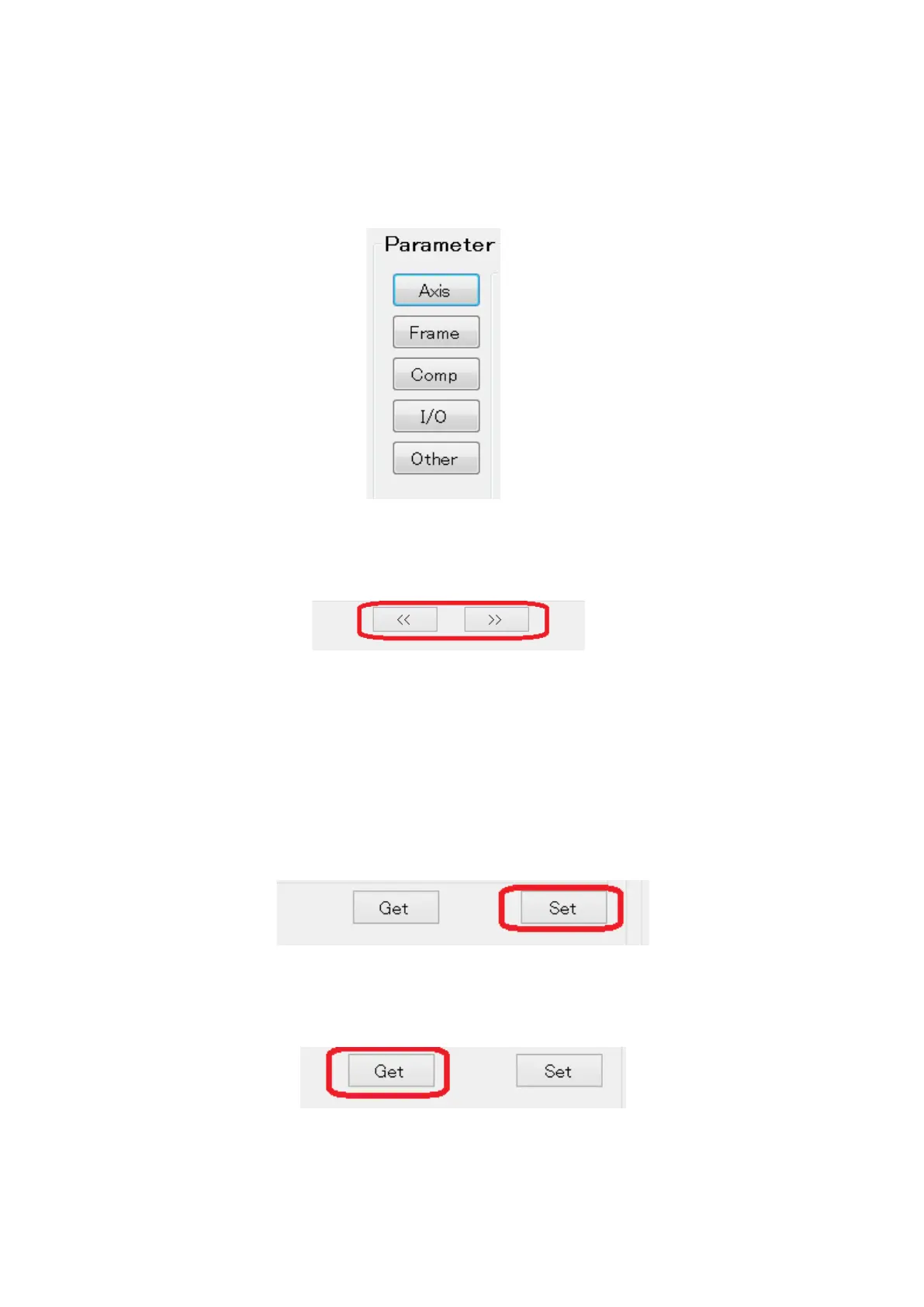
Make sure the Parameter field is valid.
If the field is not valid, restart the connection procedure.
If there are multiple pages on the parameter screen, switch pages by pressing the
page forward/backward buttons.
After setting the parameters, click the “Set” button at the bottom of the screen to
save the parameters in MG80-EI.
Note) Make sure to click the “Set” button in each screen, or parameters will not
be save in MG80-EI.
Click “Get” button in the bottom, to make sure the parameters are properly saved.


 To Next Page