16
EN
Internet Radio Display Modes
Every time you press the INFO button on the unit or remote control, the display will show the following
display modes:
Channel Info/Description- Language/Location - Bit rate/Sound format/Sampling rate - Playback
buer - Date
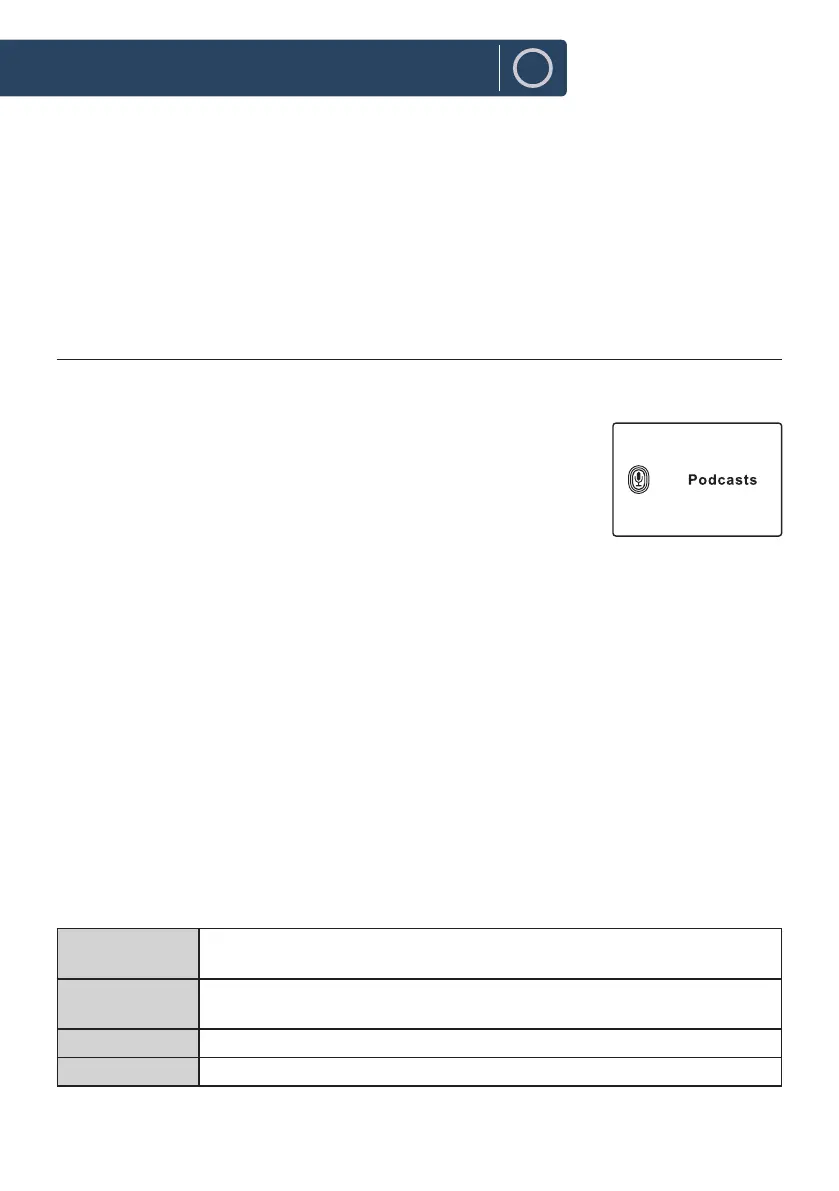
Podcasts
To listen to Podcasts your radio must be connected to the internet. Try to position your radio as close as
possible to your router to get the best connection speeds.
Press MODE button on unit or remote control to access Mode Menu.
Turn the SCROLL/SELECT dial on unit or press
7
/
8
buttons on remote
control to select Podcasts mode, then press SCROLL/SELECT dial on unit or
SELECT button on remote control to conrm.
Last listened
1. Press
12
w
/
s 3
buttons to select [Last listened], then press SELECT button to conrm.
2. Press
12
w
/
s 3
buttons to select the history of stations that you have listened to before and
press SELECT button to conrm.
Podcast List
While in Podcasts mode, press MENU button to access the menu. Press the
12
w
/
s 3
buttons to
select [Podcast list] and press the SELECT button to conrm.
When radio is restarted, the last listened stations is automatically selected. To return to [Podcast list],
press BACK button.
If it is the rst time listen Podcasts radio, the radio will be in [Podcast list].
Press the
12
w
/
s 3
buttons to select from the following options, and then press the SELECT button
to conrm.
"Countries" You can search specically for stations from your country. Within this scope,it will
display local radio stations in your location.
Search You can search stations using various keywords. The name and a description of
your selected station will show on the display.
Location You can select for stations from a list of countries available
Discover Select stations from various categories in the menu: Country, Genre or Language.
Instructions Guide












 To Next Page