23
EN
Saving and Recalling Preset Station
- Refer to "Preset Stations" and "Recalling a Stored Station" under Internet Radio section for
instruction.
Bluetooth Operation
The unit has a Bluetooth function that can receive a signal within 8 metres.
Pair the unit with a Bluetooth device such as a phone or a tablet to play
music from:
1. Press MODE button on unit or remote control to access Mode Menu.
Turn the SCROLL/SELECT dial on unit or press
7
/
8
buttons on
remote control to select Bluetooth Audio mode, then press SCROLL/
SELECT dial on unit or SELECT button on remote control to conrm.
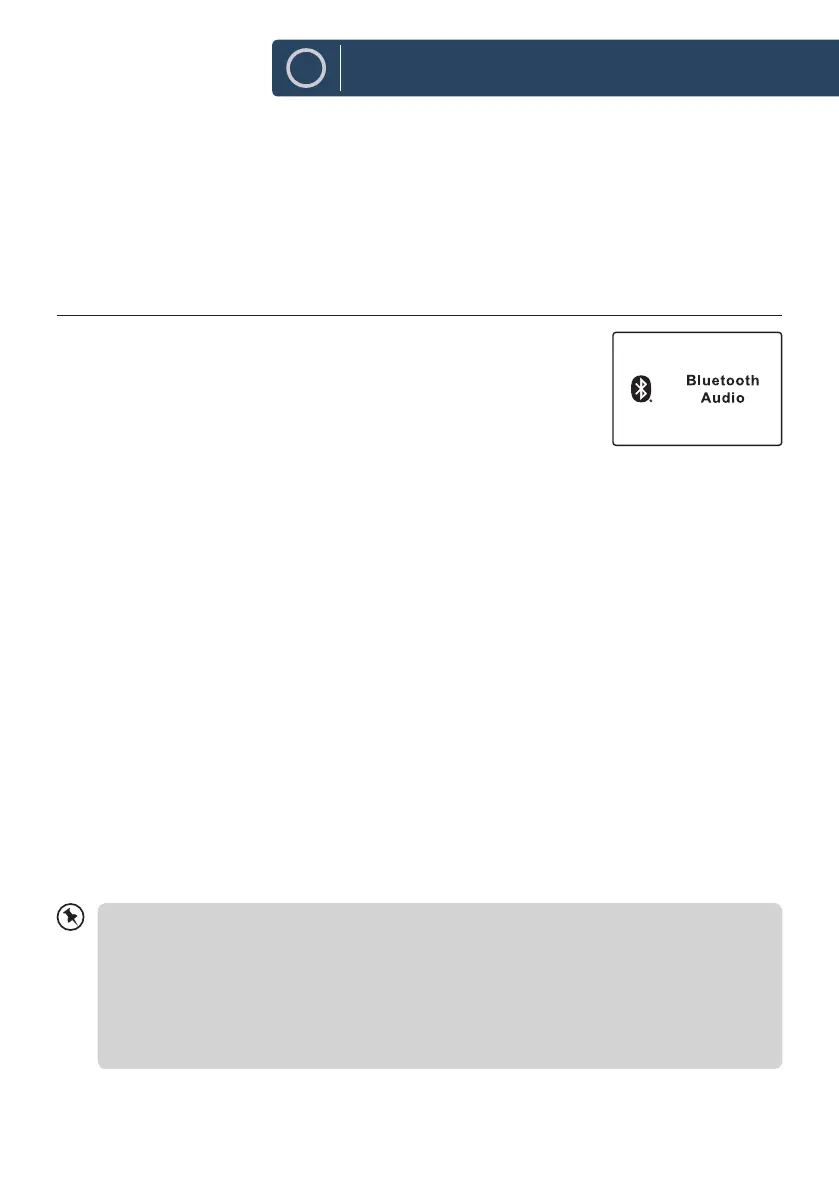
2. If the unit is not paired with any Bluetooth device, the bluetooth logo
will start to ash to show the unit in pairing mode.
3. Activate your Bluetooth device and select the search mode. “Majority Fitzwilliam 3” will appear
on your Bluetooth device list.
4. Select “Majority Fitzwilliam 3” and enter “0000” for the password if necessary.
Once connected the Bluetooth logo on the screen will stop ashing. Your device is now paired with
the unit.
5. Press and hold
3
button on unit or press PAIR button on remote control can disconnect existing
Bluetooth connection, with other Bluetooth devices able to locate and make connection with the
unit.
6. To disconnect the Bluetooth function, switch to another function on the unit or disable the
function from your Bluetooth device.
Playing Music via Bluetooth
You may need to adjust the volume on your radio and Bluetooth device.
Press the SCAN/
12
button on unit or
12
w
button on remote control to play/pause music or
Press
7
/
8
buttons on unit or remote control to skip to the previous/next track.
-The operational range between the unit and the device is approximately 8 metres.
-If the signal strength is weak, your Bluetooth receiver may disconnect, but it will re-enter
pairing mode automatically.
-For better signal reception, remove any obstacles between the unit and the Bluetooth device.
-Compatibility with all devices and media types is not guaranteed.
-Some mobile phones with the Bluetooth function may connect and disconnect as you make
and end calls. This is not an indication of a problem with your unit.
Instructions Guide












 To Next Page