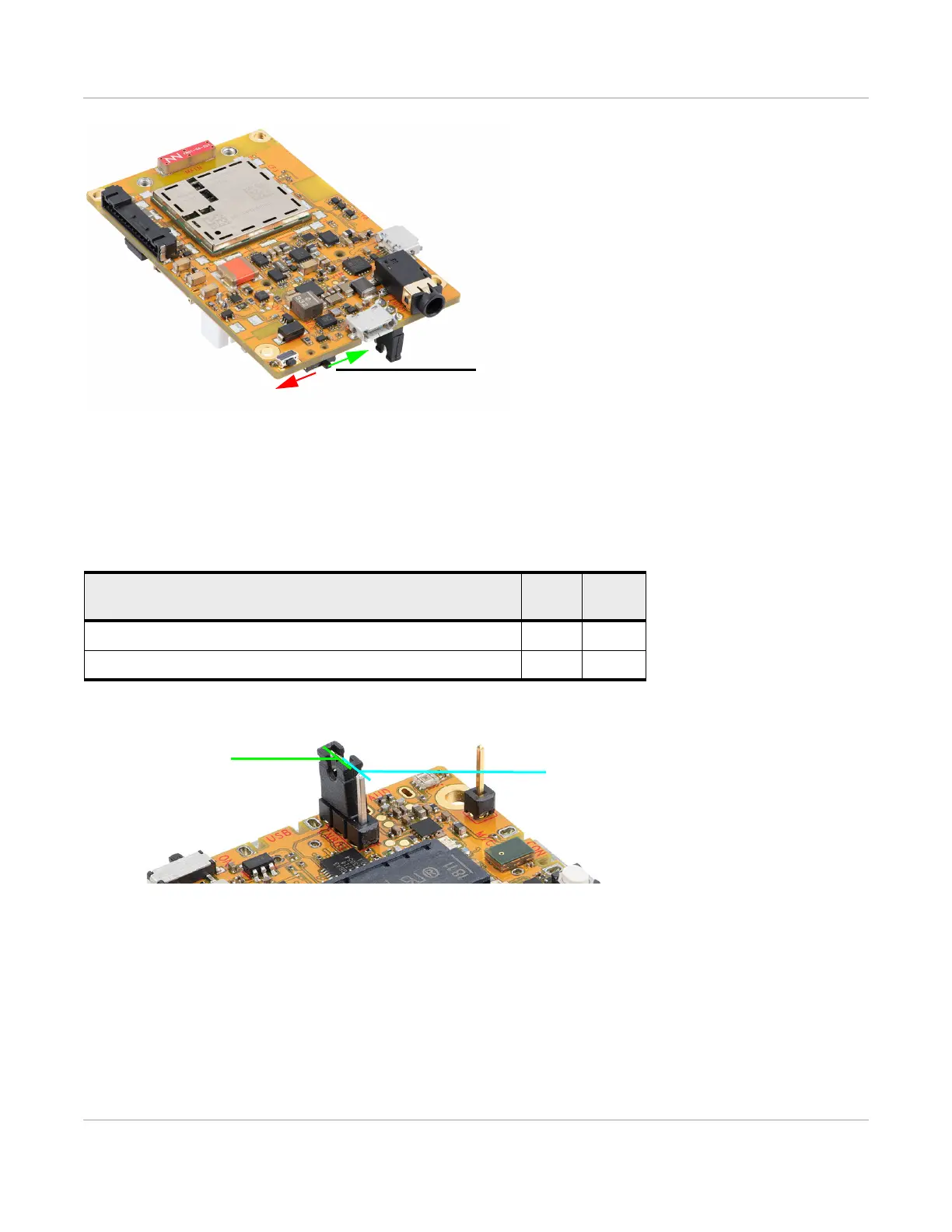
3.7.4: Power Source Selector
Rev 2 10/21/19 23 41113427
Figure 3-20: Power Switch
3.7.4 Power Source Selector
The mangOH Yellow uses a 3-pin header as the primary power source selector.
3.8 mangOH Yellow Default Configuration
The mangOH Yellow‘s default configuration is described in Table 3-5.
Table 3-4: CN801—Board Power Select
a
a. Required: Select one option only (Jump 1–2 or Jump 2–3). For details, see Select Power
Supply on page 13.
Power supply selection
Jump
1–2
Jump
2–3
"USB" micro-USB connector (CN802) Yes
Expansion connector (CN805) Yes
Expansion select
USB select
(Pins 1–2, closest to edge)
(Pins 2–3, furthest from edge)


 To Next Page