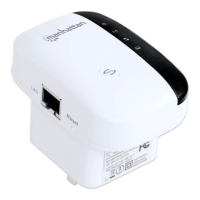
11N Mini Wireless AP
11
will be automatic to shut down, you need to press the B method and set the IP.
Click "OK" to save the configurations.
3.2 Getting Started
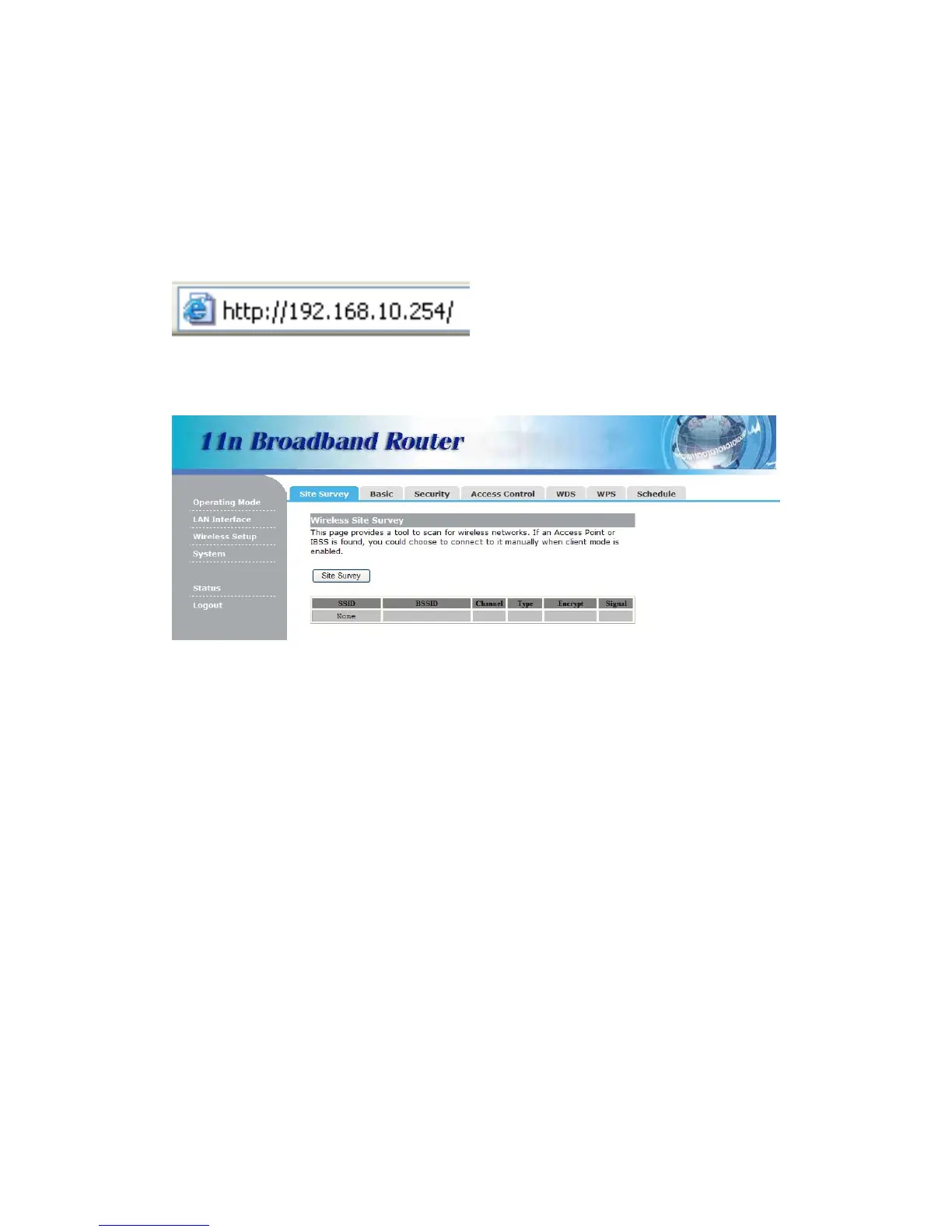
To access the configuration pages, open a
web-browser such as Internet Explorer and
enter the IP address of the AP
(192.168.10.254).
The Default User/Password: admin
If succeed, you can see the follow page.


 To Next Page