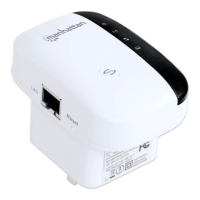
11N Mini Wireless AP
25
Enable Wireless Schedule: Check this box will enable Wireless Schedule function.
4.5 Server Setup
There are two submenus under the Server Setup menu: Port Forwarding, DMZ. Click
any of them, and you will be able to configure the corresponding function.
4.5.1 Port Forwarding
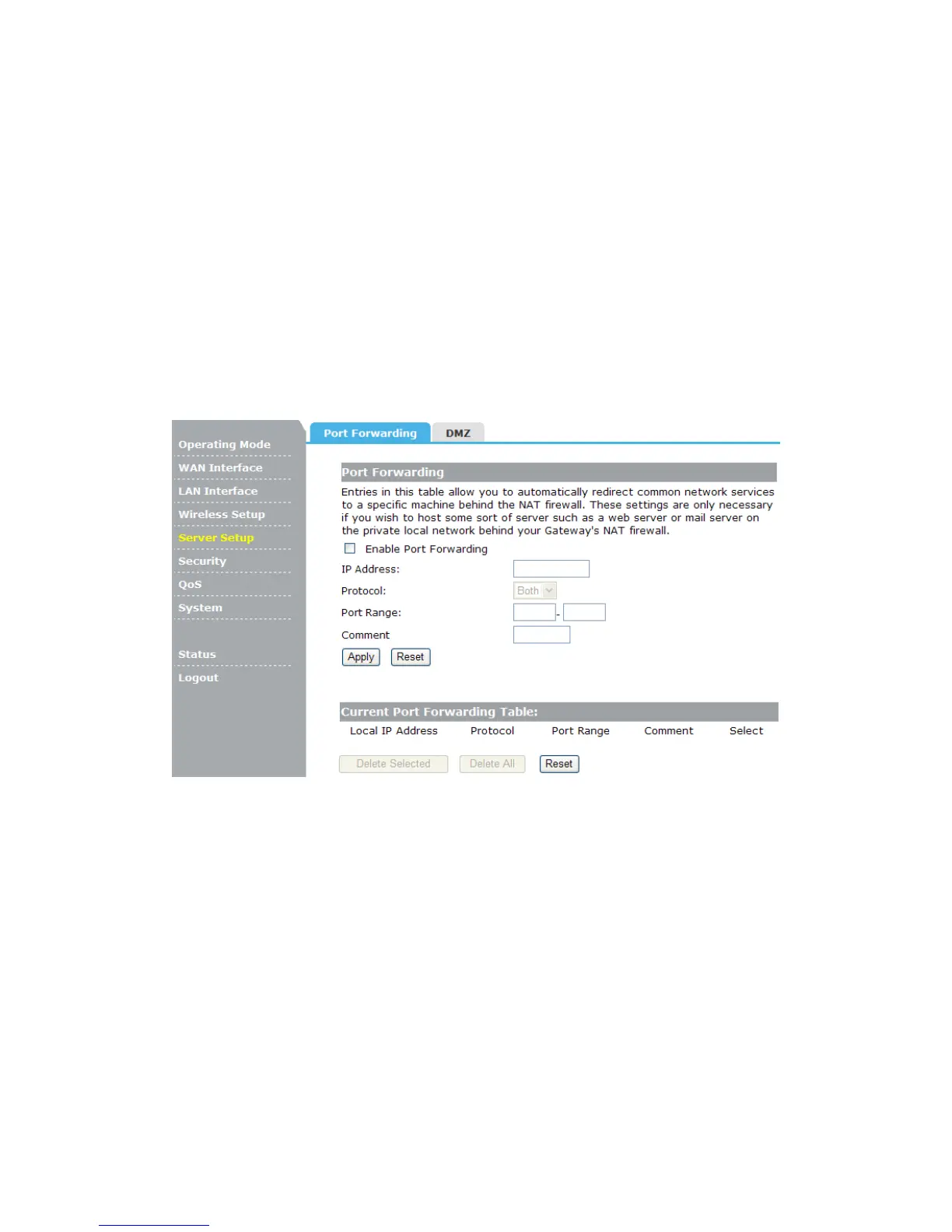
If you configure the AP as Virtual Server, remote users accessing services such as Web or
FTP at your local site via public IP addresses can be automatically redirected to local
servers configured with private IP address. In other words, depending on the requested
service (TCP/UDP port number), the AP redirects the external service request to the
appropriate server.
Enable Port Forwarding: Check this box will enable Port Forwarding function.
IP Address: That external User accesses the AP will redirect to this local IP.
Protocol & Port Range: The packet with this protocol and port will be redirected to the
local IP.
Comment: You can add some comment for this item.
Current Port Forwarding Table: The table shows all you have configured. You can
delete one or all.
4.5.2 DMZ
Some applications require multiple connections, like Internet games, video conferencing,
Internet calling and so on. These applications cannot work with a pure NAT router. Port
Triggering is used for some of these applications that can work with an NAT router.


 To Next Page