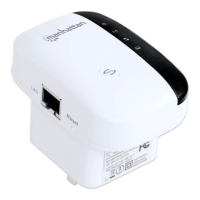
11N Mini Wireless AP
7
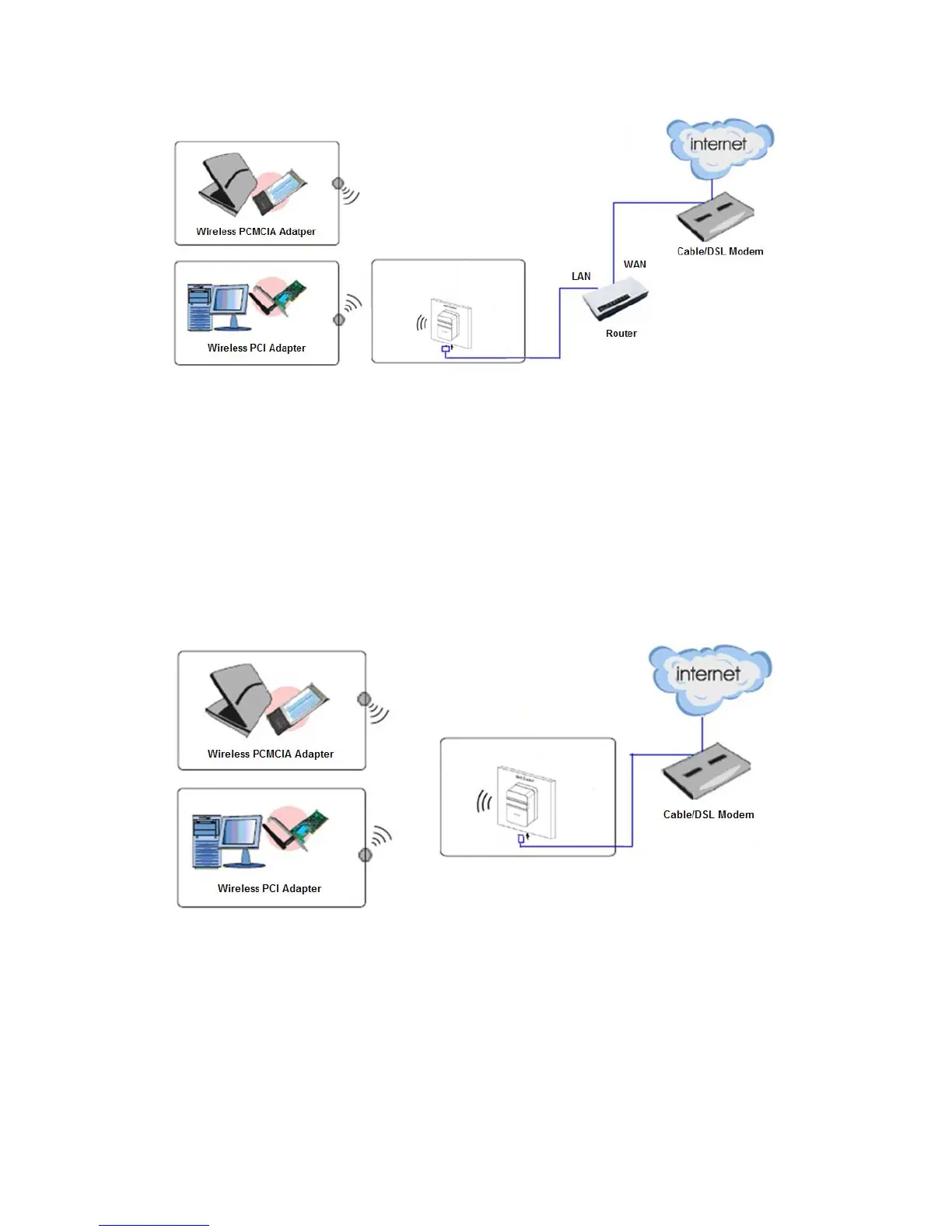
1. Connect the LAN port of Wireless AP to the wired network port with and Ethernet cable.
2. Plug the power plug of Wireless AP in electrical wall socket.
3. Power on the PC(s) and notebook(s).
Router Mode:
As a wireless router, Wireless AP enables multi-user to share Internet via DSL/Cable
Modem.
As below picture, under this mode, wired port works as WAN, which can access network
by using WI-FI Network, Cable/DSL Modem to be used by the lower extreme wireless
device. DHCP server is default opened and it is recommended that the IP address and
DNS server address obtained automatically.
1. Connect the WAN port of Wireless AP to the LAN port on the DSL/Cable Modem.
2. Connect the WAN port on the DSL/Cable Modem to the wired Internet.
3. Plug the power plug of Wireless AP in electrical wall socket.
4. Power on the DSL/Cable Modem, PC(s) and notebook(s).
Wireless ISP Mode:
The Wireless AP is used as a wireless network card to connect the wireless network
signal or wireless router.
As below picture, the only wired port works as LAN. Computer could connect to the device

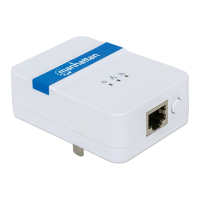

 To Next Page