29
3. AUDIO PWB
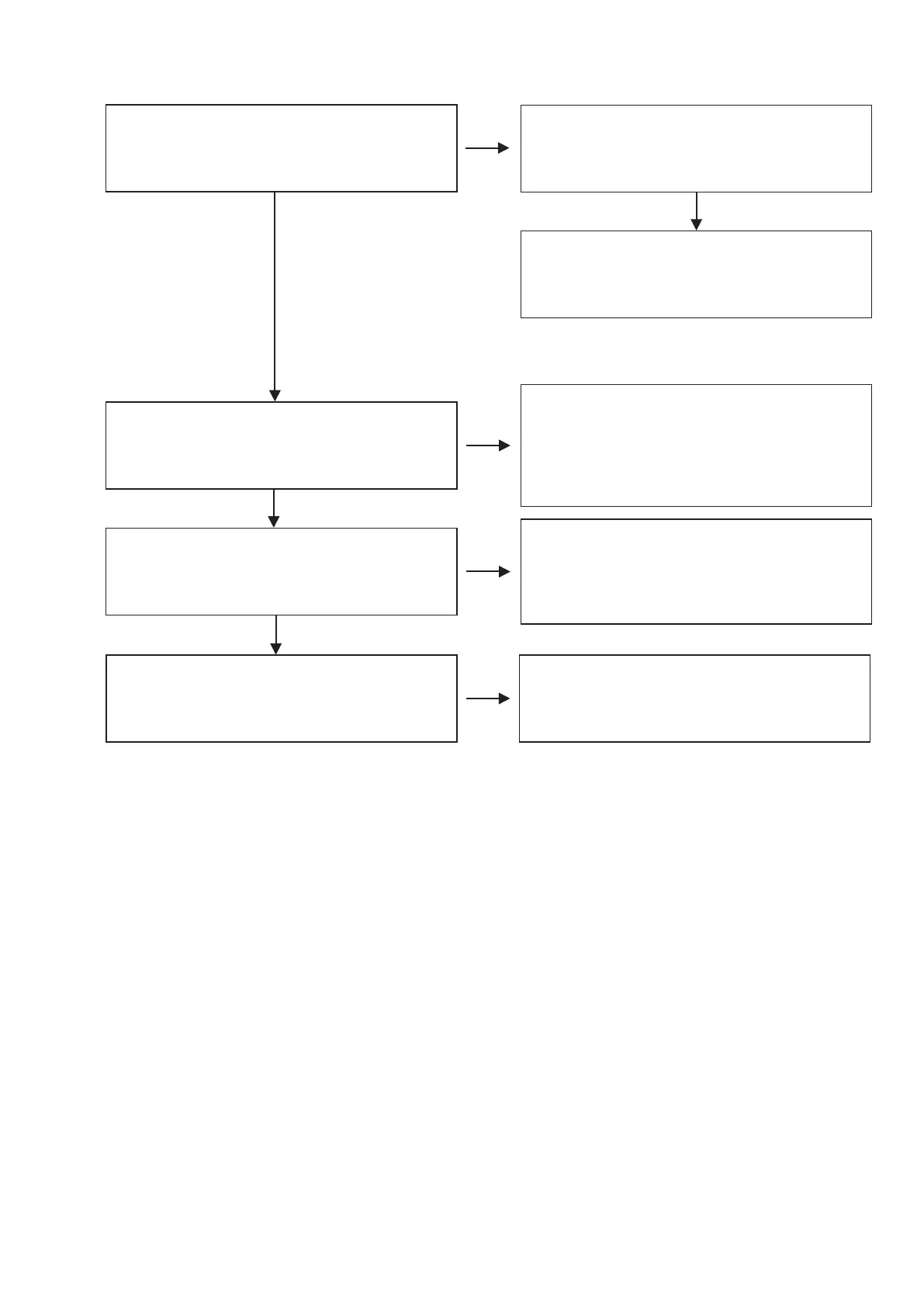
3.1 No Audio output
AUDIO PWB
・
[Q605][Q606][Q705][Q706] and Circumference
Replace the abnormal IC.
Check the analog signal output.
・
[IC75] 14pin,15pin,18pin,19pin
Check the mute signal (-12V).
AUDIO PWB
・
[Q603][Q703] base
Check the power supply voltage.
・
[IC76] 2pin (3.3V)
・
[IC77] 3pin (5V)
POWER PWB
・
[IC94]
AUDIO PWB
・
[IC76][IC77]
Check Parts and Soldering and Other Circuits.
Replace the abnormal output IC.
Check the digital signal input.
AUDIO PWB
・
[IC75] 3pin,4pin,5pin,6pin
Check Parts and Soldering.
MAIN PWB
・
[IC31] 62pin,63pin,64pin
・
[IC26] 7pin
If data is not output, abnormal IC is replaced.
Replace the [IC75].
MAIN PWB
・
[Q431][Q432][Q433][Q434] and Circumference
Replace the abnormal IC.
N.G.
N.G.
O.K.
O.K.
N.G.
O.K.
N.G.
O.K.



 To Next Page