20
ENGLISH
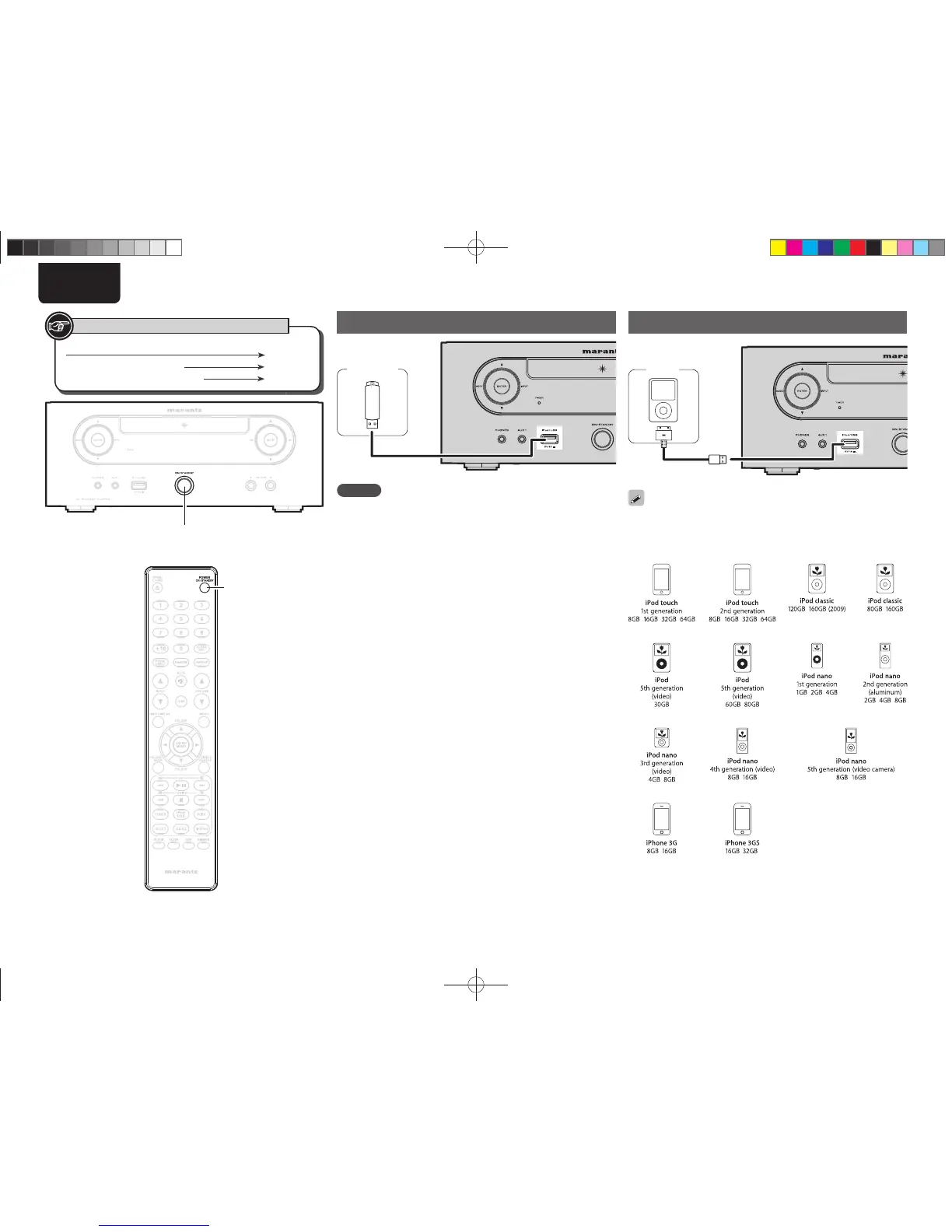
USB memory device connection
USB
memory
device
NOTE
• A computer can not be connected to and operate the unit via its
USB port.
• Do not use an extension cable when connecting a USB memory
device.
• For details about USB memory devices, see “Playable USB memory
formats” (vpage25).
iPod connection
iPod
To connect an iPod to this unit, use the iPod cable supplied with the
iPod.
n Supported iPod models
Button located on both the main unit and the remote control
BUTTON
Button only on the main unit
<BUTTON>
Button only on the remote control
[BUTTON]
Symbols used to indicate buttons in this guide
ON/STANDBY















 To Next Page