3.7. TUNER STEP mode (U / N only)
3.3.1. Actions
This is a special mode for enabling reception STEP of the ANALOG TUNER to be changed.
3.7.2. Starting up
While holding down buttons "
ZONE2 SOURCE
" and "
STATUS
" simultaneously, press the power button to turn on the
power.
Select the "
5. TUNER FRQ SET
" using the "
TUNER PRESET CH+
" button, then press the "
STATUS
" button to conrm.
3.7.3. Displays
Start up this unit in TUNER STEP mode, select the desired option using the "
INTERNET RADIO
" button, then enter using
the "
STATUS
" button.
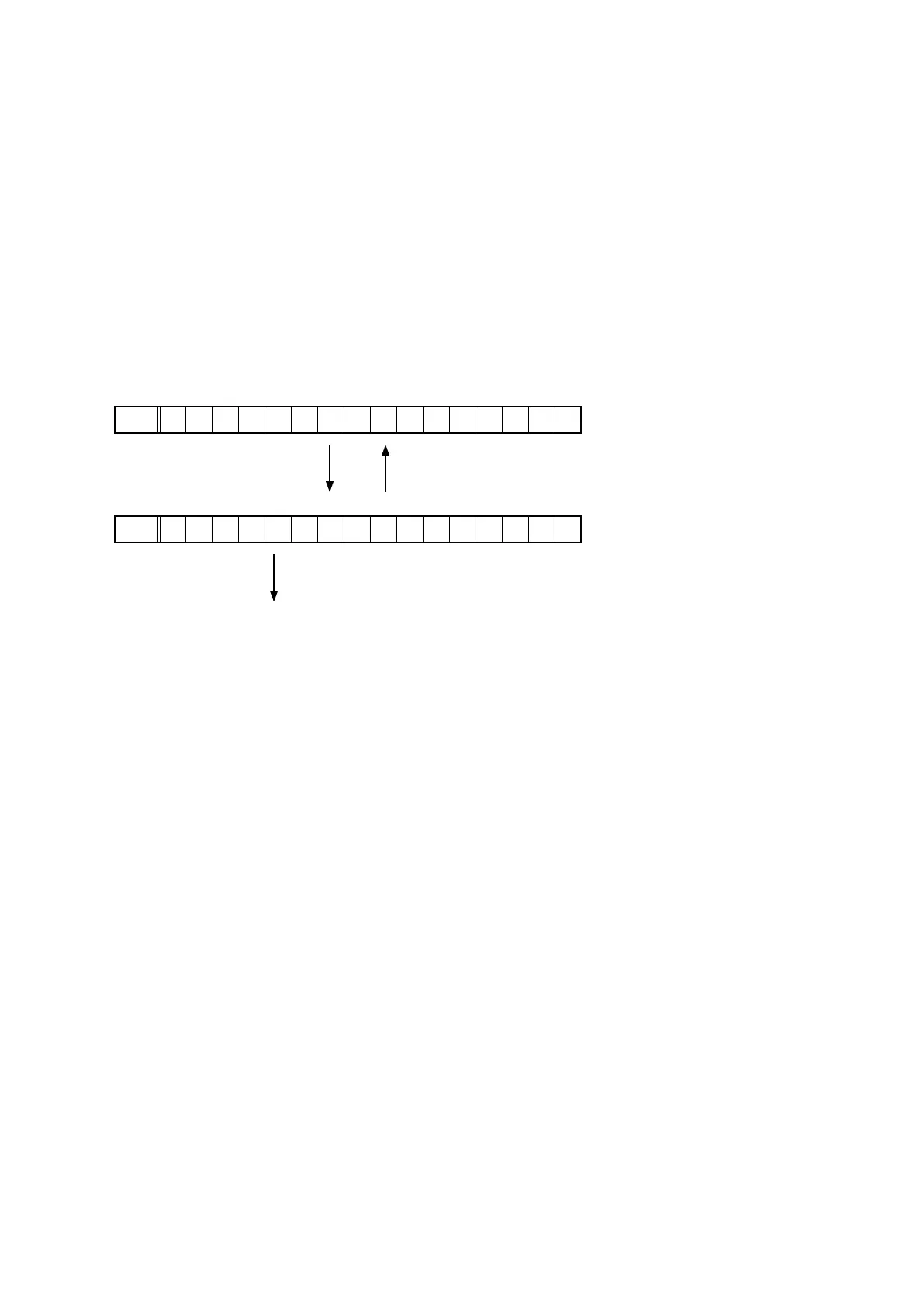
The following information is displayed in the following order.
(a) AM 9 kHz / FM 50 kHz is selected
FLD
< A M 9 / F M 5 0 >
"
INTERNET RADIO
" "
ZONE2 SOURCE
"
(b) AM10 kHz / FM 200 kHz is selected
FLD
< A M 1 0 / F M 2 0 0 >
"
STATUS
"
(c) Press the power button to turn off the power.
(d) Press the power button to turn on the power.
43















 To Next Page