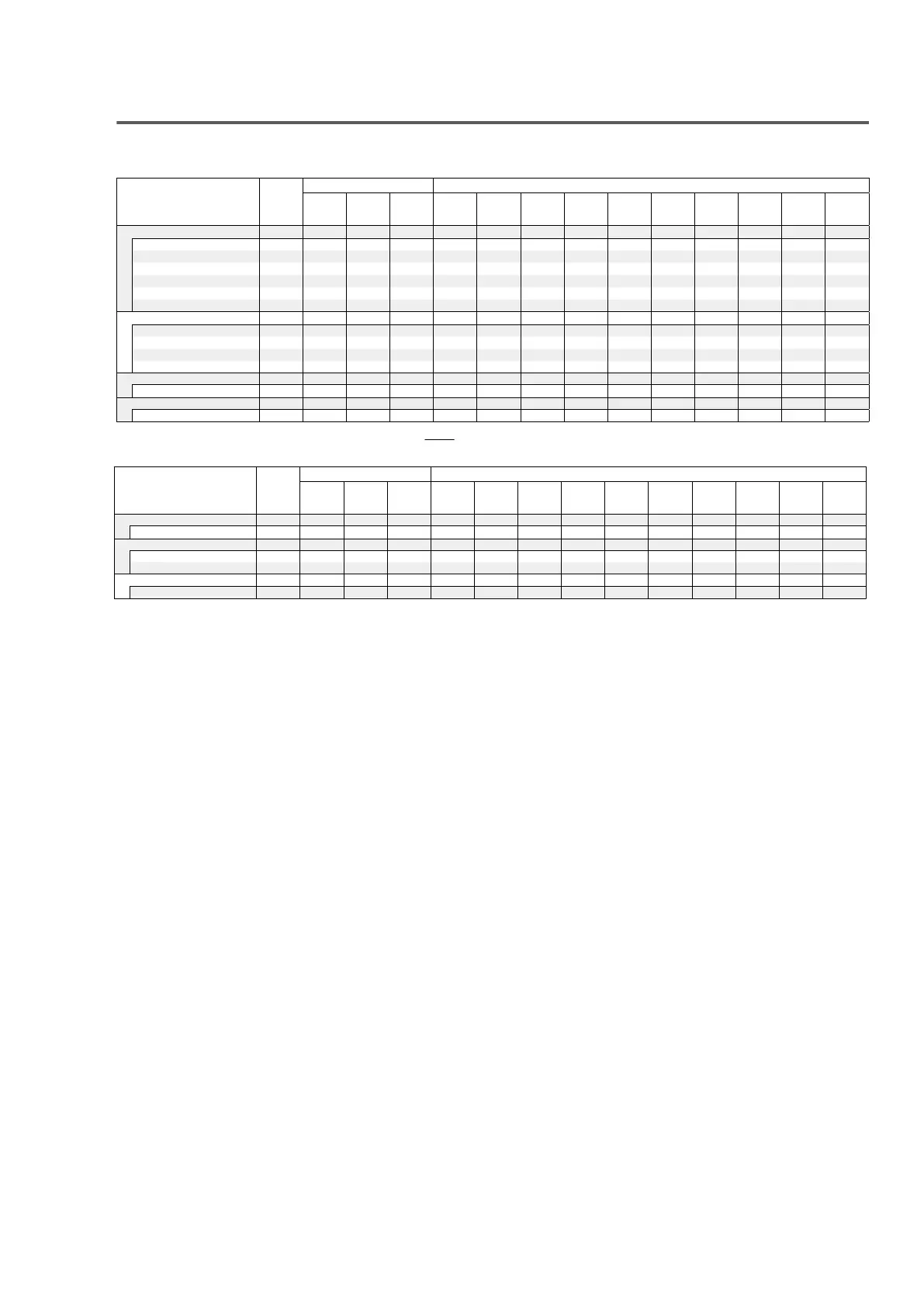
Types of input signals, and corresponding sound modes
F This indicates the default sound mode.
S This indicates the selectable sound mode.
Sound mode NOTE
2-channel signal Multi-channel signal
Analog /
PCM
Dolby
Digital
(+/HD)
DTS
(-HD)
PCM
Multi
DTS-HD
DTS
Express
DTS ES
Dscrt6.1
DTS ES
Mtrx6.1
DTS
Dolby
TrueHD
Dolby
Digital
Plus
Dolby
Digital
(EX)
Dolby
Digital
DTS Surround
DTS-HD MSTR
Fz4
DTS-HD HI RES
Fz5
DTS Surround
FFF
DTS 96/24
Fz6
DTS Express
F
DTS Neo:6
z1 SSF
Dolby Surround
Dolby TrueHD
F
Dolby Digital+
F
Dolby Digital
Dolby Pro Logic gz2 SFS
Multi Ch In
Multi Ch In
F
Direct
Direct
Sz3
z
1 –
z
6 : “Types of input signals, and corresponding sound modes” (v p. 215)
Contents Connections Playback Settings Tips Appendix
213
Front panel Display Rear panel Remote Index
Sound mode NOTE
2-channel signal Multi-channel signal
Analog /
PCM
Dolby
Digital
(+/HD)
DTS
(-HD)
PCM
Multi
DTS-HD
DTS
Express
DTS ES
Dscrt6.1
DTS ES
Mtrx6.1
DTS
Dolby
TrueHD
Dolby
Digital
Plus
Dolby
Digital
(EX)
Dolby
Digital
Pure Direct
Pure Direct
Original sound mode
Multi Ch Stereo
Virtual
Stereo
Stereo
Contents Connections Playback Settings Tips Appendix
214
Front panel Display Rear panel Remote Index
z
1
The “Cinema” mode or “Music” mode can be selected.
z2
The “Cinema” mode, “Music” mode or “Game” mode can be selected.
z3
The default sound mode for the AirPlay playback is “Direct”.
z4
This item can be selected when the input signal is DTS-HD Master Audio.
z5
This item can be selected when the input signal is DTS-HD Hi Resolution.
z6
This item can be selected when the input signal is DTS 96/24.
Contents Connections Playback Settings Tips Appendix
215
Front panel Display Rear panel Remote Index
67















 To Next Page