Playback
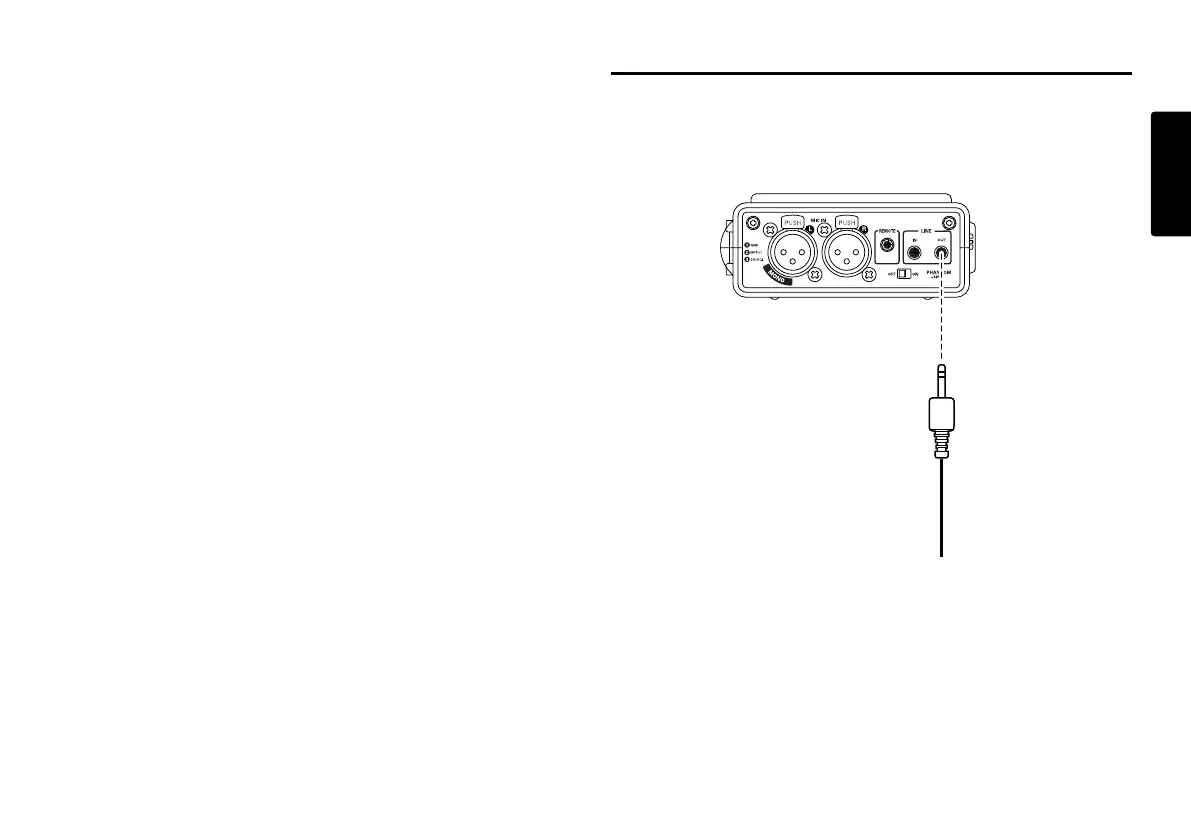
Connection Diagram
23
ENGLISH
Add a Track automatically
With Auto Trk(Automatic Track incrementing) on, a new
track is begun automatically at specified intervals of
recording time.
Automatic Track can be set to increment every 1, 5, 10, 15
or 30 minutes, or every 1, 2, 6, 8, 12 or 24 hours.
Automatic Track makes finding a particular point in a
recording easier. For example, if a new track begins every
minute during playback, the Minute Track makes finding a
particular passage easier because of the relationship
between track numbers and time. During playback, you
can select track 3 to play approximately the 3rd minute of
recording. To go directly to the beginning of the 10th
minute, select track 10, etc.
Track Recording time
# minutes:seconds
1…………………….0:00 – 1:00
2…………………….1:01 – 2:00
3…………………….2:01 – 3:00
The continuity of sound is not guaranteed and depends on
the speed of a card or the file size.
Setup the "Auto Trk" of the preset menu. (page 48)



 To Next Page