32
ENGLISH
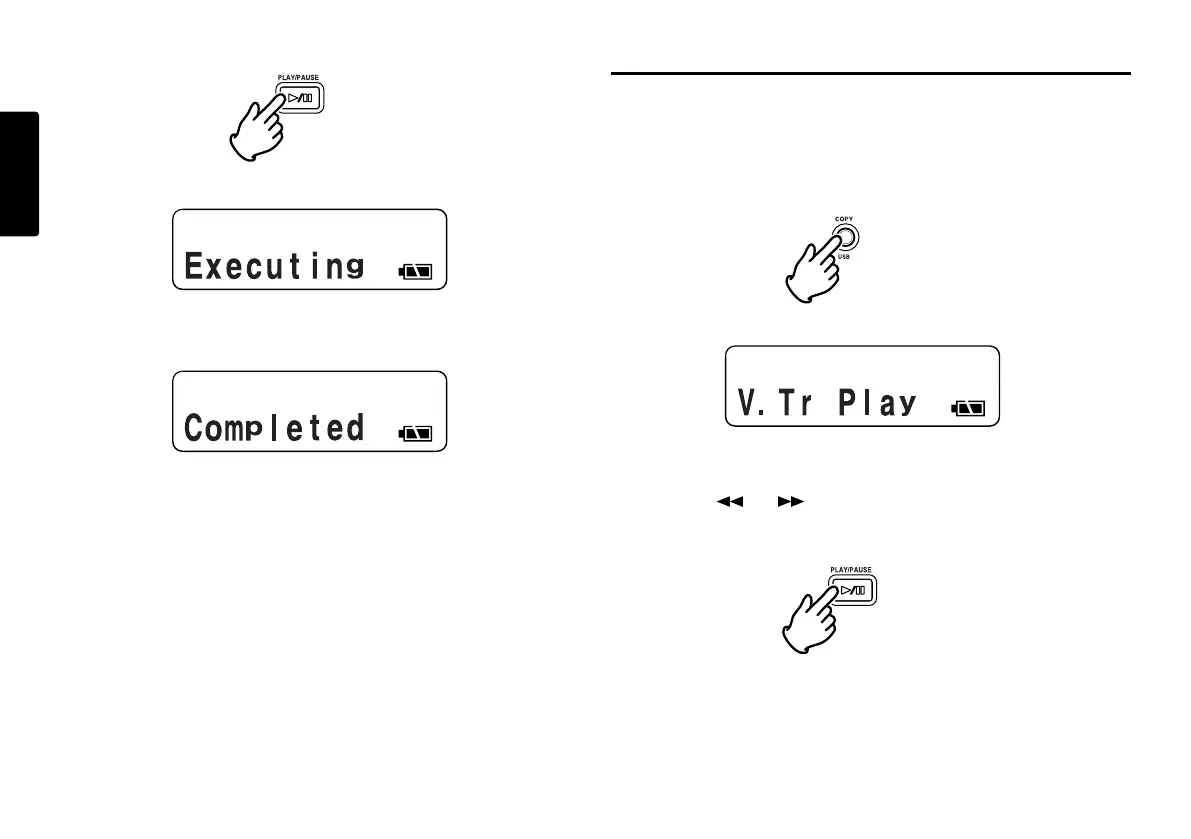
7. Push the PLAY/PAUSE button to start the Copy process.
“Executing” will be shown on the display.
When the copy procedure is completed, the display will
show “Completed” for 1 sec. and then returns to stop mode
with your new file as the current track.
Notes:
• When a copy area spans across two or more tracks, a
track is connected and copied.
• When the copy area spans across files of different
RecFormat or RecChannel, it can not copy.
• The copy area can not exceed 80 minutes.
• When copying a PCM segment, processing time is real
time.
• When copying an MP3 segment, processing time is at
8X speed.
STEREO
MP3
I.MIC
LOCK
44.1K
002
STEREO
MP3
I.MIC
LOCK
44.1K
50
%
Entering Virtual Playback mode
Now that you have created a Virtual Track, to play it back you
must put the PMD660 into Virtual Track Playback mode.
1. From stop mode, push the COPY/USB button to enter
Virtual Playback mode.
“V. Tr Play” will be shown on the display.
2. Push the PLAY/PAUSE button to play the first Virtual
Track. If you have more than one Virtual Track, you can
push the or button until the track you wish to play
is displayed in the upper numeric display. Then push the
PLAY/PAUSE button.
3. To exit Virtual Track Playback mode:
If a Virtual Track is playing press the STOP button twice.
If the PMD660 is in Virtual Track Playback mode and
stopped, simply push the STOP button once.
STEREO
MP3
I.MIC
LOCK
44.1K
V
01



 To Next Page