28
ENGLISH DEUTSCH FRANÇAIS ITALIANO ESPAÑOL NEDERLANDS SVENSKA
n Listening to preset stations
1
Press SHIFT/TOP MENU to select
the memory block (A to G).
2
Press PRESET +, PRESET – or
1 – 8 to select the desired preset
channel.
You can also operate via the main unit. In this case,
perform the following operations.
Press o p to select the preset radio station.
n Direct frequency tuning
You can enter the receiving frequency directly to tune in.
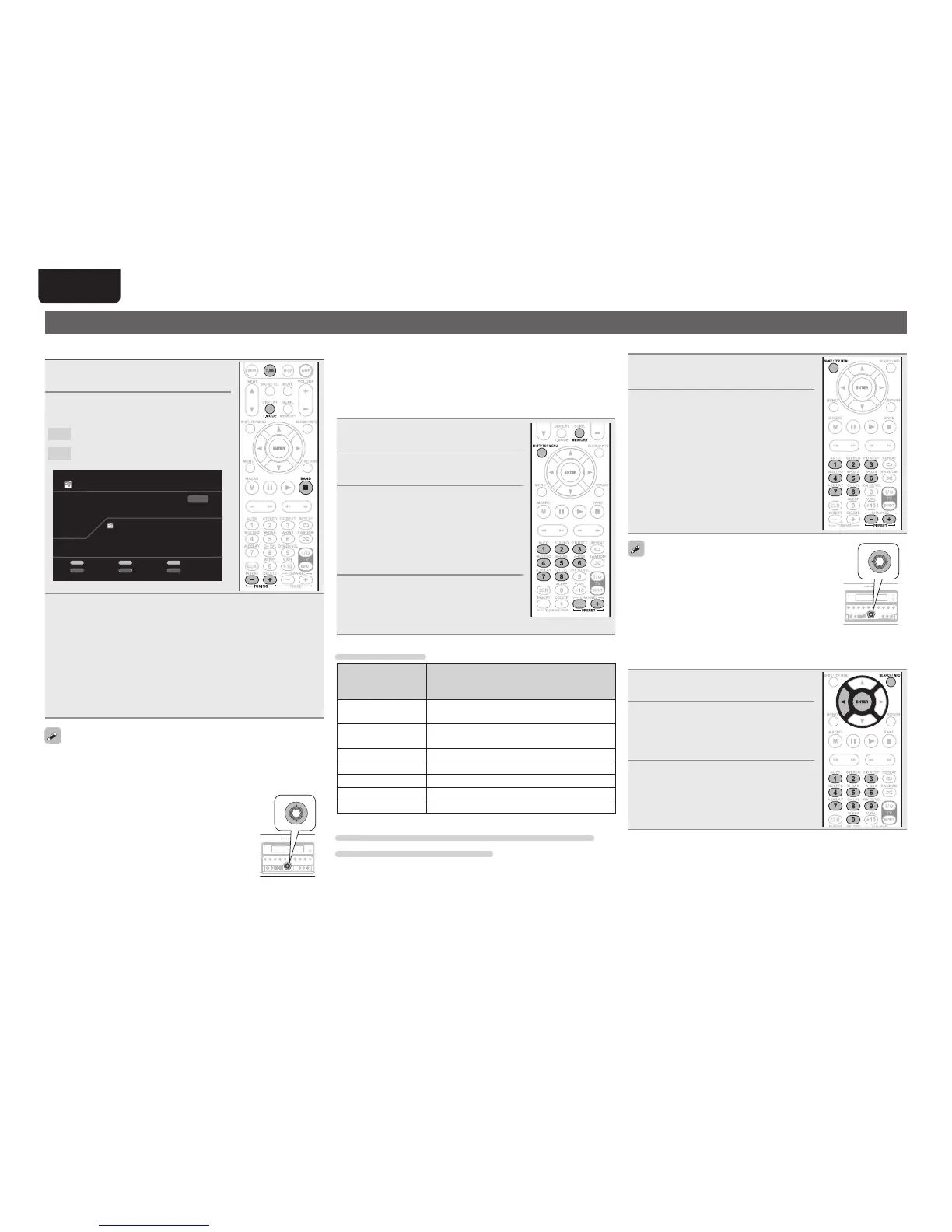
1
Press SEARCH/INFO.
2
Input frequencies using the 0 – 9.
• If o is pressed, the immediately preceding
input is cancelled.
3
When setting is completed, press
ENTER.
The preset frequency is tuned in.
Tuning in radio stations
Listening to FM/AM broadcasts
1
Press TUNE twice to switch the
input source to “TUNER”.
2
Press BAND to select “FM” or
“AM”.
FM
When listening to an FM broadcast.
AM
When listening to an AM broadcast.
AUTO
TUNER
CH A1
Now Playing
FM 87.50MHz
Tuning
PRESET
TUNING
Preset
Band
MEMORY
Memory
Mode
SEARCH
Search
BAND T.MO DE
3
Tune in the desired broadcast station.
q To tune in automatically (Auto tuning)
Press T.MODE to light the “AUTO” indicator on the display, then
use TUNING + or TUNING – to select the station you want to
hear.
w To tune in manually (Manual tuning)
Press T.MODE to turn off the display’s “AUTO” indicator, then
use TUNING + or TUNING – to select the station you want to
hear.
• If the desired station cannot be tuned in with auto tuning, tune it in
manually.
• When tuning in stations manually, press and hold TUNING + or
TUNING – to change frequencies continuously.
• You can specify the duration of the on-screen
display to be displayed (default: 30 sec) at menu
“TUNER” (vpage67). Press
uio p to return
to the original screen.
• You can also operate via the main unit. In this
case, perform the following operations.
Press ui to select the radio station.
n Presetting radio stations (Manual preset)
Your favorite broadcast stations can be preset so that you can tune
them in easily. Up to 56 stations can be preset.
• Stations can be preset automatically at “Auto Preset” (vpage51).
If “Auto Preset” is performed after performing “Manual Preset”, the
“Manual Preset” settings will be overwritten.
1
Tune in the broadcast station you
want to preset.
2
Press MEMORY.
3
Press SHIFT/TOP MENU to select
the block (A to G) in which to
preset the channel (1 to 8 per
block), then press PRESET +,
PRESET – or 1 – 8 to select the
preset number.
4
Press MEMORY again to complete
the setting.
• To preset other stations, repeat steps 1 to
4.
Default settings
Block (A – G)
and
Channel (1 – 8)
Default Settings
A1 – A8
87.5 / 89.1 / 98.1 / 108.0 / 90.1 / 90.1 / 90.1 /
90.1 MHz
B1 – B8
522 / 603 / 999 / 1404 / 1611 kHz,
90.1 / 90.1 / 90.1 MHz
C1 – C8 90.1 MHz
D1 – D8 90.1 MHz
E1 – E8 90.1 MHz
F1 – F8 90.1 MHz
G1 – G8 90.1 MHz
Specify a name for the preset broadcast station
(Preset Name) (vpage51)



 To Next Page