92
ENGLISH DEUTSCH FRANÇAIS ITALIANO ESPAÑOL NEDERLANDS SVENSKA
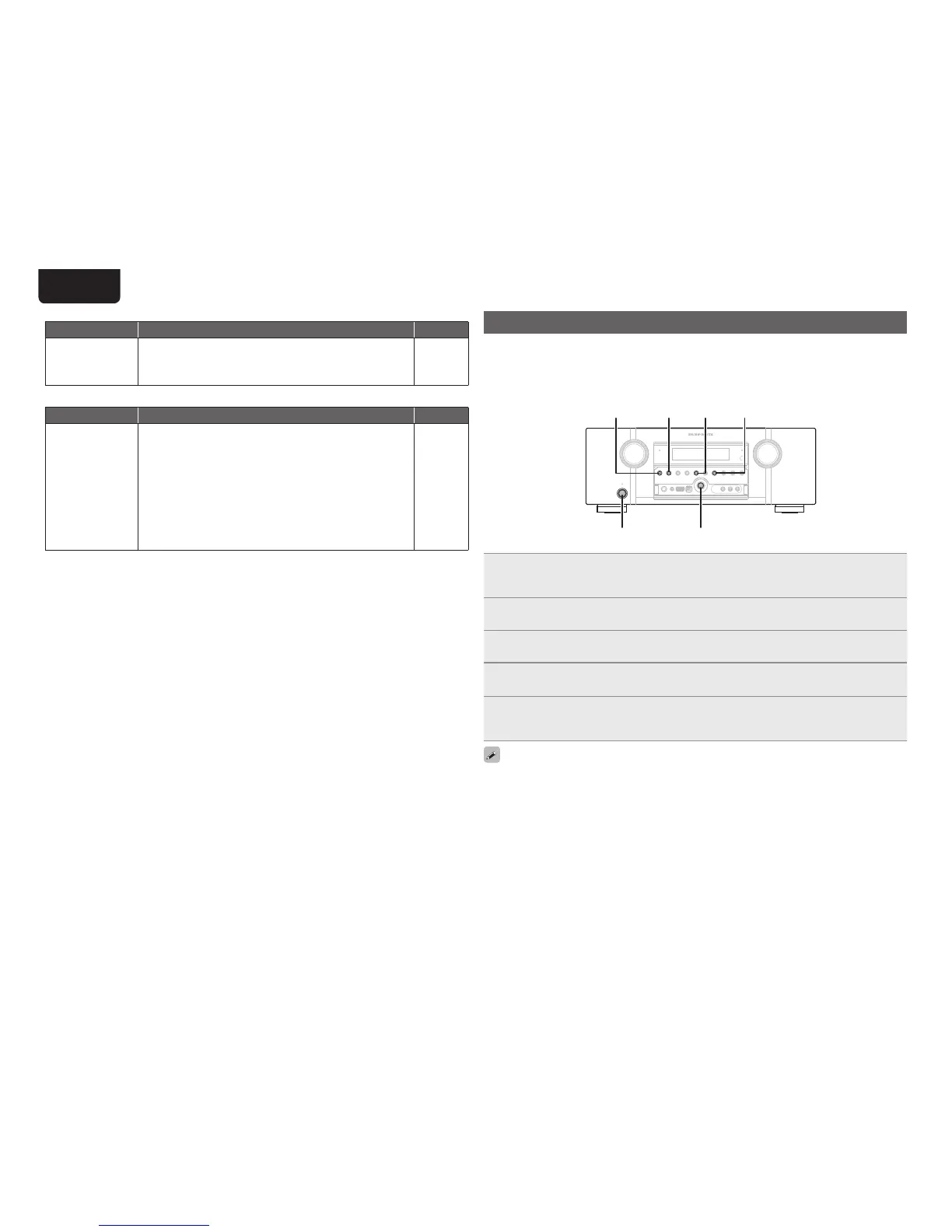
Resetting the microprocessor
Perform this procedure if the display is abnormal or if operations cannot be performed.
When the microprocessor is reset, all the settings are reset to their default values.
Various setting details can be saved and reset on this device. If setting details are saved before returning
to the default values, after returning to the default settings, setting details can be returned to the same
values as before returning to the defaults.
AUTO AUTOBAND
ON/STANDBY ENTER
SURR. MODE
1
When the power is ON, press and hold BAND and ENTER for more than 3 seconds.
After “MEMORY SAVING” is shown on the display, “COMPLETE”is shown to inform you that the
settings have been saved.
2
Turn off the power using ON/STANDBY.
3
Press ON/STANDBY while simultaneously pressing SURROUND MODE and AUTO.
4
Once the display starts ashing at intervals of about 1 second, release the two
buttons.
5
Press and hold BAND and MENU for more than 3 seconds.
After “MEMORY LOAD” is shown on the display, “COMPLETE” is shown to inform you that the
settings have returned to those saved in step 1.
• To return all of the settings to the default values, perform steps 2 to 4 without performing step 1.
• If in step 3 the display does not flash at intervals of about 1 second, start over from step 1.
GM-XPortH
Symptom Cause/Solution Page
Audio is not output
when a wireless
receiver (RX101 is
connected).
• Check that the Bluetooth device and Wireless receiver (RX101)
are correctly paired.
–
GRemote control unitH
Symptom Cause/Solution Page
The set cannot be
operated with the
remote control unit.
• Batteries are worn out. Replace with new batteries.
• Operate the remote control unit within a distance of about 7 m
from this unit and at an angle of within 30°.
• Remove any obstacle between this unit and the remote control
unit.
• Insert the batteries in the proper direction, checking the q and
w marks.
• The set’s remote control sensor is exposed to strong light (direct
sunlight, inverter type fluorescent bulb light, etc.). Move the set
to a place in which the remote control sensor will not be exposed
to strong light.
81
81
81
81
81



 To Next Page