51
Basic versionSimple version Information
ENGLISHDEUTSCHFRANÇAISITALIANOESPAÑOLNEDERLANDSSVENSKA
Advanced version
Items that can be set with the Input Setup procedure
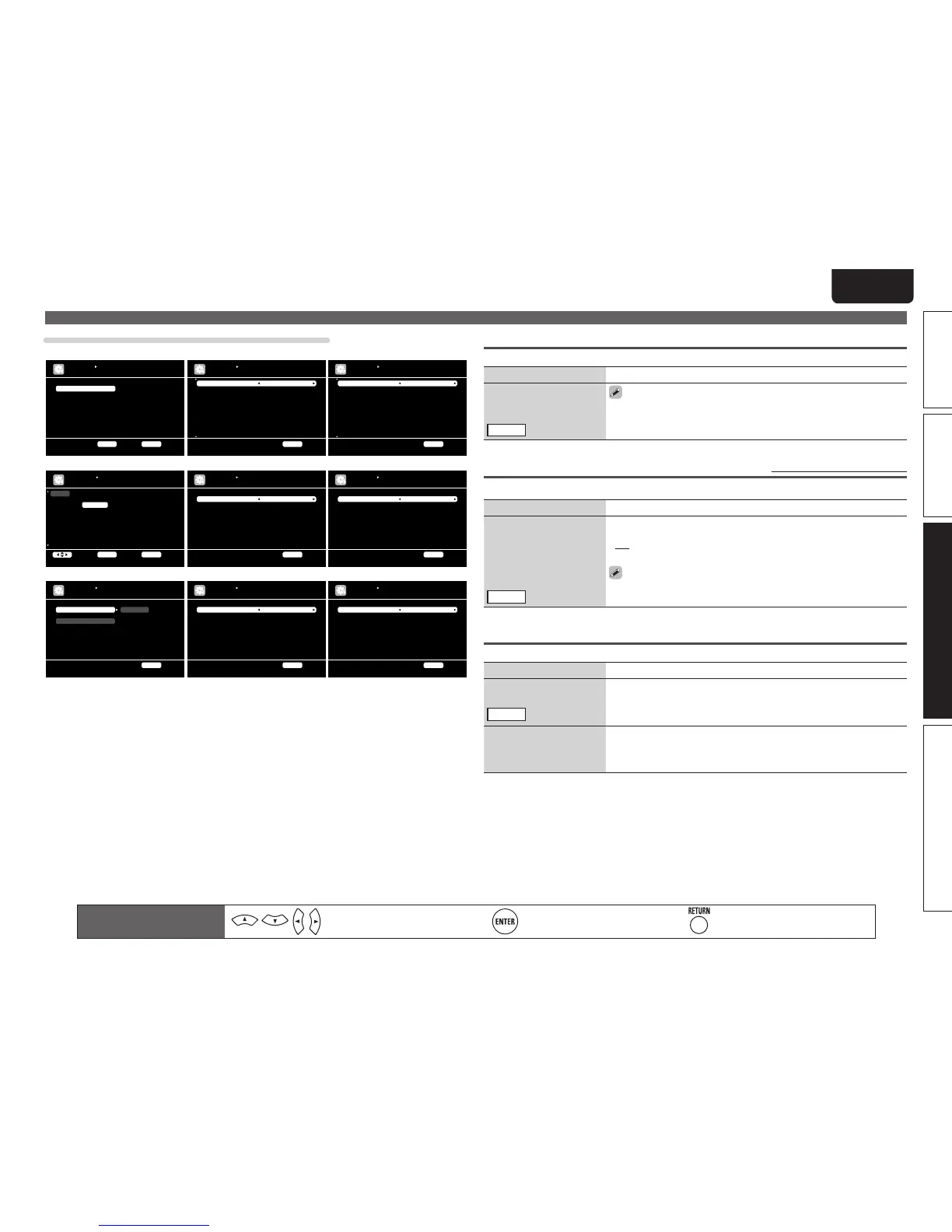
INPUT SETUP
AUTO PRESET
Start the auto preset pr oc es s
Start
ENTER Enter RE TU RN Return
Block
A Block Presets
A1 FM 87.50MHz
A2 FM 89.10MHz
A3 FM 98.10MHz
A4 FM 108.00MHz
A5 FM 90.10MHz
A6 AM 90. 10 MH z
A7 AM 90. 10 MH z
A8 AM 90. 10 MH z
A
ON
ON
ON
ON
ON
ON
ON
ON
ON
INPUT SETUP
PRESET SKIP
Change memory blocks
RETURN Return
[1/7]
Block
A1 FM 87.50MHz
A2 FM 89.10MHz
A3 FM 98.10MHz
A4 FM 108.00MHz
A5 FM 90.10MHz
A6 AM 90. 10 MH z
A7 AM 90. 10 MH z
A8 AM 90. 10 MH z
A
[ ]
[ ]
[ ]
[ ]
[ ]
[ ]
[ ]
[ ]
INPUT SETUP
PRESET NAME
Change memory blocks
RETURN Return
[1/7]
BD
DVD
VCR
SAT
GAME
AUX1
TV
Change HDMI input conn ec to r as signment
INPUT SETUP
INPUT ASSIGN
ENTER EnterSelect RETURN Re tu rn
Default
HDMI1
HDMI2
HDMI4
HDMI3
HDMI5
HDMI6
None
[ HDMI ]
None
Coax1
None
Coax2
None
Opt3
Opt1
[ DIGITAL ]
1-RCA
2-RCA
None
3-RCA
None
None
None
[ COMP ]
DVD
Default
DVD
INPUT SETUP
RENAME
RETURN Return
Video Select
Video Mode
Video Convert
i/p Scaler
Resolution(Analog)
Resolution(HDMI)
Progressive Mode
Aspect
Source
Auto
ON
Analog & HDMI
Auto
Auto
Auto
Full
INPUT SETUP
VIDEO
Select desired video i np ut s ou rc e
RETURN Return
Input Mode
Decode Mode
Auto
Auto
INPUT SETUP
INPUT MODE
Automatically detect i np ut s ig na l and playback
RETURN Return
Auto Preset (vpage51)
Input Assign (vpage52)
Rename (vpage55)
Video (vpage53) Input Mode (vpage54)
Preset Skip (vpage51) Preset Name (vpage51)
Analog Input
Digital Input
0dB
0dB
INPUT SETUP
SOURCE LEVEL
Compensate analog audi o in pu t pl ayback level
RETURN Return
Source Level (vpage55)
Repeat
Random
OFF
OFF
INPUT SETUP
PLAYBACK MODE
Cancel repeat mode
RETURN Return
Playback Mode (vpage55)
Remote control operation
buttons
Move the cursor
(Up/Down/Left/Right)
Confirm the setting Return to previous menu
Input Setup
Auto Preset
Use the auto preset function to program radio stations.
Setting items Setting details
Start
Start the auto preset
process.
TUNER
If an FM station cannot be preset automatically, select the desired
station by tuning it in manually, then preset it manually.
Preset Skip Default settings are underlined.
Set preset channel to be skipped when selecting.
Setting items Setting details
A – G
Set the preset channels you
do not want to display. You
can set by preset memory
block (A to G) or by preset
channel (1 to 8).
TUNER
1 – 8 : Set by individual preset channels in the currently selected preset
memory block.
• ON : Display the selected preset channel.
• Skip : Do not display the selected preset channel.
If you set “Block Presets” to “Skip”, you can skip the preset memory
blocks (A to G).
Preset Name
Assign name to a preset memory.
Setting items Setting details
A1 – G8
Select the preset channel.
TUNER
• Up to eight characters can be input.
• For character input, see page 49.
Default
The changed preset name
is returned to the default
setting.
Yes : Reset to the defaults.
No : Do not reset to the defaults.



 To Next Page