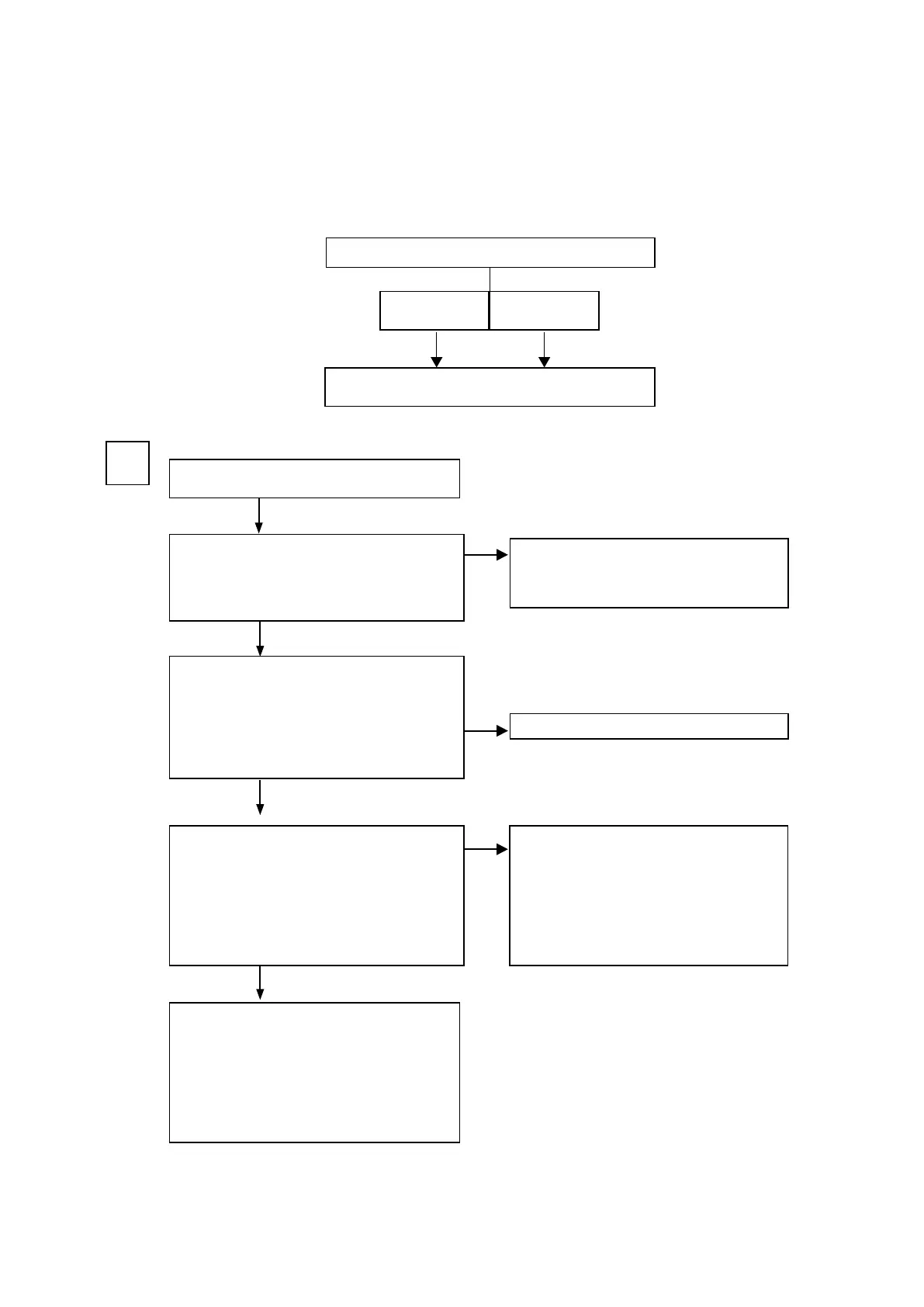
2. Analog video
Perform the operation below beforehand.-
b
Check it whether connection cable and Monitor are normal.
b
VIDEO Convert is set to ON.
b
Setting as follows.
V : SAT
COMPONENT : SAT
MONITOR OUT (CVBS/Cmponent/HDMI) output NG
Input
CVBS
To A
Input
COMPONENT
Input
CVBS,COMPONENT
A
Check of the I2C control signal for video selector IC
(IC511).
I2C(SCL) : BN21A-6pin(AVSCL)
I2C(SDA) : BN21A-4pin(AVSDA)
See the sample wave form 106 page
(DIGITAL PCB)
Check the input signal to video decoder IC (IC351).
V : R3527
COMPONENT-Y : R3530
COMPONENT-Cb : R3528
COMPONENT-Cr : R3529
(DIGITAL PCB)
· Defective connection of FRONT CNT PCB
(CN21A)
The parts between VIDEO PCB aw. ⇒ TO B
· Defective connection of SIDE CNT PCB(BN77B).
· REGULATOR(SPEAKER) PCB aw.
The DIGITAL PCB is faulty.
Is the power supply voltage being output correct-
ly?
V+5V : CN28B-6pin
V-5V : CN28B-8pin
(SIDE CNT PCB)
· CVBS Monitor Out
COMPONENT Monitor Out ⇒ TO B
· HDMI Out ⇒ To Troubleshooting "HDMI/DVI"
NO
NO
NO
YES
YES
YES
105



 To Next Page