1.11. About the error code
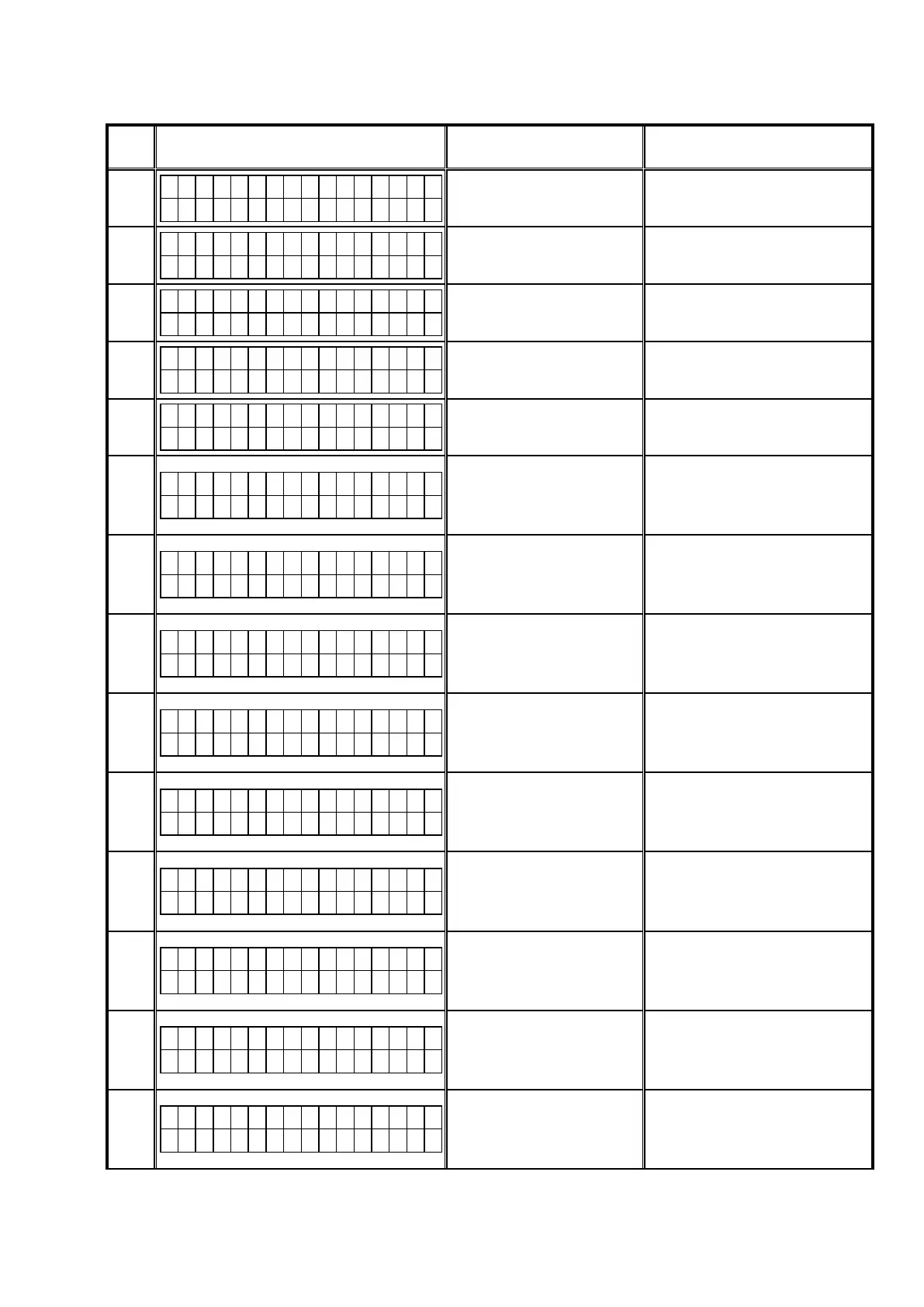
See the table below for error codes and details of faults when the rmware is updated through USB memory.
Error
Code
USB Update Error Display Details of Error code Coping strategies
01
C o n n e c t i o n f a i l
0 1
UnabletodetectUSB.
DisconnectandconnecttheUSBmem-
ory.
02
F i l e s N o t F o u n d
0 2
NoFirmwareFileinUSB.
MakesurethattheFirmwareFileisin
theUSBmemory.
03
N o t M a t c h F i r m
0 3
FirmwareFileinUSBforunsup-
portedModelname/area.
CheckthesupportedModelname/area
fortheFirmwareFile.
04
C o n n e c t i o n f a i l
0 4
FailedtoobtainentireFirmware
information.
StarttheUSBUpdateagain.
05
C o n n e c t i o n f a i l
0 5
TimeOutwhileobtainingentire
Firmwareinformation.
StarttheUSBUpdateagain.
08
C o n n e c t i o n f a i l
0 8
Errornoticationreceivedwhile
requestingFirmwareInfo.
Thisunitautomaticallyretriesseveral
times.WaituntiltheFLdisplaystops.
IftheFLdisplaystopsattheErrordis-
play,pressandholdthe"Poweropera-
tion"buttonforveseconds.
09
C o n n e c t i o n f a i l
0 9
TimeOutwhileobtainingFirm-
wareinformation.
Thisunitautomaticallyretriesseveral
times.WaituntiltheFLdisplaystops.
IftheFLdisplaystopsattheErrordis-
play,pressandholdthe"Poweropera-
tion"buttonforveseconds.
0A
C o n n e c t i o n f a i l
0 A
UnabletodetectUSBforFirm-
wareDownload.
DisconnectandconnecttheUSBmem-
ory.
0B
F i l e s N o t F o u n d
0 B
NoFirmwareFileforFirmware
Download.
DisconnectandconnecttheUSBmem-
ory.
0D
C o n n e c t i o n f a i l
0 D
ReceivedvaluewithinvalidPack-
ageVersion.
Thisunitautomaticallyretriesseveral
times.WaituntiltheFLdisplaystops.
IftheFLdisplaystopsattheErrordis-
play,pressandholdthe"Poweropera-
tion"buttonforveseconds.
10
M a i n * * * m i n
U p d a t i n g f a i l 1 0
NoUpdatePacketreceivedfrom
CX870/CY920(TimeOut).
Thisunitautomaticallyretriesseveral
times.WaituntiltheFLdisplaystops.
IftheFLdisplaystopsattheErrordis-
play,pressandholdthe"Poweropera-
tion"buttonforveseconds.
11
M a i n * * * m i n
U p d a t i n g f a i l 1 1
AbnormaldatainUpdatePacket
receivedfromCX870/CY920
(CRCError).
Thisunitautomaticallyretriesseveral
times.WaituntiltheFLdisplaystops.
IftheFLdisplaystopsattheErrordis-
play,pressandholdthe"Poweropera-
tion"buttonforveseconds.
12
M a i n * * * m i n
U p d a t i n g f a i l 1 2
AbnormaldatainUpdatePacket
receivedfromCX870/CY920
(PacketNoError).
Thisunitautomaticallyretriesseveral
times.WaituntiltheFLdisplaystops.
IftheFLdisplaystopsattheErrordis-
play,pressandholdthe"Poweropera-
tion"buttonforveseconds.
13
M a i n * * * m i n
E r a s e f a i l 1 3
BlockErasefailedbeforerewriting
Main.
Thisunitautomaticallyretriesseveral
times.WaituntiltheFLdisplaystops.
IftheFLdisplaystopsattheErrordis-
play,pressandholdthe"Poweropera-
tion"buttonforveseconds.
87



 To Next Page