n
User Menu
Clock Program
Special day
Settings
Temperature
•
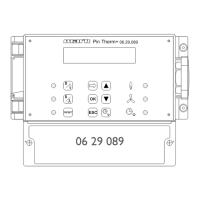
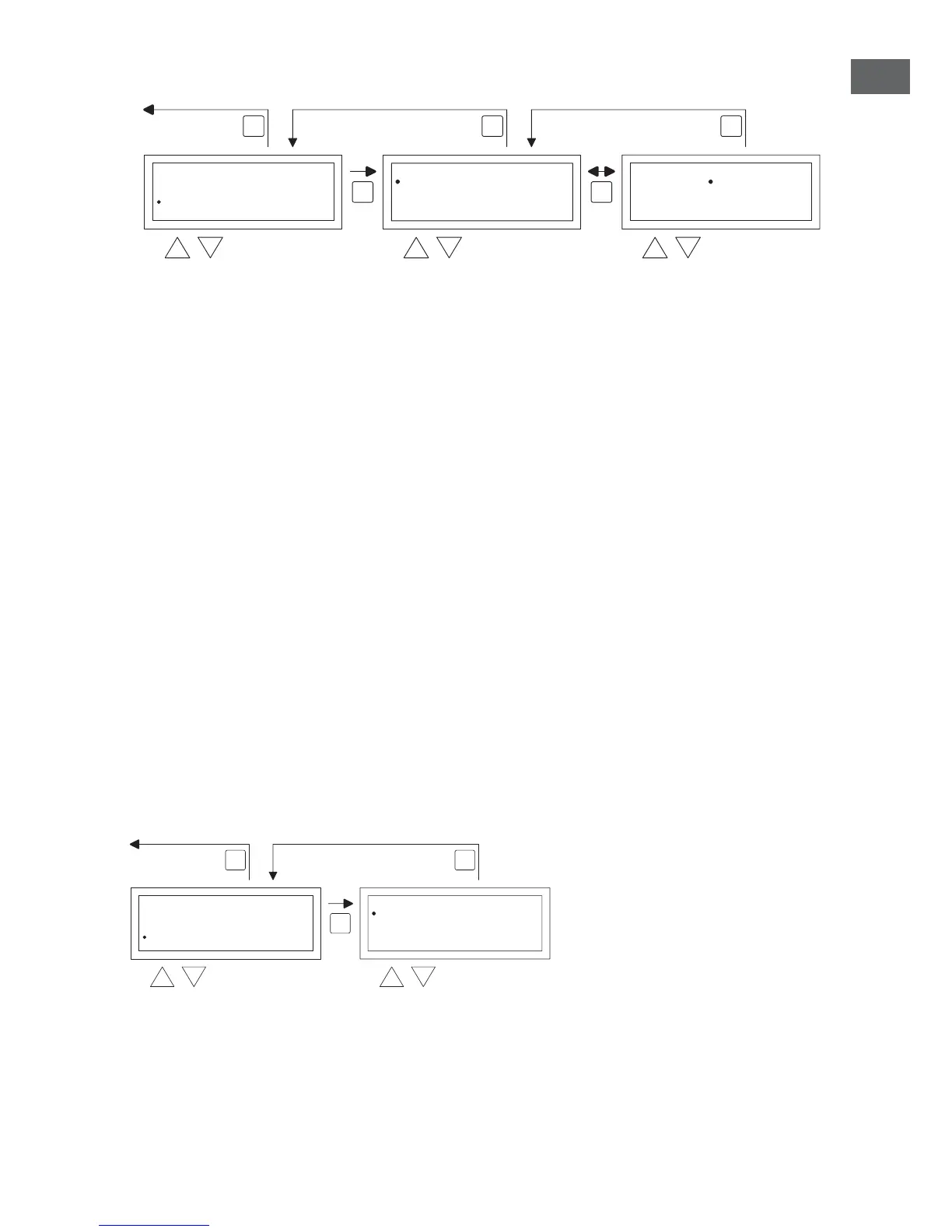
With the and button, you select program and then push the OK button
•
Chose a new or existing program block (1 to 20). And conrm this with the OK button.
•
Now with the and button, select the desired date and conrm this with the OK
button. Change the date or enter a new date (day-month-year) by changing the day, month
and year, in that order with the and button. Conrm each entry with the OK button
after which the display goes automatically to the following entry. After you have changed the
year, the display will automatically go to the time settings.
•
Now with the and button select the switch time and with the and button
change the hours and minutes of the start and end time, in that order. Conrm each entry
with the OK button after which the display goes automatically to the following entry. After
you conrm the last entry you automatically go back to the menu-item Switch time
•
Now with and button select switch to and change the desired mode of operation in
DAY, NIGHT or ECO.
•
Conrm this by then pushing the OK button again
•
Repeat the above to enter a new exception day or to change an existing one.
•
Push the ESC button to go back to the main display.
5.5 User menu: call settings menu
In the settings menu you can make more extensive setting changes such as, among other things,
the date/time, the maximum duration of the Overtime timer, the language and the pin code.
To enter the settings menu:
•
With the and button, you select the menu-item settings and then push the OK button
You are now in the menu settings and can now select various settings to change.
User Menu
Clock Program
Special day
Settings
Temperature
OK
ESCESC
selec


 To Next Page
 Loading...