EN
17
• Select the Ecofan Setpoint to set the temperature, near the unit, at which the fans may turn
on.
• With the and button, select the required setting and then push the OK button.
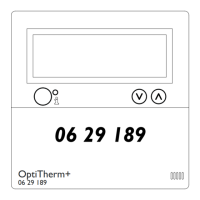
• Delta T sets the minimum temperature between near the unit and at the OptiTherm+.
• With the and button, select the required setting and then push the OK button.
•
When you have nished with the changes you leave the menu item by pressing the ESC
button and you go back to the settings menu.
•
Now select another item to change or to go back to the user menu by pushing the ESC
button. Push the ESC button again to go back to the main display.
5.11 Settings menu: Self Learning Heating
The Self Learning Heating function optimalizes the turn-on time of the units. In the Clock program
function it must be indicated when a certain temperature is desired. The OptiTherm+ then
decides when the unit must turn on to realise this temperature. It uses the history of the past
days to do this. This function is turned off as standard. To turn on this function, see the image
below:
•
OK OK
ESC ESCESC
Settings
Select Temperature sensor
Calibrate
ECO fan function
2x
Self Learning Heating
Function Off
Self Learning Heating
Self Learning Heating
Function Off
Language
Select the menu-item Self Learning Heating and then push the OK button.
• Select Function to turn Self Learning Heating on or off.
•
With the and button, select the required setting and then push the OK button.
•
When you have nished with the changes you leave the menu item by pressing the ESC
button and you go back to the settings menu.
•
Now select another item to change or to go back to the user menu by pushing the ESC
button. Push the ESC button again to go back to the main display.
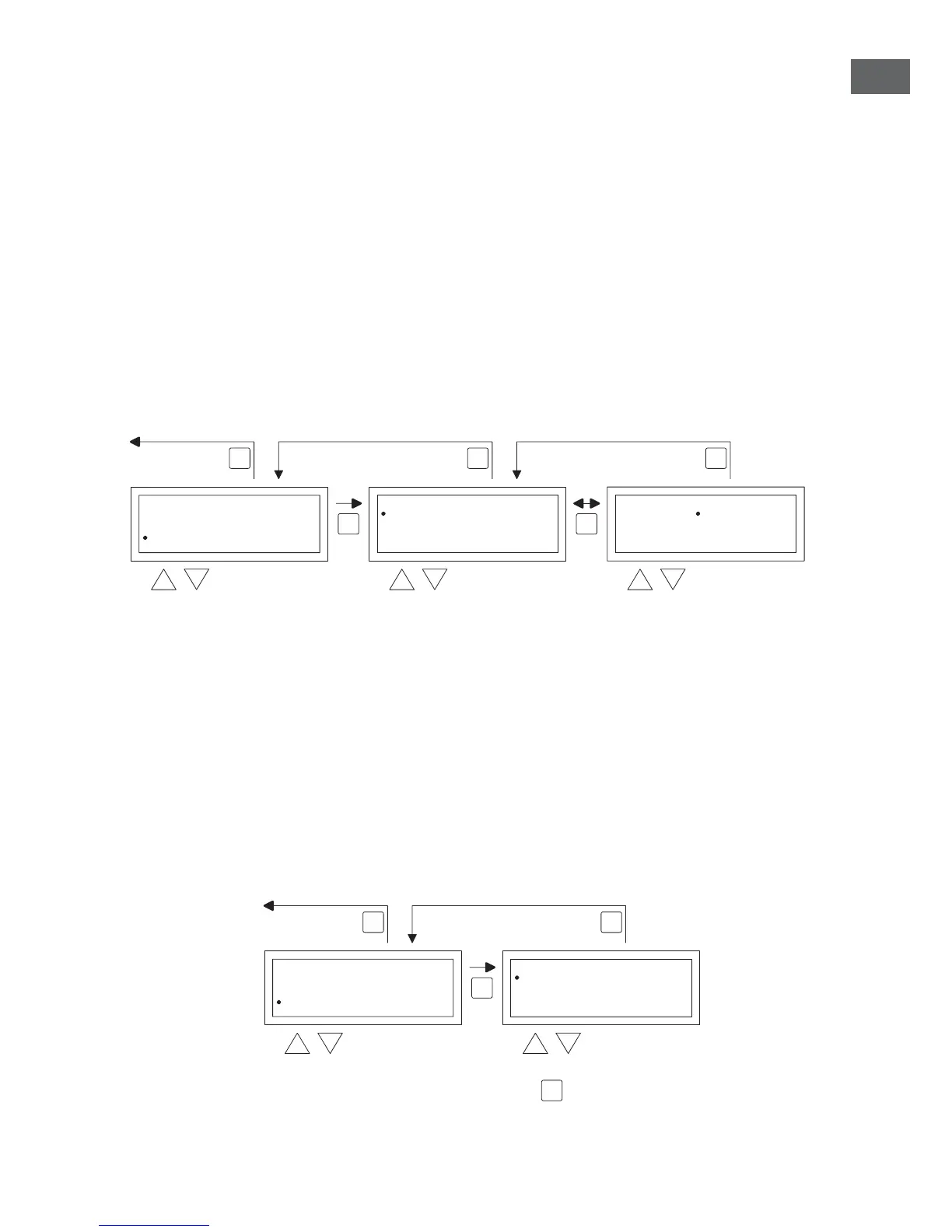
5.12 Settings menu: Change language
If you want to change the chosen language you can change this by going to the settings menu and
changing the language.
To change the chosen language you follow the image below:
OK
ESCESC


 To Next Page
 Loading...