Settings
Calibrate
Date/Time
Overtime setting
Select Temperature sensor
•
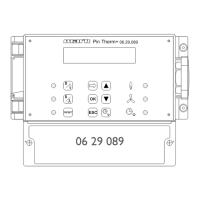
Now with the and button, select Calibrate Thermostat and then push the OK button
•
Only applicable when an external sensor is also used.
•
With the and button, select Sensor and then push the OK button
•
Only applicable when an external sensor is also used.
•
Now with the and button select the air heater (1 to 8) from where the external
sensor must be calibrated and then push the OK button.
•
With the and button, select Deviation and then push the OK button
•
With the and button set the desired value and conrm this with the OK button.
•
When you have nished with the changes you leave the menu item by pressing the ESC
button and you go back to the settings menu.
•
Now select another item to change or to go back to the user menu by pushing the ESC
button. Push the ESC button again to go back to the main display.
5.10 Settings menu: ECO fan function
With the ECO fan function it is possible to turn on the fan of the unit when the temperature near
the unit is higher than that of the OptiTherm+ or, if applicable, the external sensor. With this
function it can be prevented that the warm air stays at the top of the room.
To turn on the fans in this function, all of the following requirements need to be met:
• There must have been a burner demand in the past 24 hours
• The temperature near the unit must be higher than: setpoint+1K,setpoint+2 – setpoint+ 5K
(depending on the settings)
• The temperature difference measured at the OptiTherm+ and near the unit, must be greater
than 0,0 – 10,0K (depending on the settings)
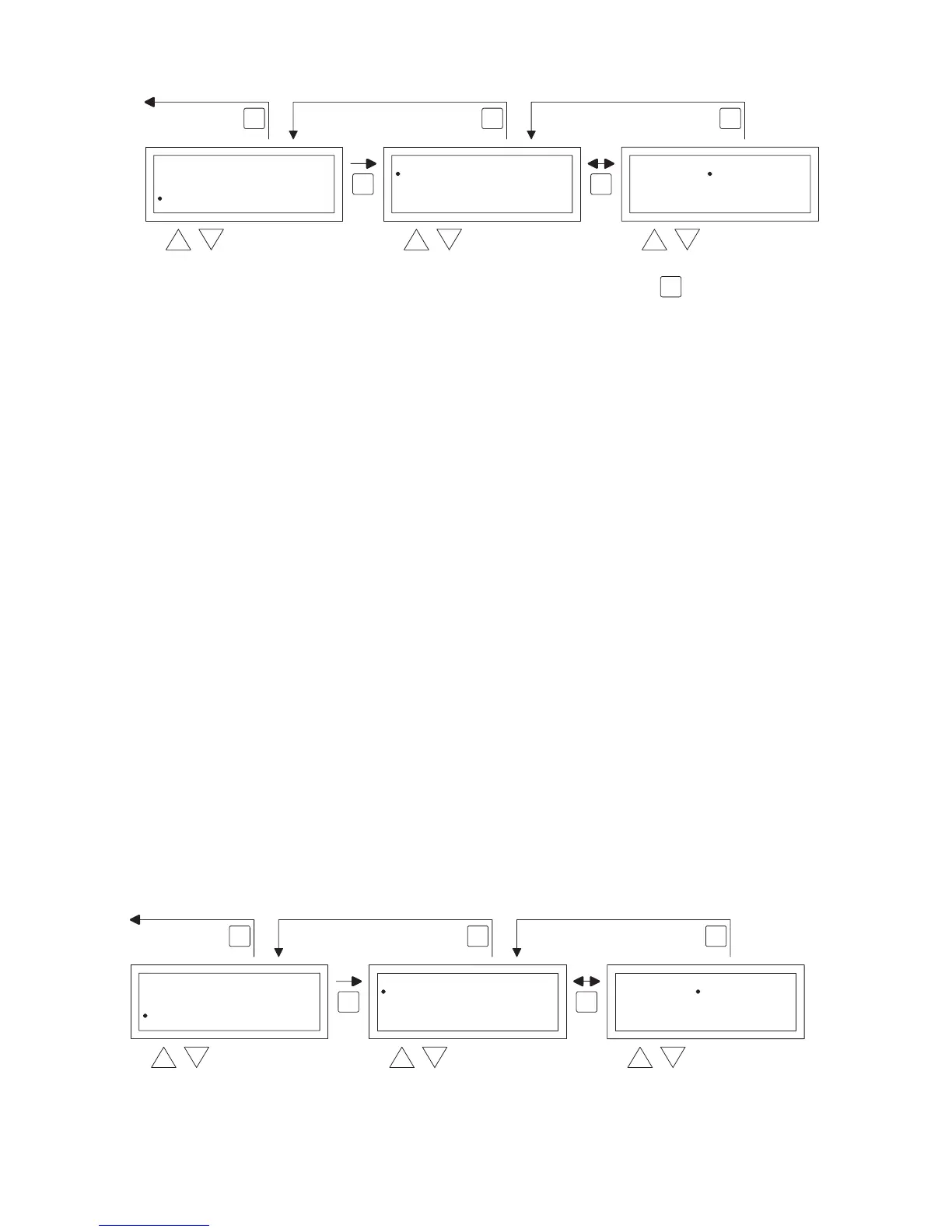
You can change the settings of the ECO fan function following the image below:
•
OK OK
ESC ESCESC


 To Next Page
 Loading...