P5 – Operator Guide 2
.
How the gauge is organized 3
2.
HOW THE GAUGE IS ORGANIZED
2.1.
Operating modes
The gauge has two modes of operation – automatic and manual.
M
ODE
I
CON
F
UNCTIONS
Automatic
Used during the grinding cycle for:
Monitoring workpiece size.
Viewing the zero values summary.
Viewing the measurement application.
Viewing or changing the control points.
Making zero (size) adjustment.
Manual
Used for:
Monitoring workpiece size.
Viewing the zero values summary.
Viewing the measurement application.
Changing the control points.
Making zero (size) adjustment.
Zeroing the gauge system.
Changing damping values for interrupted surfaces.
2.2.
Software structure
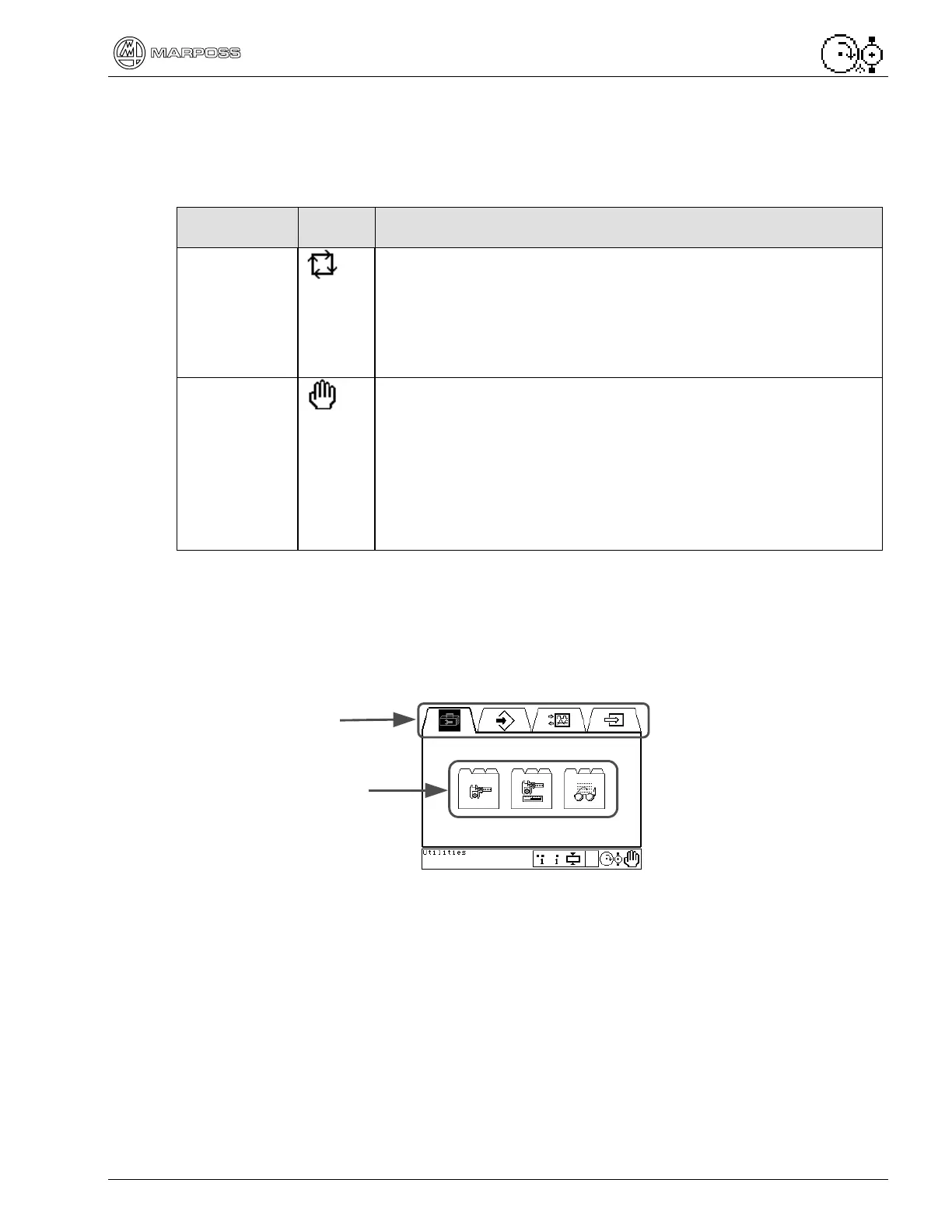
The gauge Software is divided into folders. Similar functions are grouped into sub-
folders. Related sub-folders are contained in folders. Each matter takes one or more
pages of a sub-folder.
Each page, sub-folder and folder is assigned an icon.
Each folder has three sections:
Icons across the top indicate the folder.
Sub-folders contained in the folder.
Messages and information along the bottom.
Folders
Sub-folders


 To Next Page