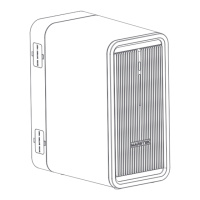
Press and hold the power off button on the back of the device and release it after 3 seconds (or
release it after the button flashes 3 times). The screen will turn off and the device will enter the
power off state.
Device shutdown
For a detailed description of the mode, please refer to Section 2.5.
Photovoltaic information display shows the current total photovoltaic input power of the device and
the photovoltaic input power of the four channels.
Home page display
Grid information display, showing the current grid-connected output power of the device.
The power generation information shows the cumulative photovoltaic power generation of the device
today.
Battery information display, showing the current remaining battery power and remaining power percentage.
The WIFI connection status is displayed. Click it to enter the WIFI configuration interface.
Language configuration button. Click it to enter the language configuration interface.
Fault status display, click to enter the fault display interface.
Working mode switch button, click it to switch the device between automatic mode and manual mode.
14


 To Next Page