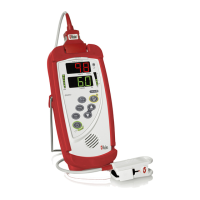
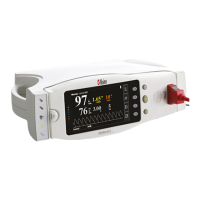
Radical-7 Signal Extraction Pulse CO-Oximeter Service Manual
6-4
Symptom Cause and Corrective Action
Steps
Download Procedure.
2. Replace The Interface Cable
3. Replace the Portable System
Board
4. Replace the Docking Station
System Board
• No LED'S Illuminated
1. Both Portable and Docking
Station are turned on.
2. Refer to Radical-7
Operators
Manual for LED status
Parameters.
• Power fault
1. Replace external Power Cable
2. Check fuses at AC Input Filter
3. Check 12VDC power (Sections 7
& 8)
4. Replace Docking Station System
Board
• No Battery Icon Displayed • NiMH Battery Fault
1. Replace NiMH battery
2. Replace Portable System Board
• Battery LED Not
Illuminated
1. No fault, battery is fully charged
2. Check 12VDC power (Sections 7
& 8)
3. Replace Docking Station System
Board
• Battery LED Flashing
1. Ensure Service Mode – Deep
Discharge is not enabled
2. Allow NiMH Battery to cool down
3. Verify Fan operation
4. Replace NiMH Battery
5. Replace Docking Station System
Board.
• Alarm LED does not
Illuminate
1. Unit must be in alarm state
2. Audible alarm can be heard
1. Replace Docking Station System
Board
2. Replace LED Cable.
•
Audible Indication.
1. Unit must be in alarm
condition.
2. Should hear sound upon
button depression.
• Alarm Fault
1. Replace Speaker
2. Replace Portable System Board
• Display Missing Segments
1. Replace LCD
2. Replace Portable System Board
• Display Backlight Will Not
Illuminate
1. Replace Portable System Board
2. Replace Display
• Button Function Error
1. Replace Keypad


 To Next Page