EN-20
Saving Power Function
If there is no operation (turning knobs, pressing keys) for 10 minutes, the oven switches
to Saving Power mode and the display turns off (the display no more shows current
time). To exit this function you can press any key or turn the knob. The Power Saving
function can be enabled manually by pressing for 3 seconds the start key
.
Pyrolysis Function (if available)
This function allows an easy and complete cleaning of the oven cavity.
1 - Turn the left knob "K1" and select the Pyrolysis Function (the display will show
"PYR").
2 - Press enter key to confirm
. The predefined time for this function is 2 hours, but
the duration of the cycle can be reduced to 1 hour and 30 minutes by turning the right
knob "K1".
Notes:
a) Before activating the Pyrolysis Function, remove food leftovers and verify that
the oven is empty. Remove anything inside the oven (side frames, grills, dripping-
pan, pans, backing trays...) as they could be damaged. For removal of the side
wire frames, see the relevant chapter.
b) If the oven door is not closed, the Pyrolysis Function can not be started and the
display will show "DOOR".
c) Once the pyrolysis cycle is ended, the oven switches to cooling mode and the
display will show "COOL".
Attention!
During the oven operation, you shall NOT press the push pull knobs, but they shall be
kept in external position.
Attention!
After usage, the oven is very hot inside, even when powered off. Never touch internal
surfaces or elements of the oven. Wear protective gloves to remove accessories and
pans form the oven, and let the equipment cool down. To prevent injuries.
Attention!
Opening the oven door when it is working does not stop oven operation.
Please pay particular attention to prevent burnings.
COOLING FAN (for all models)
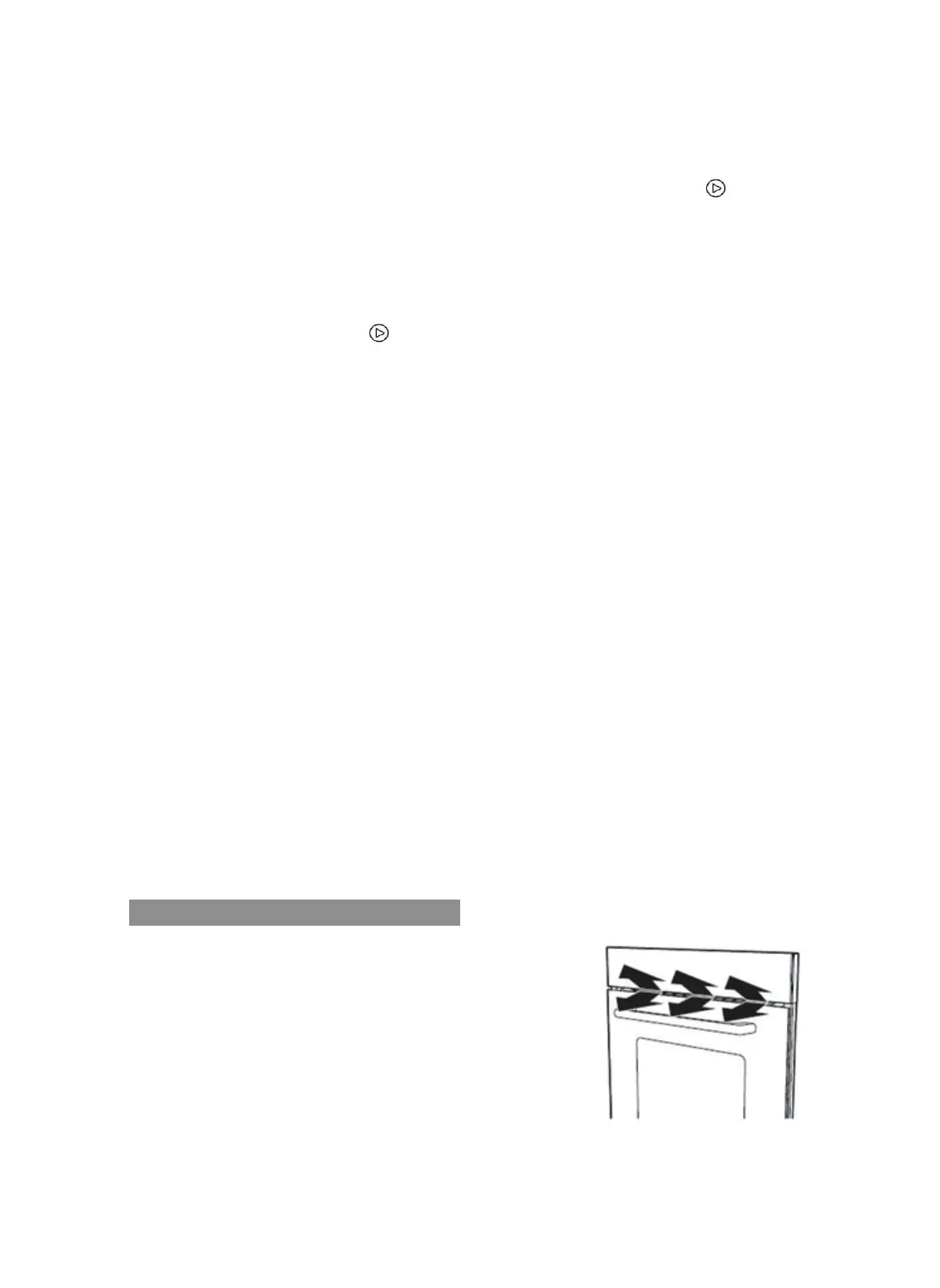
The cooling fan turns on and off when needed. Hot air can
go out through special openings between the oven door
and the control panel. To cool down the oven quickly, the
cooling fan can continue running for a while and then it
turns off automatically.
ATTENTION: do not cover the air vents between the
oven door and the control panel as the appliance could
overheat.


 To Next Page