EN-13
Light for all models
When you power on the appliance in any mode, the lamp inside the cooking cavity is
always turned on until the end of operations (except for the ECO function). The mode
"Light" can be used for several activities, such as cleaning or cooking preparation (in
this function no heating elements are on).
FIRST USE
Before using the appliance for cooking foods the first time, it is needed to carefully
clean the oven cavity and related accessories.
1. Remove any adhesive, protective films and all packaging materials.
2. Remove all accessories and side wire frames inside the oven (see the relevant
chapter for removal of side frames).
3. Clean carefully accessories and side grills with soap and water, using a soft sponge
or a soft brush.
4. Verify that inside the oven there are no residual packaging materials, such as
polystyrene and wood leftovers, which could cause fires.
5. Clean flat surfaces of the oven door and cavity with a soft damp cloth.
6. To remove the smell when the appliance is new, heat the empty equipment with the
oven door closed.
7. Allow a suitable ventilation in the kitchen when the equipment is heated for the first
time. Keep children and pets away from kitchen during this operation. Close doors
of adjacent rooms.
8. When the oven is powered on for the first time, setup the equipment as in the
following:
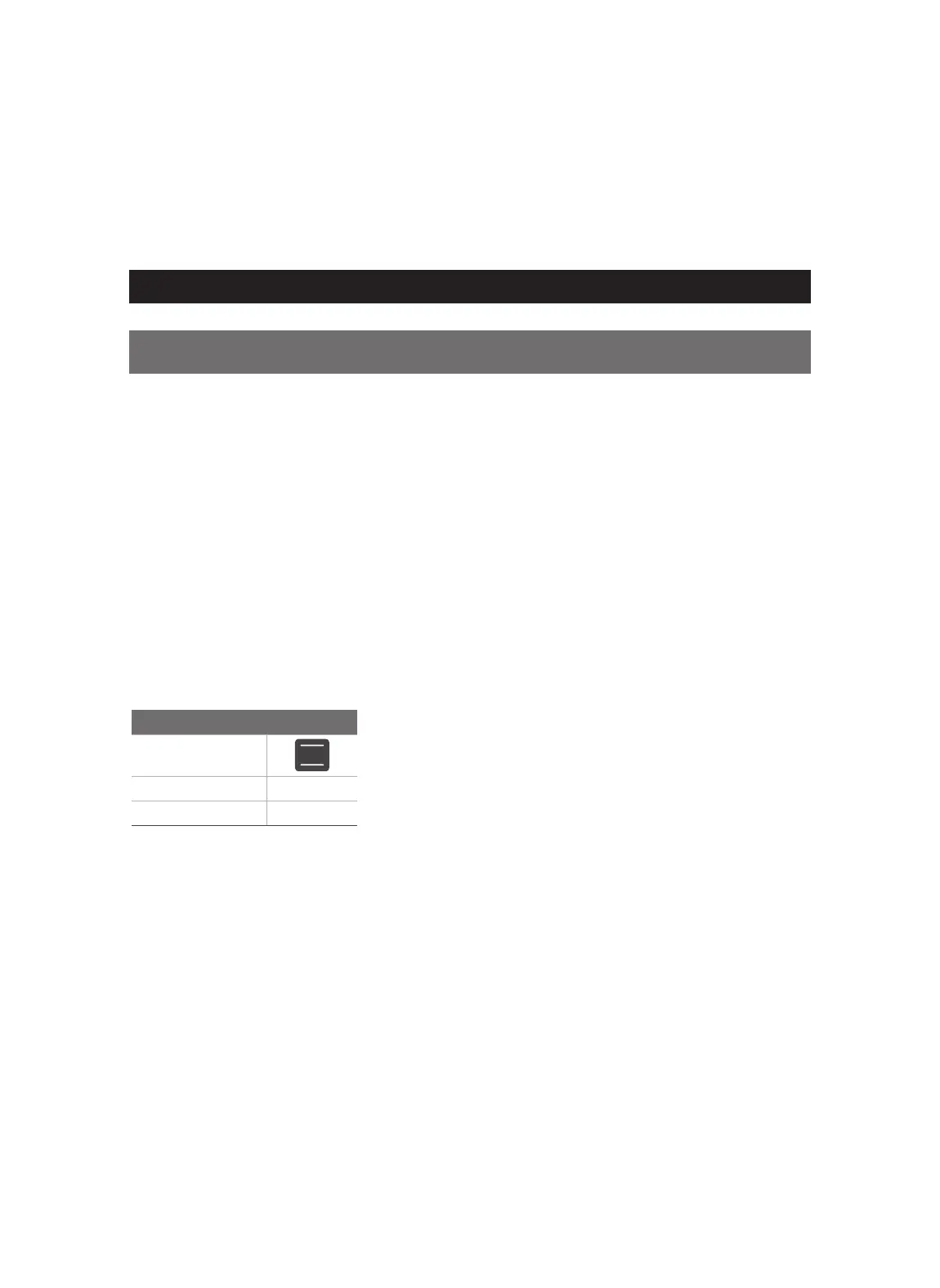
Settings
Heating mode
Temperature 250°C
Time 1h
Once the equipment is cooled down:
1. Clean flat surfaces of the oven door and cavity with soap and water, using a soft
sponge or a soft brush.
2. Dry all surfaces.
3. Install the side wire frames and plug in accessories.


 To Next Page