3-26 MASTERFLEX
®
Digital Pump Drive Operating Manual Masterflex
Section 3
Operation
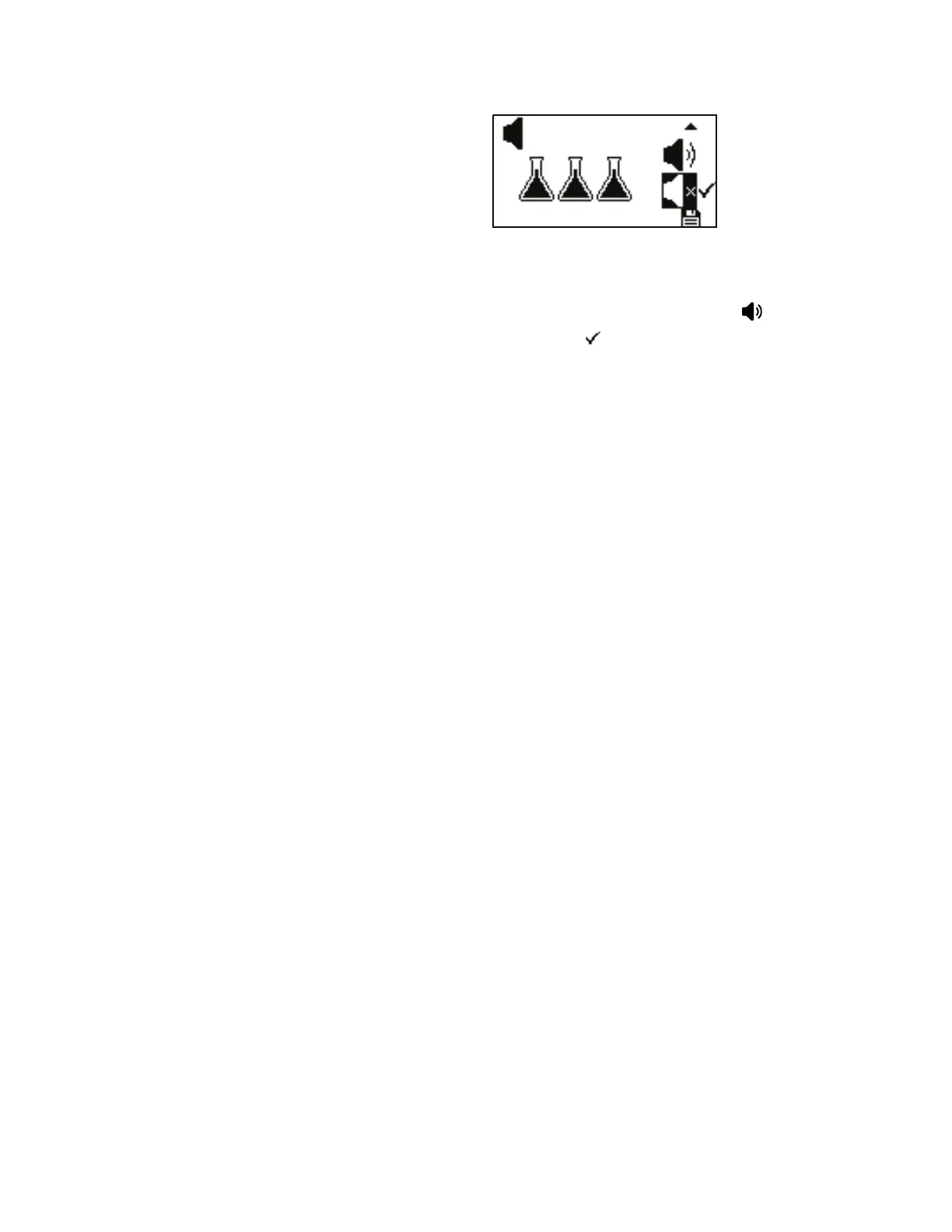
BATCH SOUND: is allows the user to have audio feedback when a
batch has completed. By default the sound is deactivated, using the UP
and DOWN arrows on the control panel, highlight the icon to activate
and press ENTER. A check mark will move next to it.
After activating or deactivating sounds, save the sound settings by going to
the Batch Sound setting screen and highlighting the save icon at the
bottom and pressing ENTER.
Sound Menu
(continued)



 To Next Page