MASTERFLEX
®
Digital Pump Drive Operating Manual 3-27Masterflex
Section 3
Operation
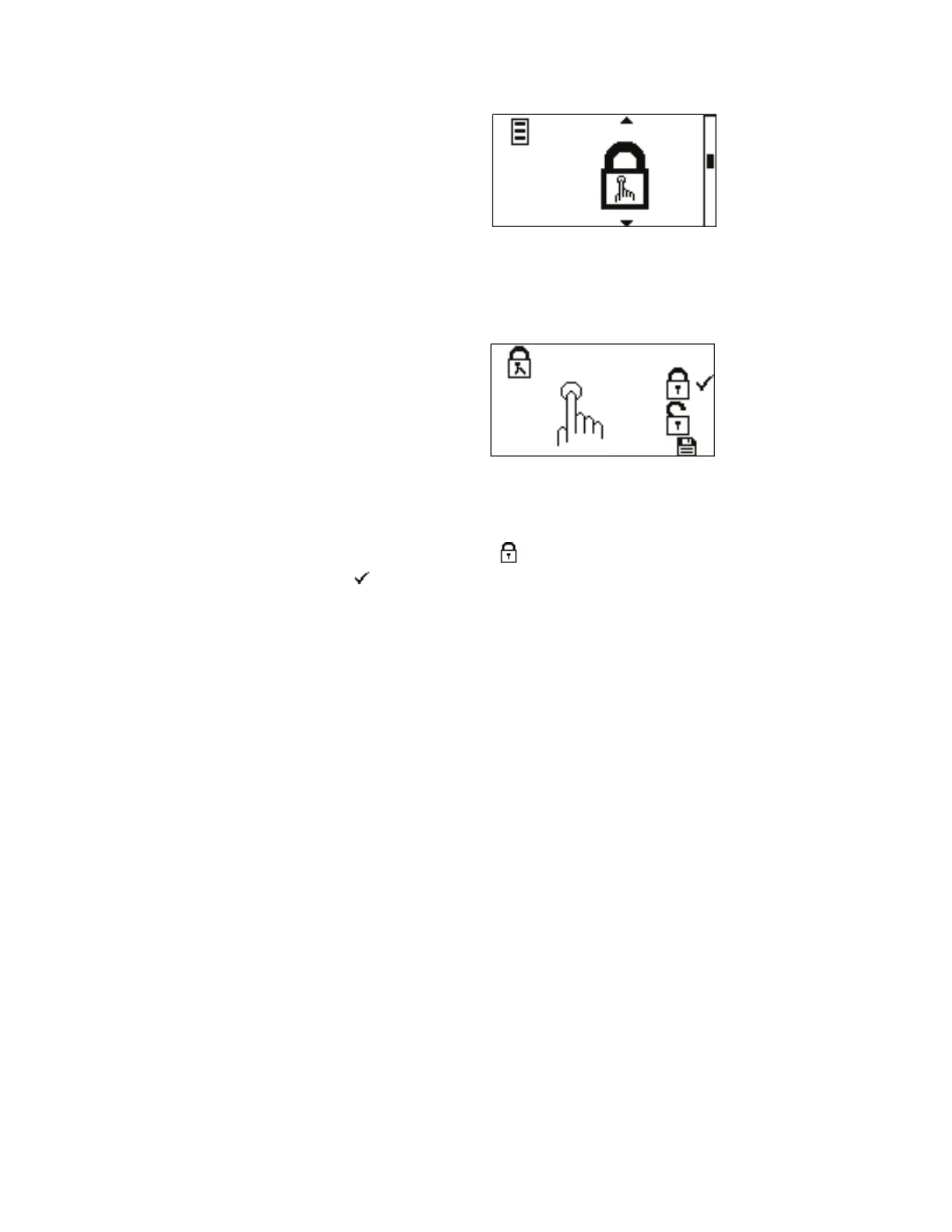
Figure 3-13. Keypad Lockout Menu Screens.
NAVIGATION: From the GLOBAL OPTIONS MENU select the
Keypad Lockout screen, shown above, and press ENTER.
KEYPAD LOCKOUT: is allows locking the keypad and preventing
someone from changing the settings on the drive. By default the keypad
lockout is deactivated, using the UP and DOWN arrows on the control
panel, highlight the icon to activate and press ENTER. A check mark
will move next to it. e START/STOP key will still function.
Keypad Lockout
Menu



 To Next Page