MASTERFLEX
®
Digital Pump Drive Operating Manual 3-31Masterflex
Section 3
Operation
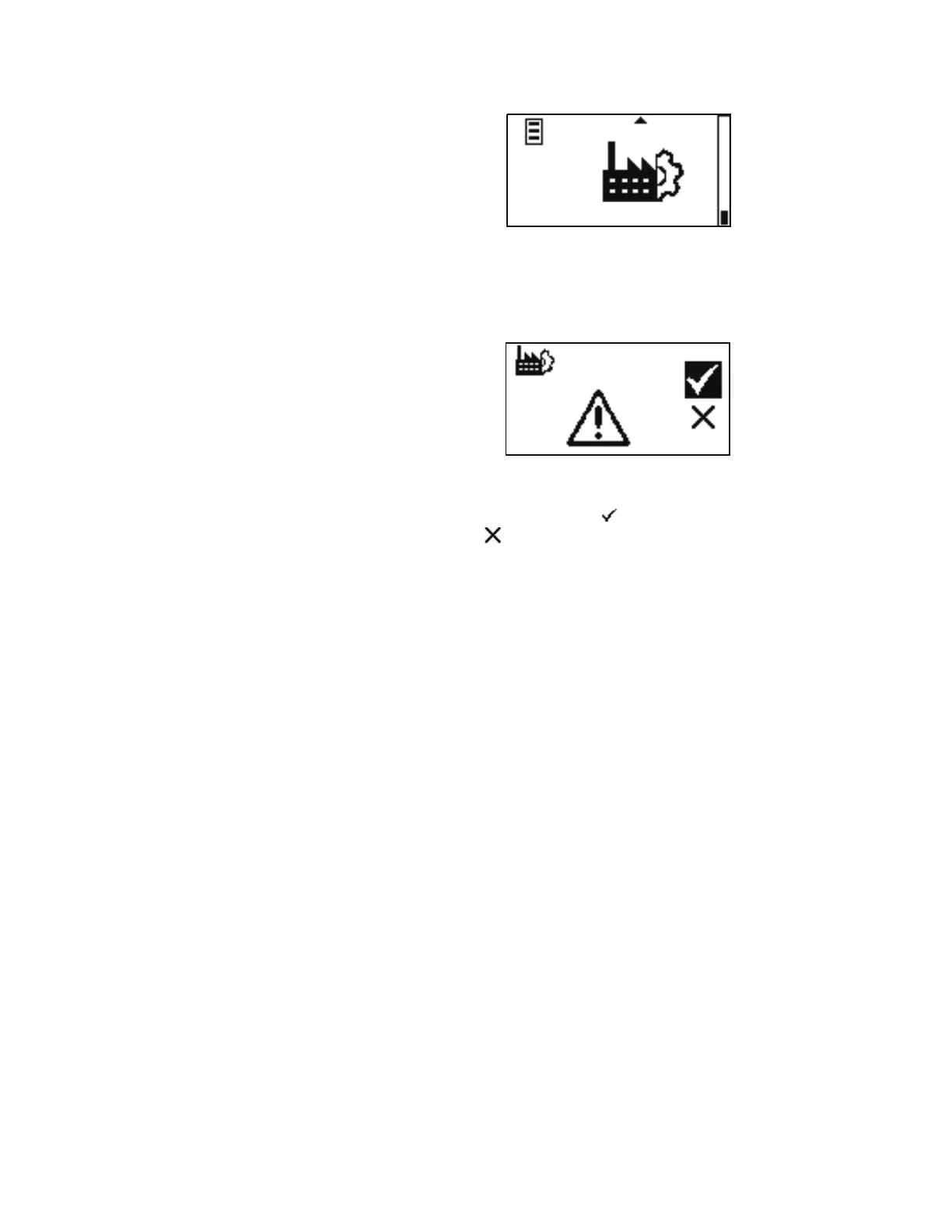
Figure 3-16. Default Settings Menu Screens.
NAVIGATION: From the GLOBAL OPTIONS MENU select the
Default Settings screen, shown above, and press ENTER.
DEFAULT SETTINGS: is allows the user to restore the drive back to
the factory settings. Highlight the icon and press ENTER to restore
factory settings or icon or BACK key to cancel.
Default Settings
Menu



 To Next Page