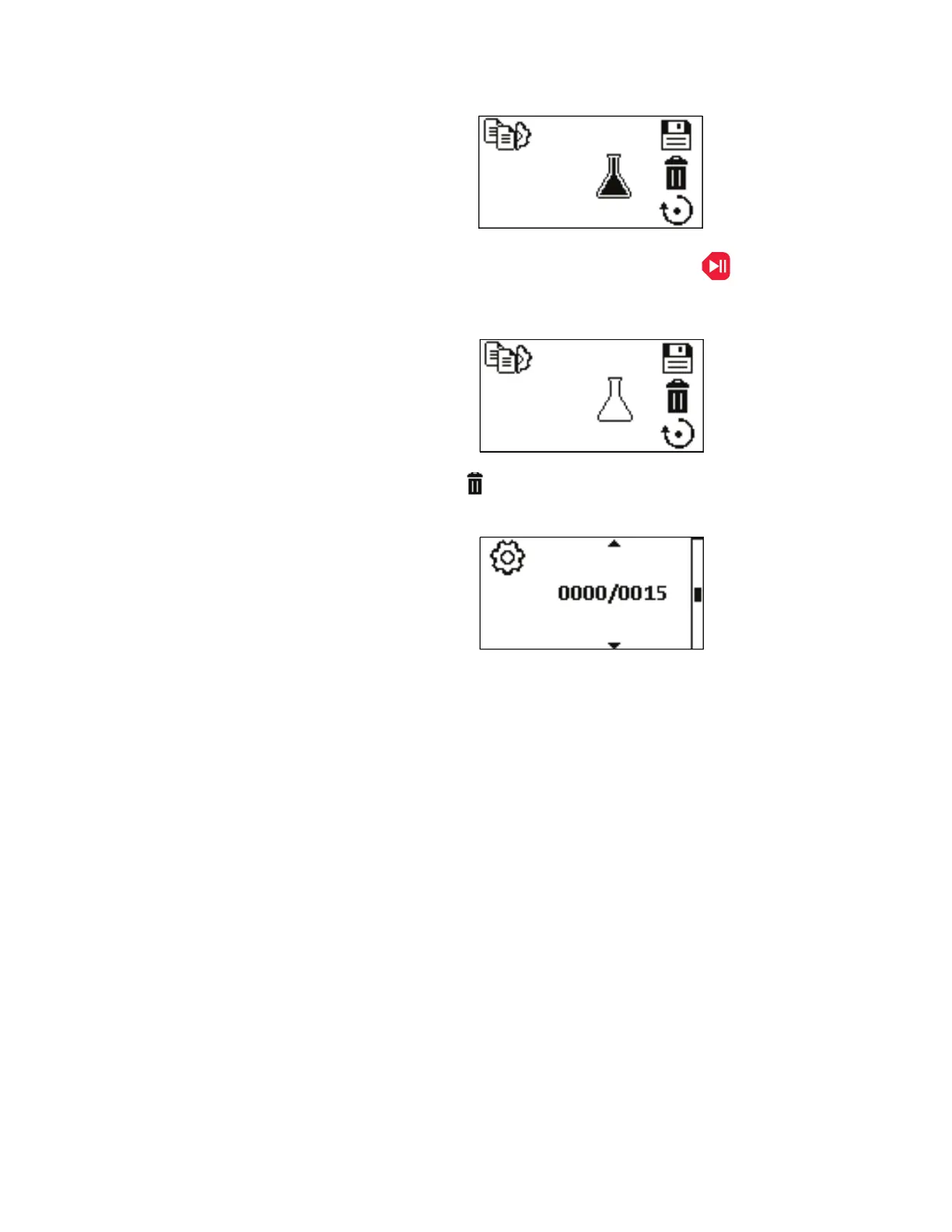
ADD TO COPY: Pressing the START/RUN key on the control panel
when a COPY has been saved, will add to the existing saved COPY.
See Set Copy.
DELETE COPY : Pressing the ENTER key with this icon highlighted
will delete the copy.
Figure 3-20. Set Batch Count Menu Screens.
NAVIGATION: From the SETTINGS MENU select the Batch Count
screen, shown above, and press ENTER.
Set Copy Menu
(continued)
Set Batch Count
Menu
3-36 MASTERFLEX
®
Digital Pump Drive Operating Manual Masterflex
Section 3
Operation



 To Next Page