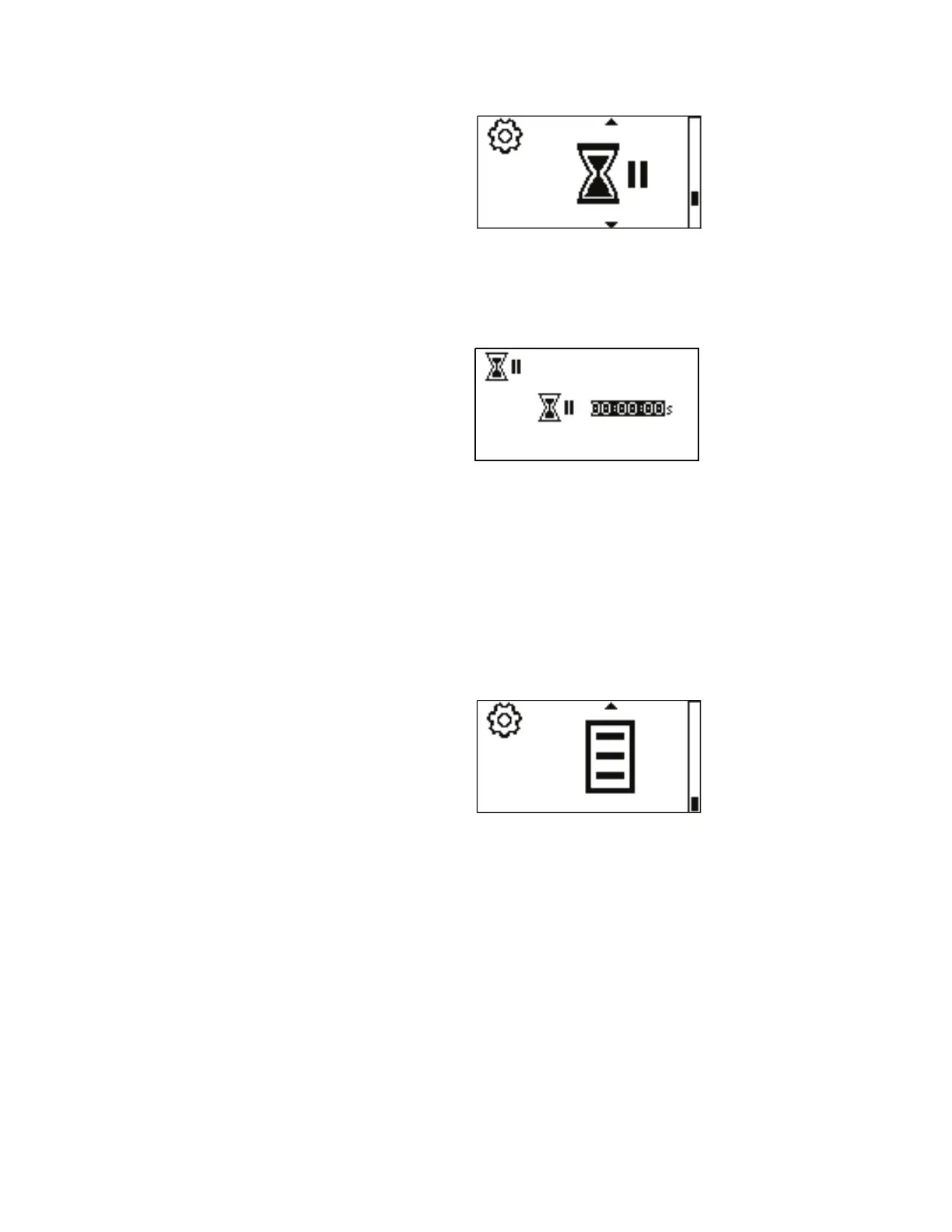
Figure 3-21. Set Off Time Menu Screens.
NAVIGATION: From the SETTINGS MENU select the Off Time
screen, shown above, and press ENTER.
Using the UP and DOWN arrows on the control panel, highlight the time
and press ENTER. e digits can be navigated individually using the
UP/DOWN arrows; switch between digits by using the ENTER key. After
selecting the Off Time, press ENTER again to validate. Press the back key
to exit.
NOTE: Setting it to 00:00:00 will require the START/STOP button on the
control panel to initiate each copy.
NAVIGATION: From the SETTINGS MENU select the Global Options
Menu screen, shown above, and press ENTER. See Global Options Menu.
Off Time Menu
Global Options Menu
3-38 MASTERFLEX
®
Digital Pump Drive Operating Manual Masterflex
Section 3
Operation



 To Next Page