24 PROTON 206/308 V1 System Manual
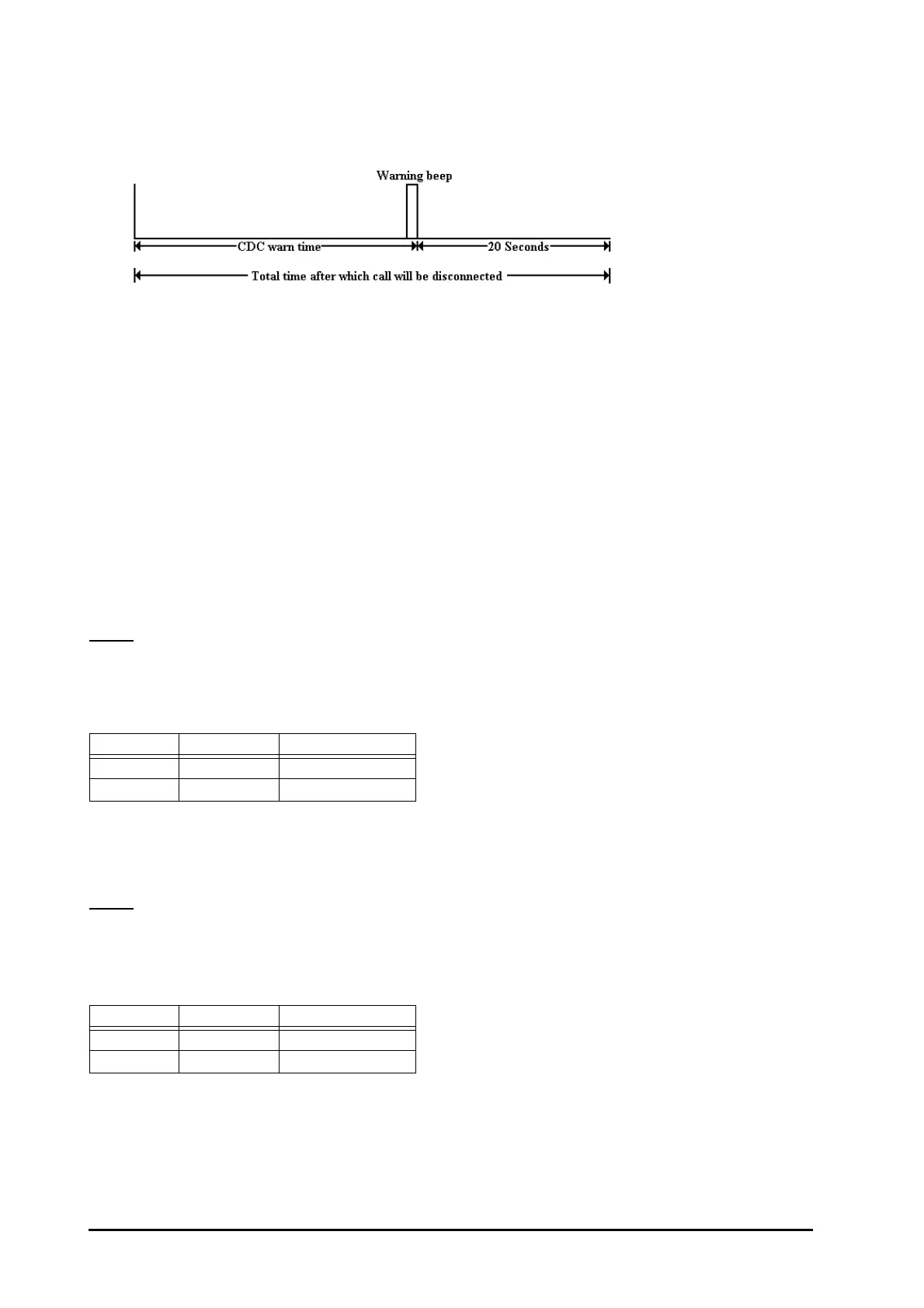
• If CDC is activated, then system gives warning beeps after time = CDC warn timer. After the warning tone,
the system waits for time = CDC good-bye timer before releasing the connection forcefully.
• CDC can be activated on selected stations.
• CDC can be activated for either day, or night, or both.
• In case of transferred call, the CDC timer gets reset and starts again afresh on the transferred station.
• It is also possible to just warn the user without disconnecting his call. In this case, the user gets the beeps
after the programmed time but his call does not get disconnected.
• If Barge-in/Raid feature is used on a station on which CDC is activated then the time for which Barge-In/Raid
was done will not be counted.
How to program?
Step 1: Enable/disable CDC for local calls using command 3331.
Step 2: Enable/disable CDC for STD call using command 3332.
Step 3: Enable/disable CDC for incoming calls using command 3333.
Step 4: Enable/disable CDC warning beeps without disconnection using command 3334.
Step 5: Set various timer for CDC.
Step 1
Use following command to enable/disable CDC for local calls:
3331-Station-Day Time-Night Time
Where,
Station is from 21 to 28.
Use following command to enable/disable CDC for Local calls for all stations:
3331-*-Day Time-Night Time
By default, CDC for local calls is disabled during day time and night time.
Step 2
Use following command to enable/disable CDC for STD calls:
3332-Station-Day Time-Night Time
Where,
Station is from 21 to 28.
Use following command to enable/disable CDC for STD calls for all stations:
3332-*-Day Time-Night Time
By default, CDC for STD calls disabled during day time and night time.
Day Time Night Time Meaning
0 0 CDC is disabled
1 1 CDC is enabled
Day Time Night Time Meaning
0 0 CDC is disabled
1 1 CDC is enabled



 To Next Page