98 CONTENTS
9.2.2.1 Step 1: Device Selection
Select the mvHYPERION you want to update from the list box.
Note
To update mvHYPERION you have to set "Switch S1" to "User", which is the condition as supplied to cus-
tomer.
Please have a look at Switches (p. 33) (Connectors (p. 28)), where to find the switch.
9.2.2.2 Step 2: Open dialog to update the firmware
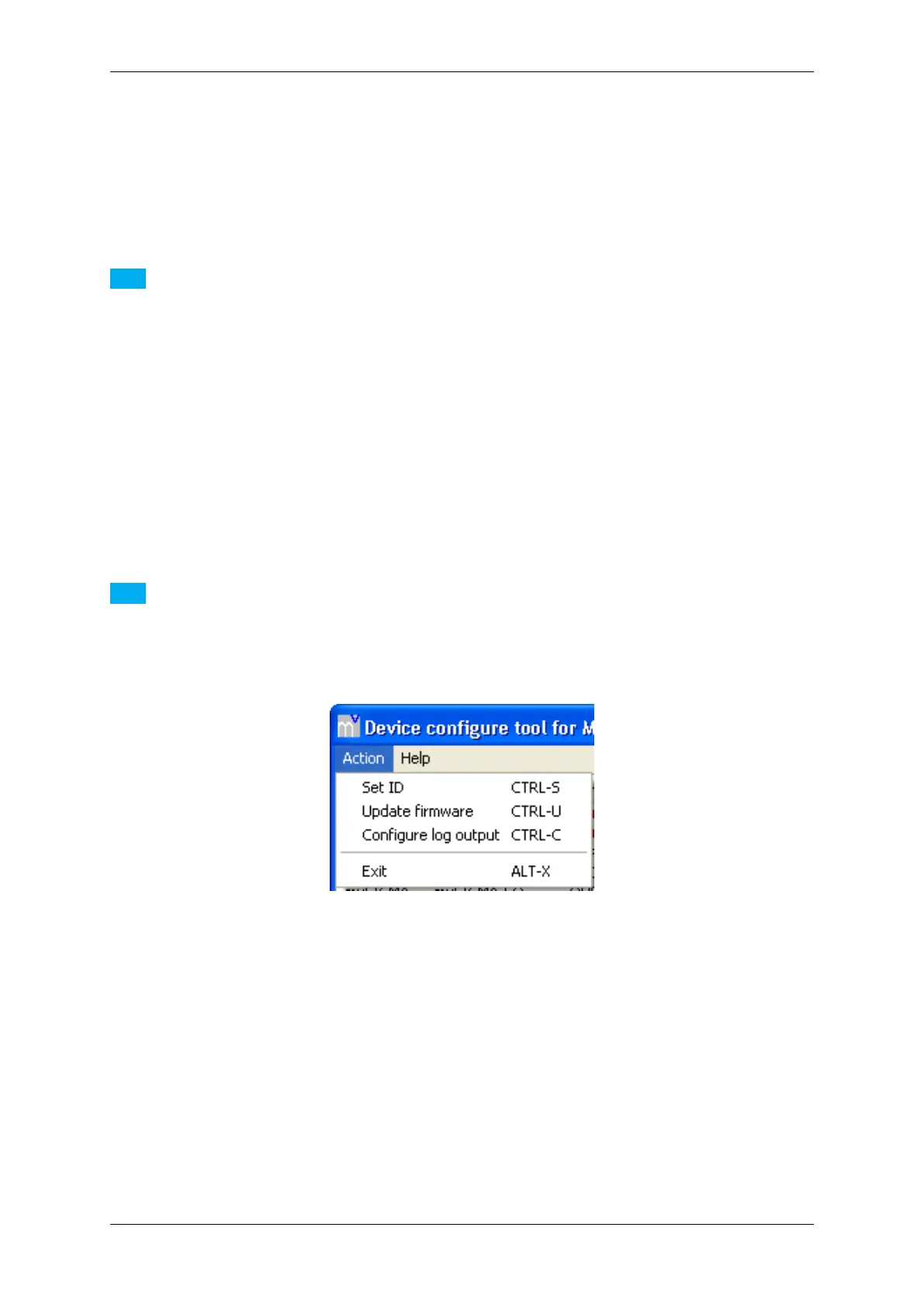
With the device selected, select the menu item Action and click on Update firmware.
Note
It is also possible to select the action with a right click on the device.
Figure 57:mvDeviceConfigure - Select action
9.2.2.3 Step 3: Firmware file selection
Select the firmware file and open it.
MATRIX VISION GmbH


 To Next Page