Maxim Integrated Page 29 of 42
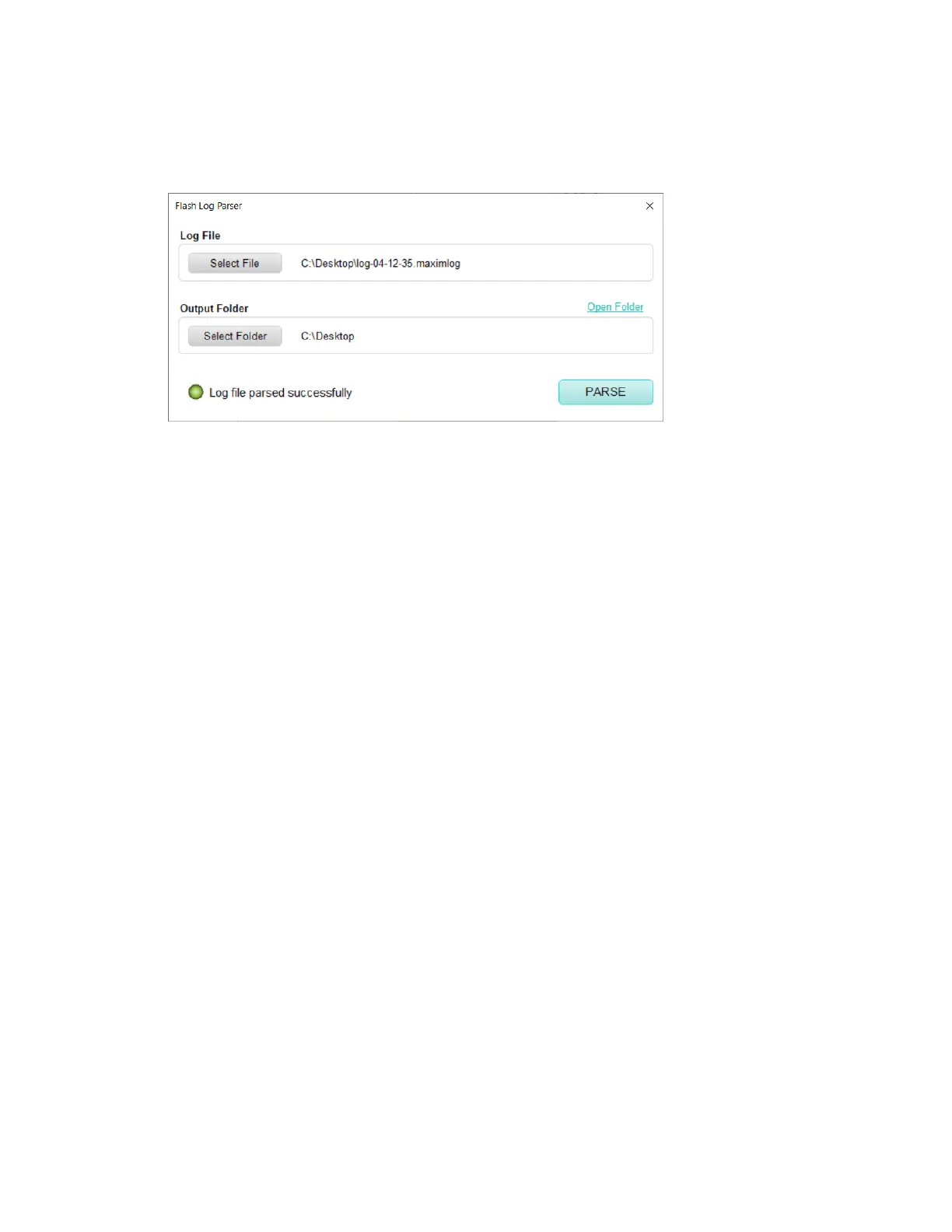
5. In the PC GUI, open the Flash Log Parser from the Tools menu.
6. Select the .maximlog file, choose an output folder, and click PARSE. A .csv file is
generated in the output folder containing the parsed log file.
Figure 32. Flash Log Parser.


 To Next Page