5
How To Enter Setup Mode
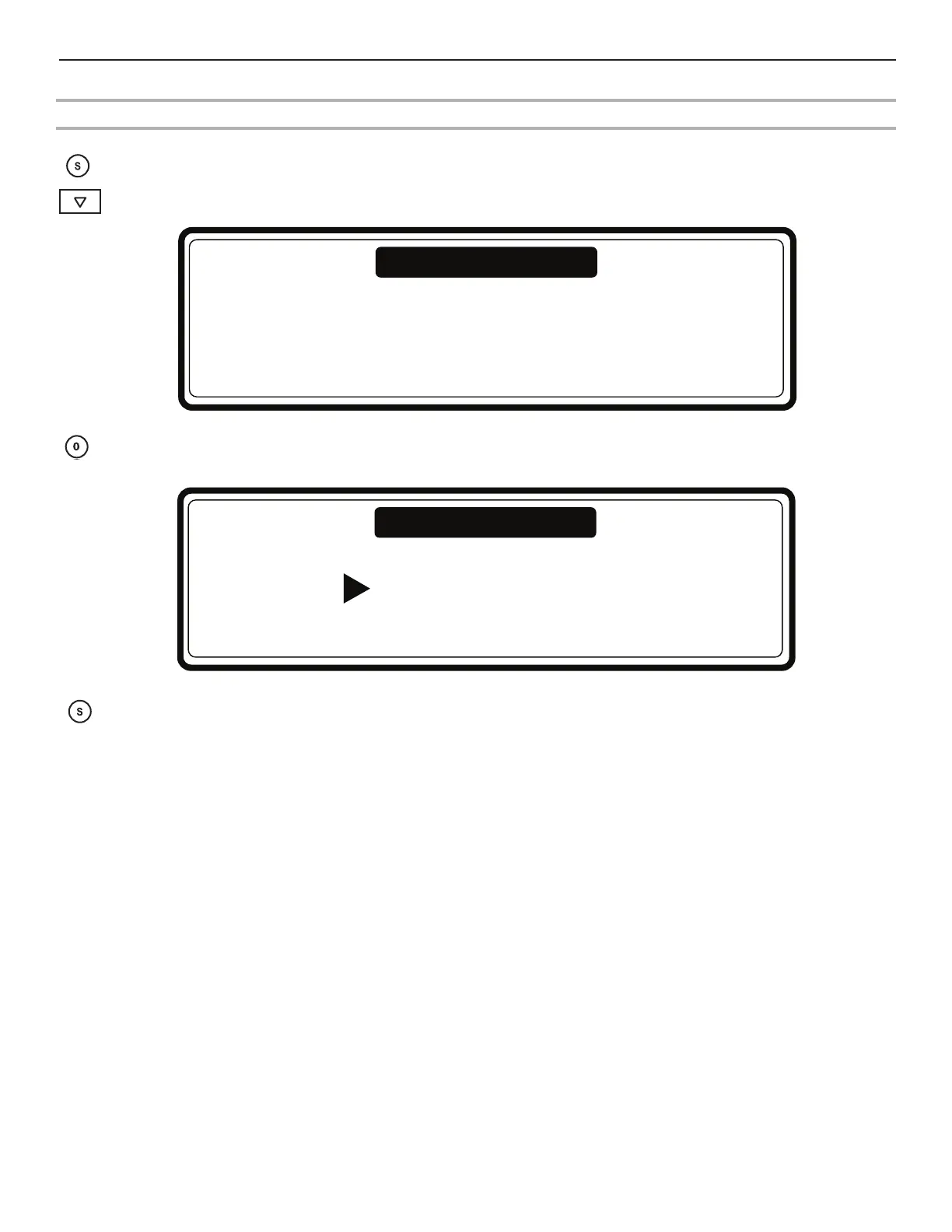
1. Press Service/Info.
2. Press Arrow Down several times until you see the screen with the menu selection “To Program
Mode Press 0.”
3. Press 0 (the zero button). You will see the Main Menu Screen. If a password was enabled, first you have to enter the correct
password.
To leave the Setup Mode:
When the “Main Menu” screen is shown:
Press Service. You will return to “Run Mode” and “SELECT CYCLE” is displayed.
To Program Mode Press 0
Service Info
Password ....
To Program Mode
To Enter With Program Keypads


 To Next Page