32
Program the Drain Step
A Drain/Extraction step is required after each wash step.
NOTE: You do not need to program a drain sequence before an
extraction sequence because the water will automatically drain
during the extraction sequence.
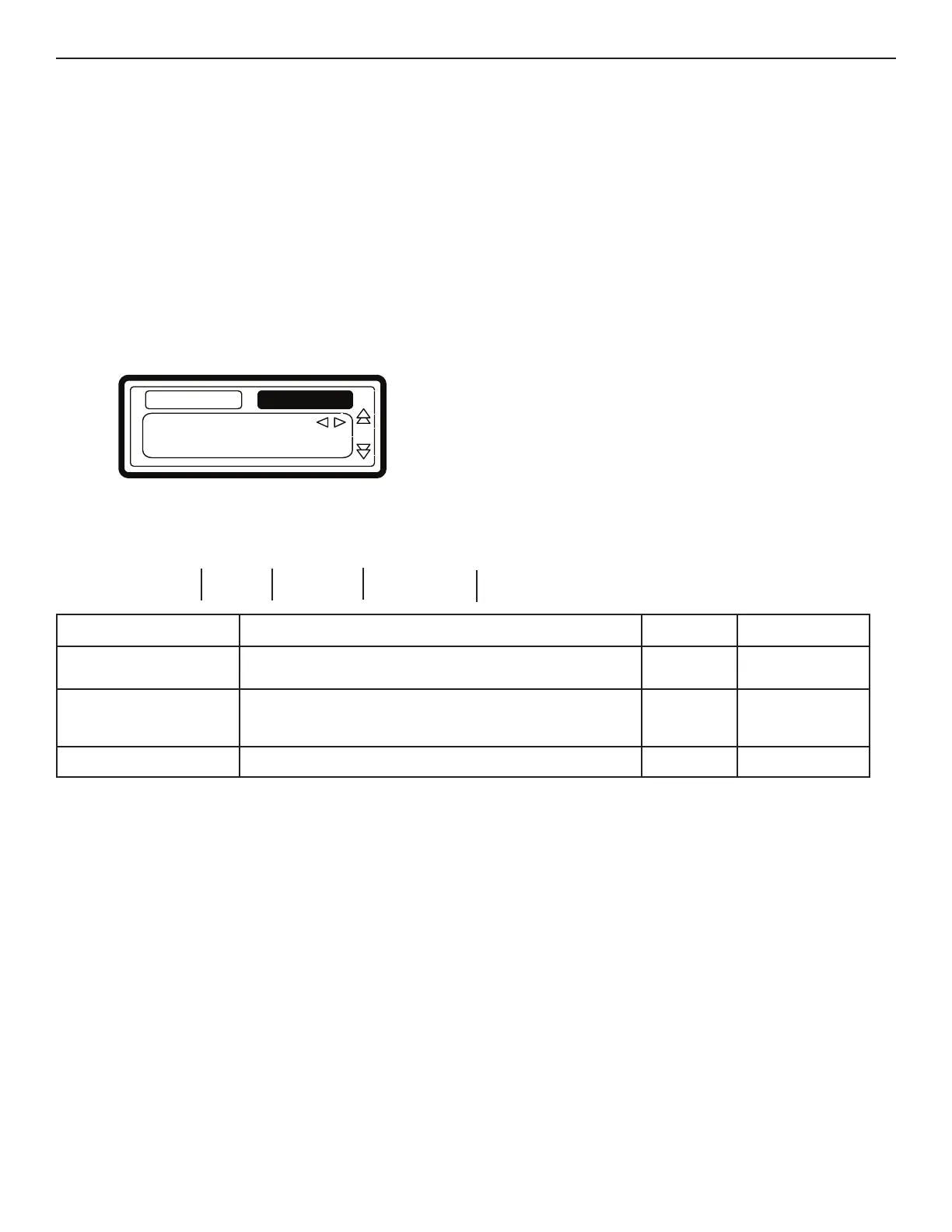
SELECTING THE DRAIN/EXTRACTION STEP
The number of drain functions and options depends on
the Machine Type.
n For a new step, the first sequence that is displayed is the Drain
sequence (default).
n Select the desired Drain step sequence from the list by pressing
LEFT ARROW or RIGHT ARROW.
n Press ENTER to confirm your selection.
n You can also use ARROW DOWN if you
accept the pre-programmed default value.
z
Type: Drain
Drain
Wash
Drain Extract No Drain Static Drain Reversing Drain
Drain Sequence
Menu Item Description Default Limits
Drain Valve Only available on washers with both a normal Open and
normal Closed Drain valve.
1 1–2
Time The Drain Sequence Time.
(for 0 minutes the Drain sequence will be skipped)
(programmable in steps of 0.5 minutes)
0.5 min 0–15.0 min
Exit Return to Edit Program Menu.


 To Next Page