8
Dolphin Liberty | User Instructions
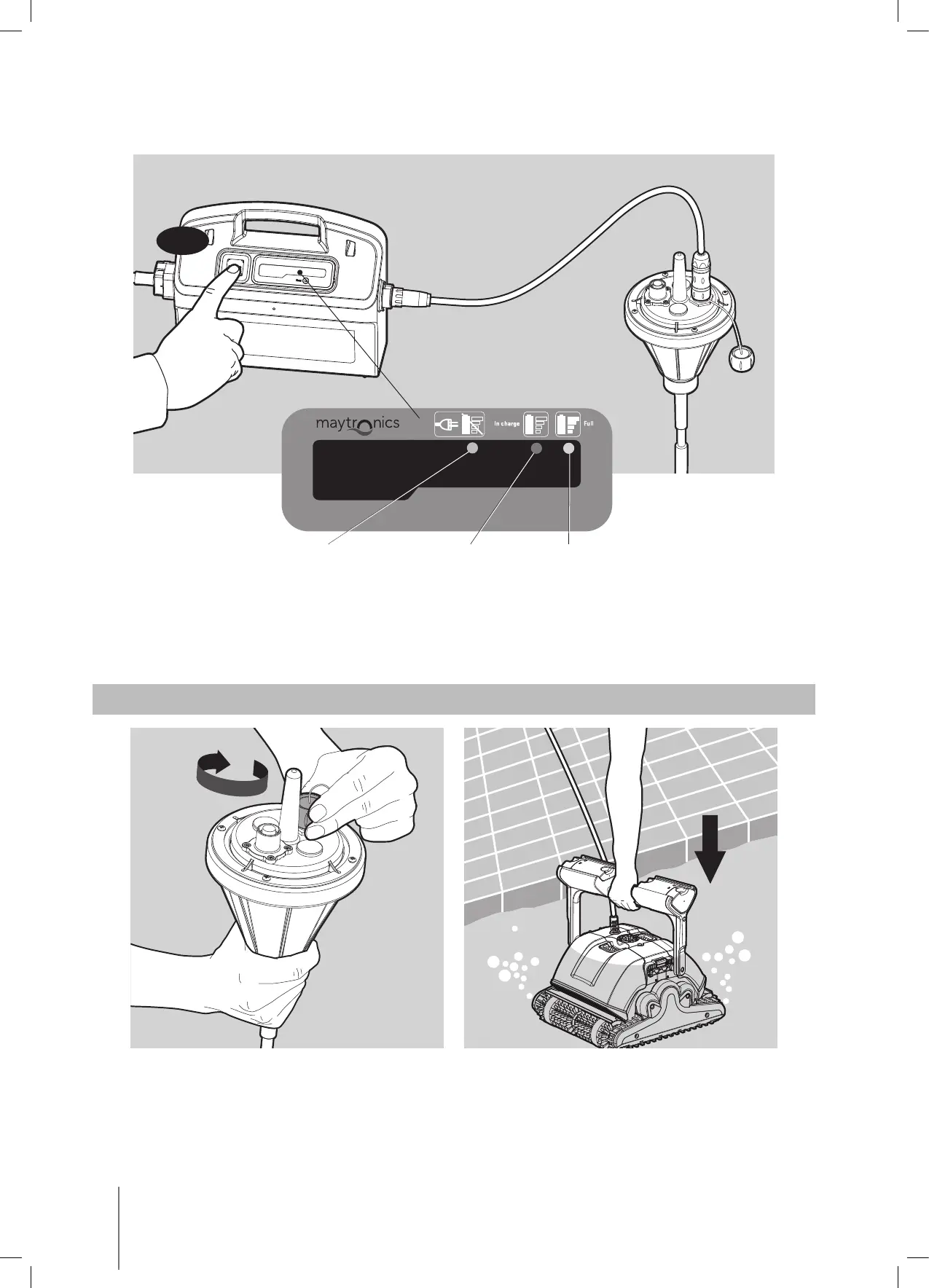
Press the on/off switch button on the charger, at this stage the LED indicators on the charger
and float will remain lit for one second.
•
ON
Full batteryNo connection In charge
While charging, the red “In charge” LED indicator will flash.
• When the battery is full, the green “Full Battery” LED indicator will light up and will remain lit.
• In case of a charging failure or if charging is not performed correctly, the orange “No
connection” Led indicator will flash.
6. PLACING THE ROBOT IN THE WATER
1. Before operation, disconnect the charging cable from the float and close the charging
socket cover.
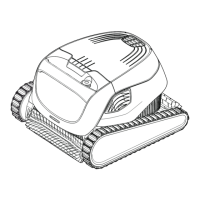
2. Put the robot into the water while holding the float. Let the robot descend to the bottom
of the pool.









 To Next Page