MBIT Technologies
*
www.mbit.com.au 35
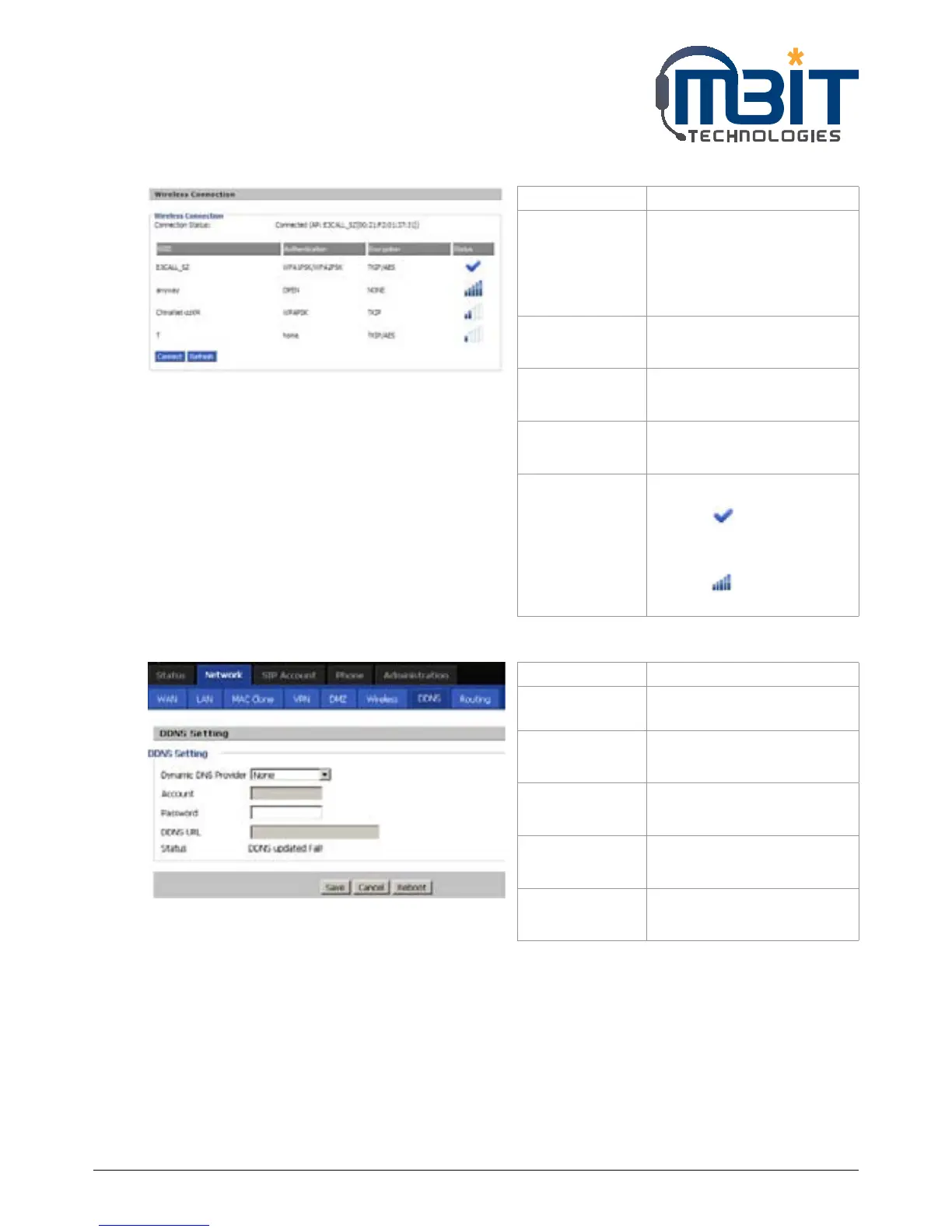
7.5.6.2 Wireless Connection
7.5.7 DDNS Setting
Field Name Description
Connection
Status
Display the current
connection status, and the
name of connected AP
appear in the brackets if the
wireless is connected.
SSID The SSID name of all searched
A P.
Authentication Display the authentication
type of the AP.
Encryption Display the encryption type
of the AP.
Status Display the status of the AP.
The icon stands for the
IP542N have connected to
the AP.
The icon stands for the
signal strength of the AP.
Field Name Description
Dynamic DNS
Provider
DDNS is enabled and select a
DDNS service provider
Account Enter the DDNS service
account
Password Enter the DDNS service
account password
DDNS URL Enter the DDNS domain
name or IP address
Status See if DDNS is successfully
upgraded



 To Next Page