MBIT Technologies
*
www.mbit.com.au 54
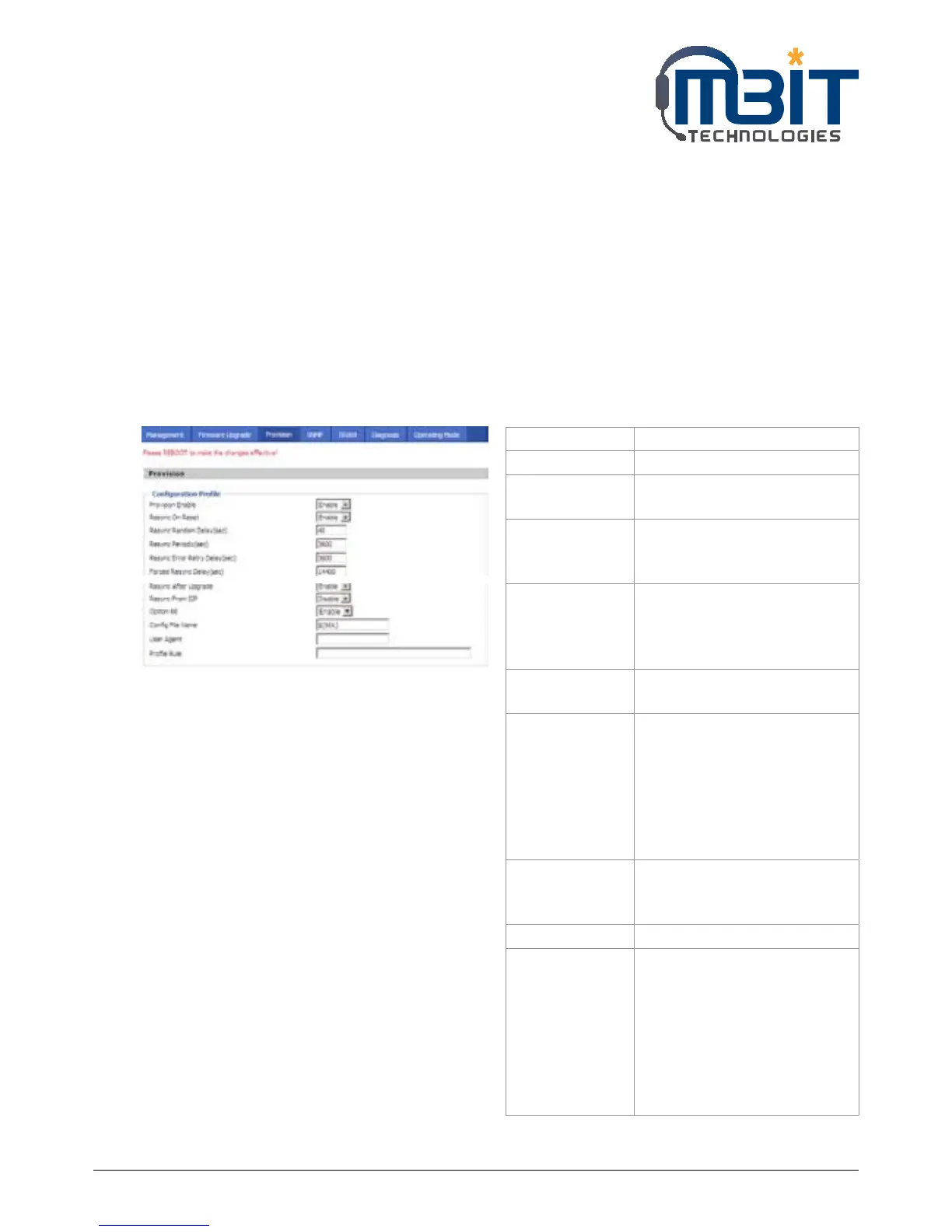
7.8.3 Provision
1) Provisioning allow bb100 auto-upgrading or auto-configuring
2) bb100 supports 3 ways to provision: TFTP, HTTP and HTTPS.
• Before testing or using TFTP, user should have tftp server and upgrading le and conguring le.
• Before testing or using HTTP, user should have http server and upgrading le and conguring le.
• Before testing or using HTTPS, user should have https server and upgrading le and conguring le
and CA Certificate file(should same as https server’s) and Client Certificate file and Private key file
3) User can uploading CA Certificate file and Client Certificate file and Private Key file in Equipment
Manage/Cert Manage page.
4) Details please refer to document Provision_User Manual_en_v1.1.doc
Field Name Description
Provision Enable If or not enable provision.
Resync on Reset If or not enable resync after
restart
Resync Random
Delay(sec)
Set the maximum delay for
request the synchronization
file, default is 40.
Resync
Periodic(sec)
If the last resync was failure,
bb100 will retry resync after the
“Resync Error Retry Delay ” time,
default is 3600s.
Resync Error
Retry Delay(rec)
Set the periodic time for resync,
default is 3600s.
Forced Resync
Delay(sec)
If it’s time to resync, but bb100
is busy now, in this case, bb100
will wait for a period time,
the longest is “Forced Resync
Delay”, default is 14400s, when
the time over, bb100 will forced
to resync.
Resync After
Upgrade
If or not enable firmware
upgrade after resync, by default
it is enabled.
Resync From SIP If or not enable resync from SIP.
Option 66 It is used for In-house provision
mode only. When use TFTP
with option 66 to realize
provisioning, user must
input right configuration file
name in IP542N’s webpage.
When disable Option 66, this
parameter has no effect.



 To Next Page