MBIT Technologies
*
www.mbit.com.au 7
2.4.2 Via Wireless
You can configuration wireless from LCD menu and from webpage
From LCD menu:
Step 1: Press the button , and then select 13 Wireless using the UP and DOWN button.
Step 2: Choose 2 Wireless Connection and you can view the wireless then bb100 can connect to.
Step 3: Highlight one network using the UP and DOWN button, and press the softkey button under
link to connect.
Note: If the Wi-Fi need authentication, choose the authentication and fill in the password.
Step 4: Press the softkey button under ok to confirm connecting.
Step 5: If the AP has connected, the wireless icon in LCD will display linked.
From webpage:
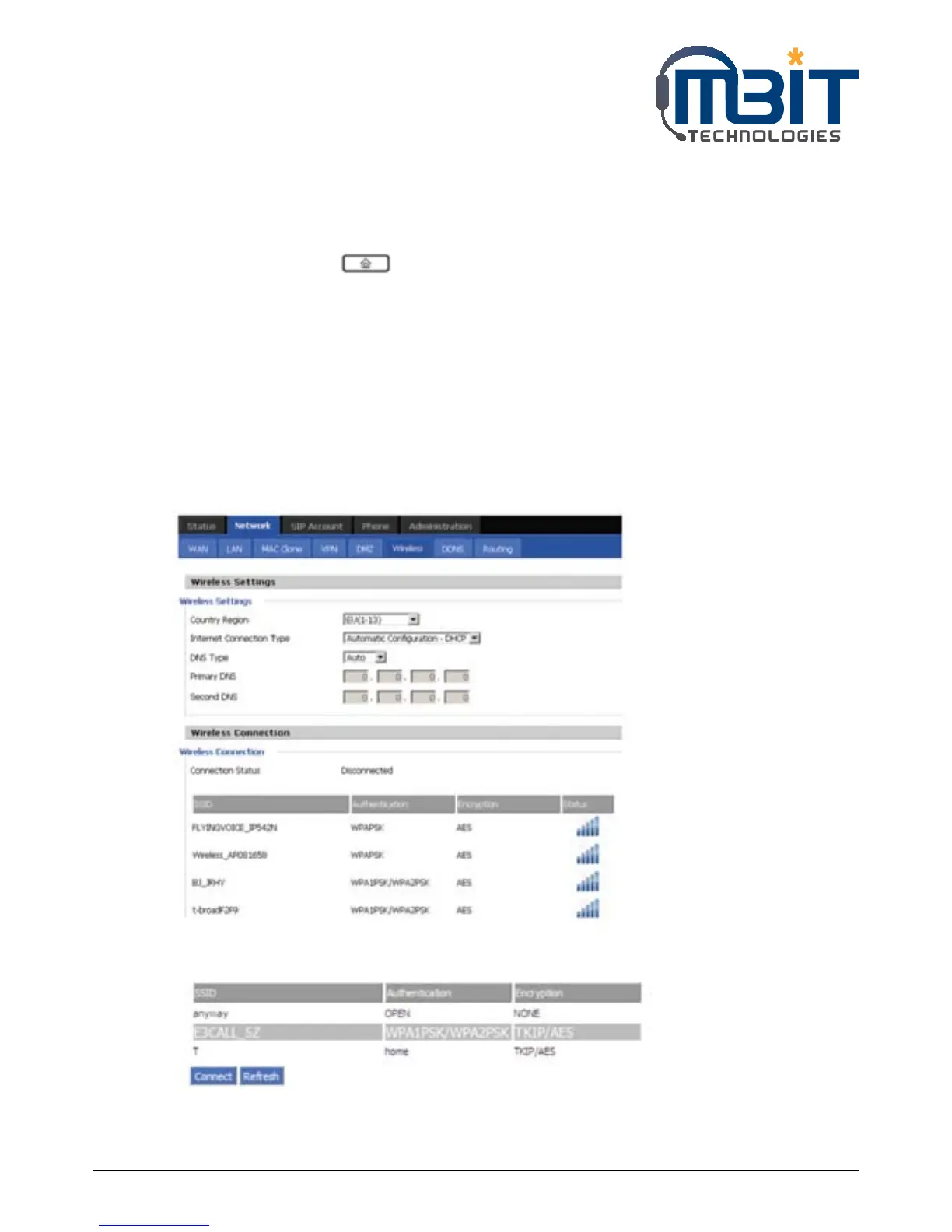
Step 1: Login the web and then open Network/Wireless webpage.
Step 2: Highlight one Wi-Fi and the words will get larger, following is one example:
Step 3: Press the Connect button to connect to the E3CALL_SZ.


 To Next Page