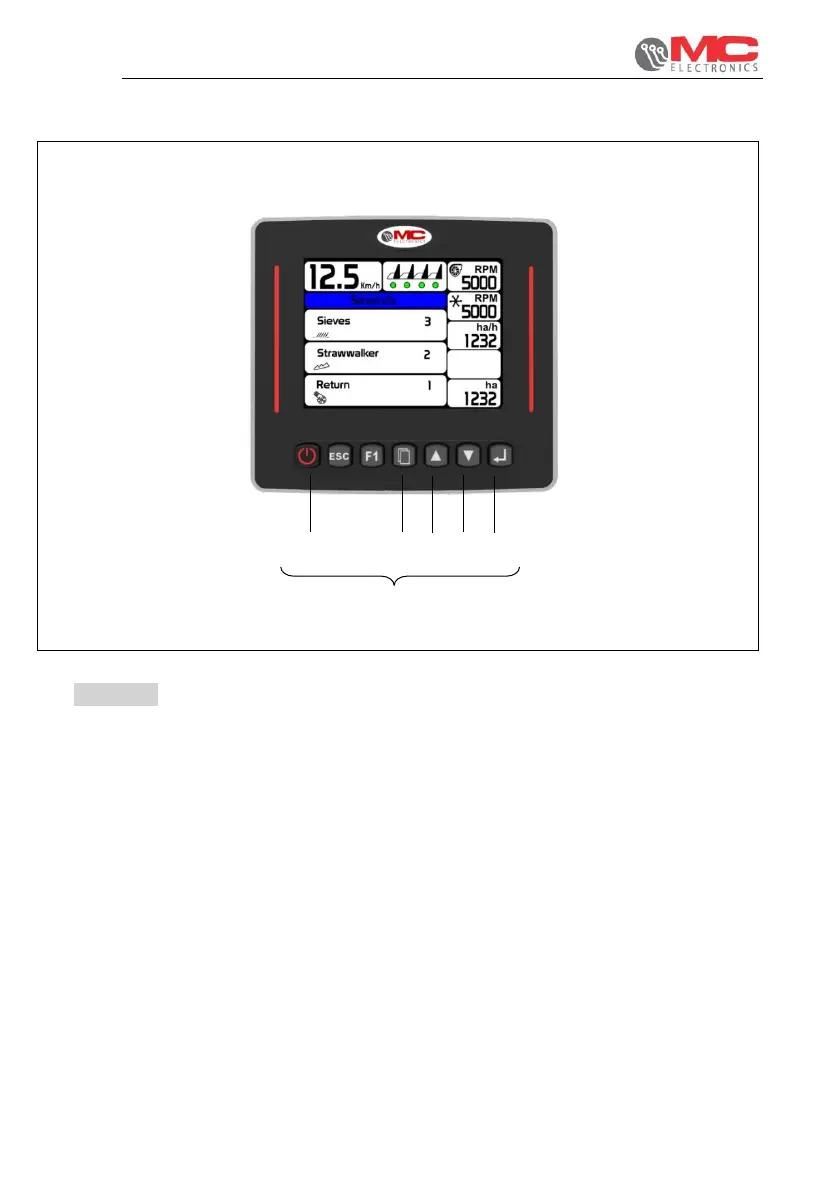
3.3.3 Screen of sensor sensitivity
Figure 10
1. ON/OFF: system switch-on and switch-off.
2. Menu: press it once to go to the next screen; press and hold down to switch to
the programming mode.
3. UP: increases the selected value.
4. DOWN: decreases the selected value.
5. OK : selects the parameter to be changed


 To Next Page