6. Machine settings
6.1 How to access the machine menu
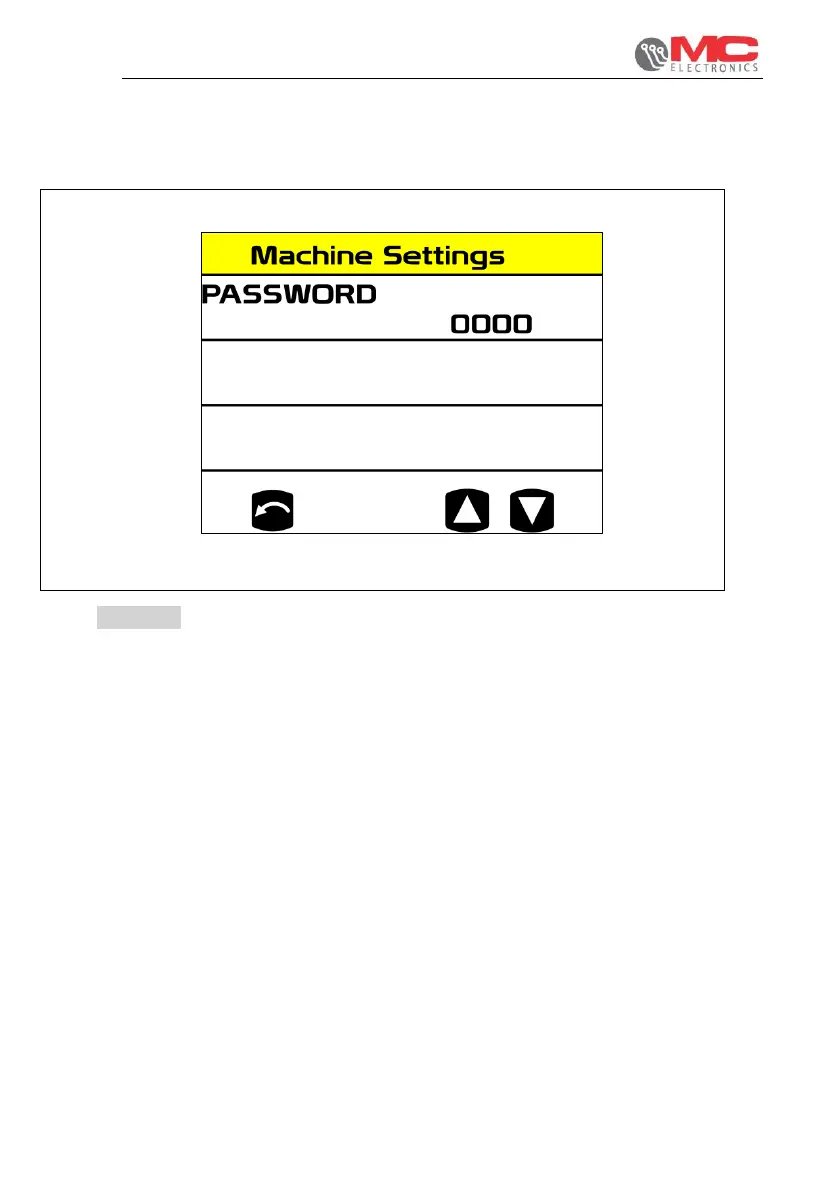
Figure 17
To enter the password, you must use the ▼▲ keys to select the number, starting from
the digit all the way on the left and confirming the desired value with the ENTER key.
The procedure must be repeated for the 4 digits that make up the password. Pressing
the ENTER key on the last digit verifies the entered credentials. If the password is not
correct, the system automatically goes back to the programming screen.


 To Next Page