9. Virtual Terminal software update
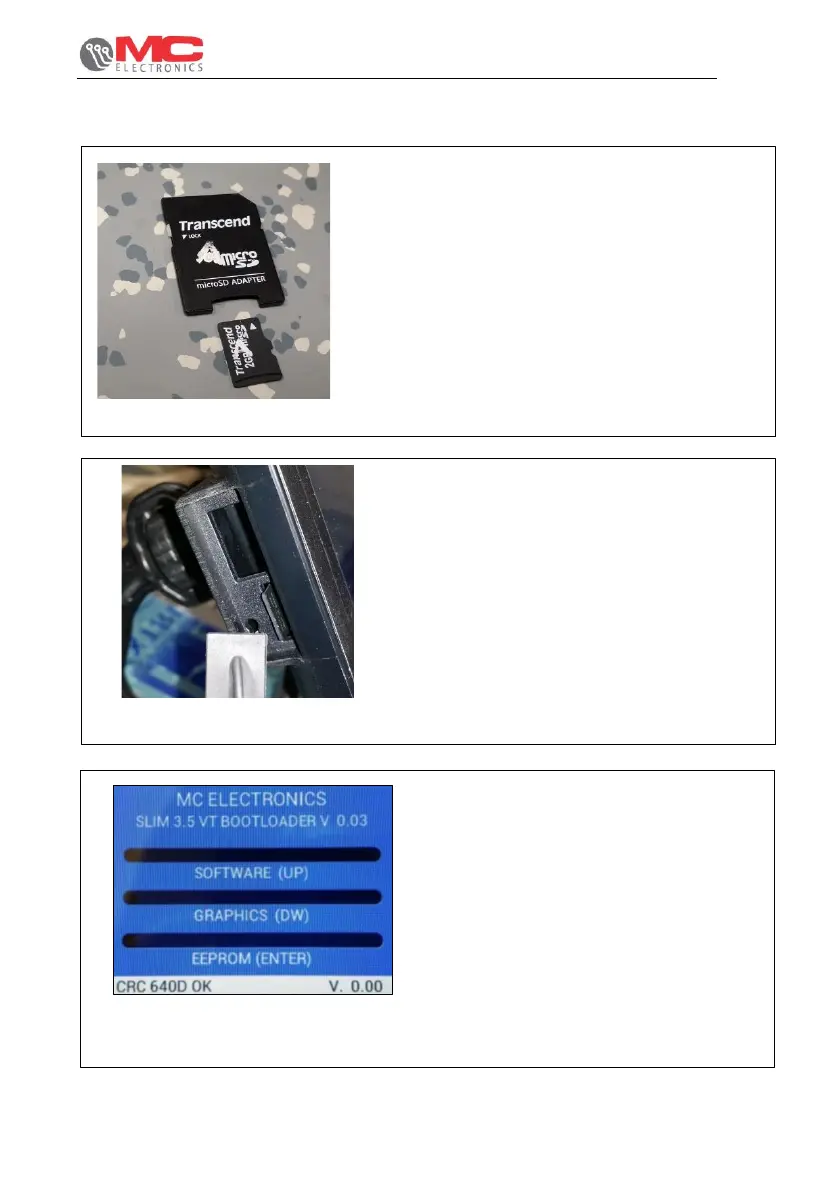
1)To update the system, you must be use the
SD card with the following characteristics:
- SD card for VT7” / micro-SD for 3,5”;
- 2GB of maximum capacity;
- Not HC, not XC;
- Formatted FAT16 (not FAT32).
Figure 21
2) Then insert the SD card into the housing on the
left of the VT until you hear “click”. At this point,
make sure that the screen is off and take care
not to damage the card slot when inserting the
card.
Figure 22 -
3) Keeping ENTER and ESC pressed,
press ON/OFF to switch on the
display.
Figure 23


 To Next Page