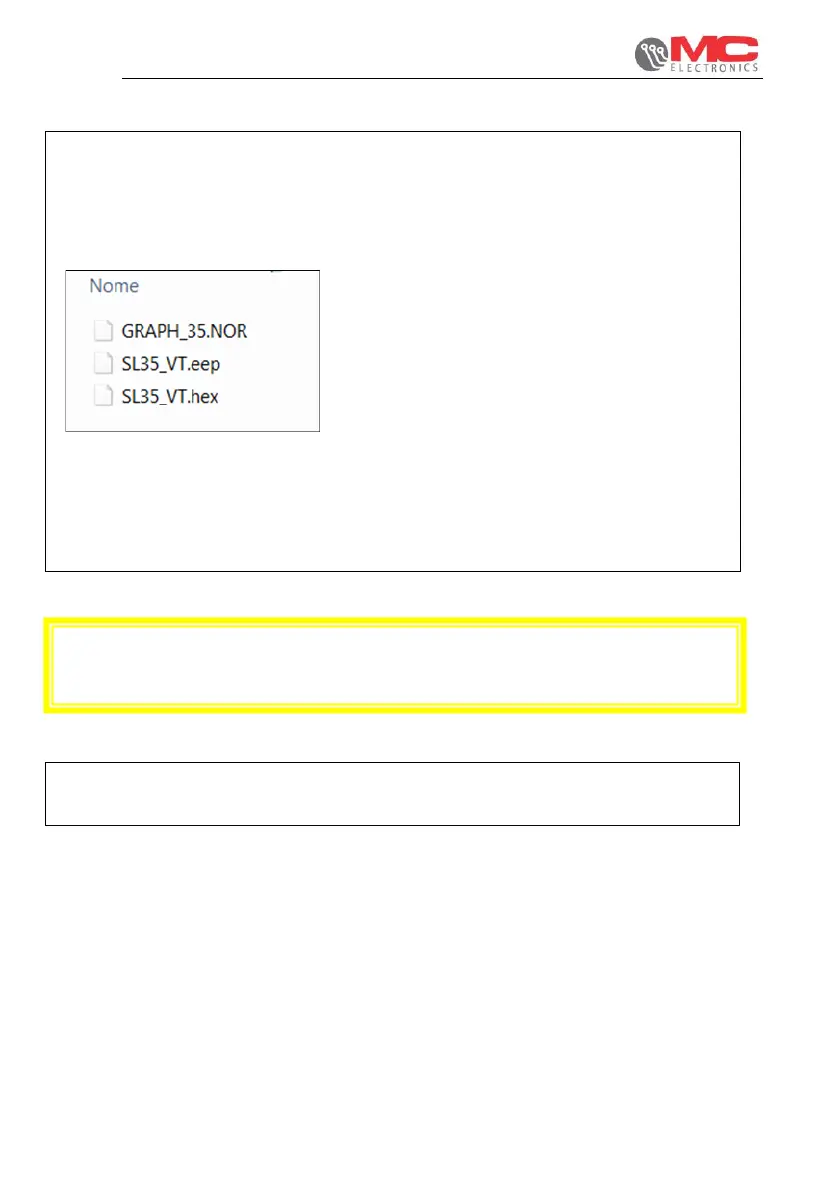
4) We will now load the files inserted earlier
from the board on the VT.
Pressing the key:
• UP: you load the operating software
(file SL35_VT.hex); wait for the loading bar
to become completely yellow and the
coloured bars on the side of the display will
turn off.
• DOWN: you load the graphics file
(file GRAPH_35.NOR); wait for the loading
bar to become completely yellow and the
coloured bars on the side of the display will
turn off.
• ENTER: you load the Eeprom setting file
(file SL35_VT.eep); wait for the loading bar
to become completely yellow and the
coloured bars on the side of the display will
turn off.
CAUTION:
In the event of an error, a red message appears at the bottom of the screen. Contact
MC elettronica's assistance service.


 To Next Page