33June 2016
BRAUN WHEELCHAIR LIFT OPERATION
1. Stop the coach, ensuring that there is adequate
clearance to deploy the lift and to allow the
passenger to maneuver onto the platform.
2. Place the transmission in Neutral and set the
Park Brake.
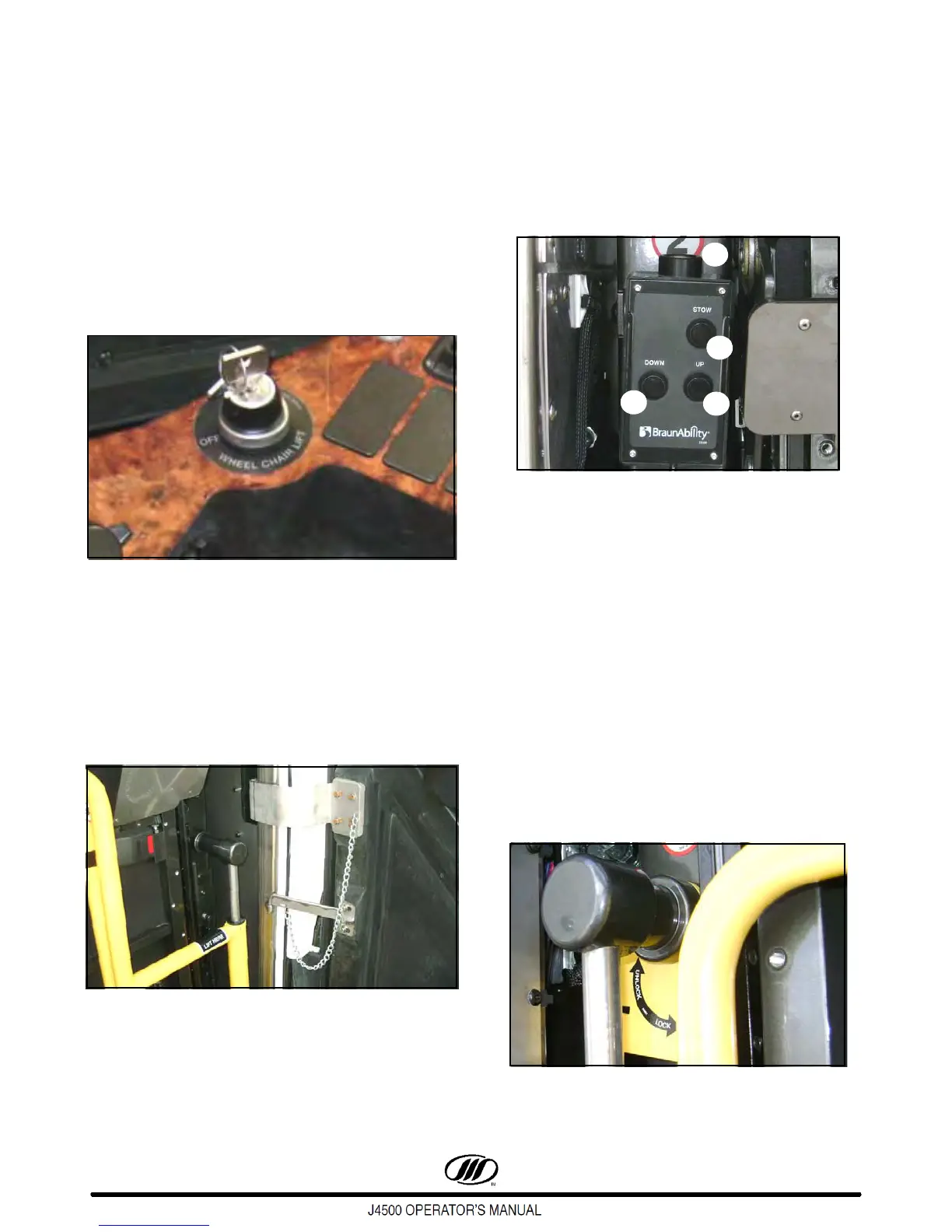
3. Turn ON the wheelchair lift master switch key
on the lower, LH switch panel. The alarm will
sound and the WCL INTRLK dash telltale in the
RH telltale cluster will illuminate.
Figure 33. WCL Master Switch
4. Fold and position passenger sliding seats to
provide wheelchair parking area.
5. Remove the key and exit the coach.
6. Open the wheelchair lift compartment door.
Place the steel pin through the two holes,
securing the door in the open position
Figure 34.
Deploying The Lift From Compartment
7. Lift to remove control pendant from lift storage
clip.
8. Press POWER switch on the pendant to ON
(POWER button illuminates only when the lift is
operating and receiving power).
Figure 35. Braun Pendant
1. Up Button
2. Down Button
3. Stow Button
4. Power Enable Switch
9. Stand clear. Press and hold the UP switch until
lift stops (extends fully).
10. Lift the RH handrail and swing out. Lower the
handrail to the locked position.
11. Lift the LH handrail and swing out. Lower the
handrail to the locked position
12. Securely support platform with right hand and
rotate yellow platform latch ( Figure 36 ) up to
UNLOCK platform.
Figure 36.



 To Next Page