Page 22 85
-
J - Operator’s Manual - 95803
January 2024Section 7 - Operating Instructions & Pre-Operation Function Tests
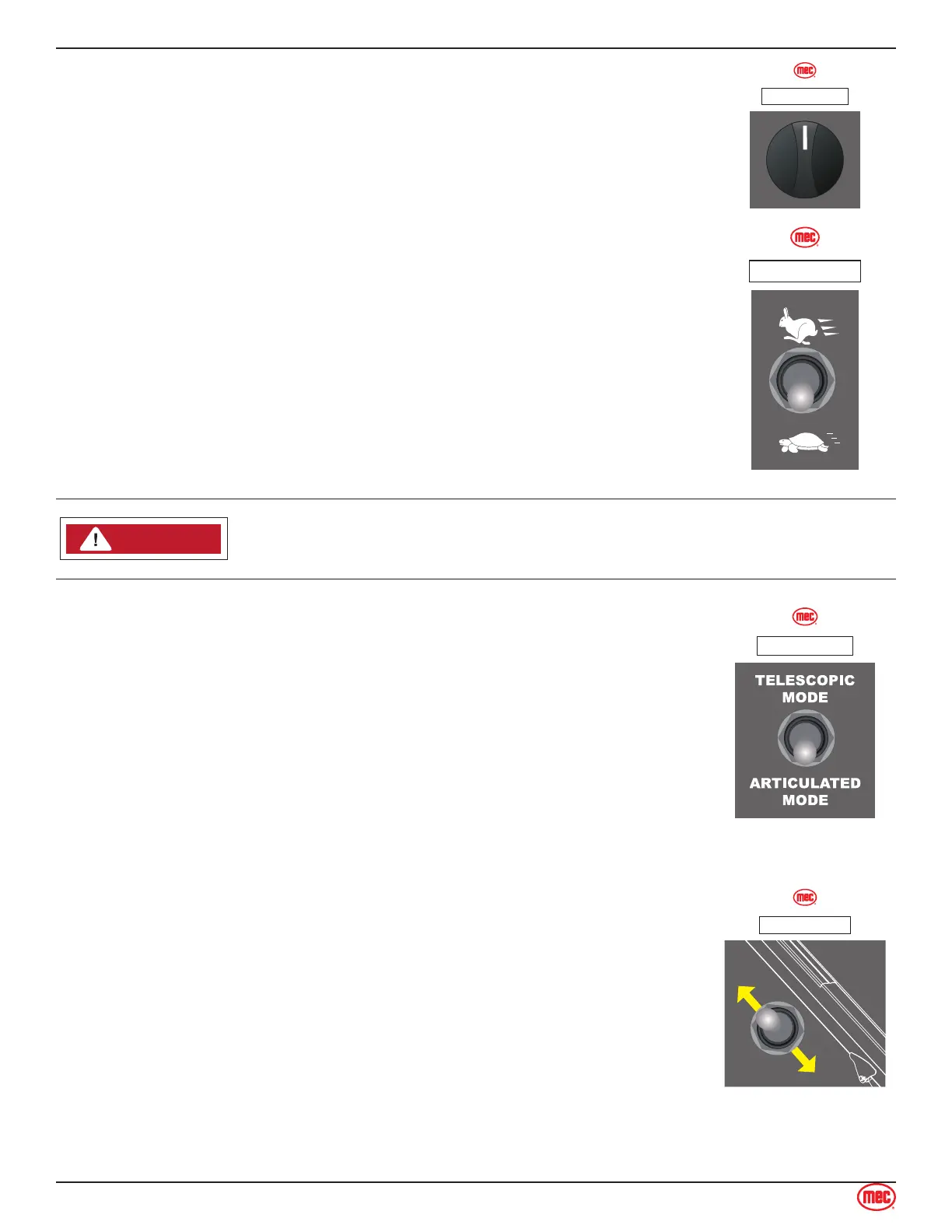
Function Enable Switch
Turn this switch right and hold to enable boom, turntable and platform
operations from the base controls.
ART_6096
ILLUSTRATION No.
Engine Speed Select Switch
Use this switch to set the engine speed when functions are enabled. Setting
this switch to low idle speed allows the operator to move the machine slowly
and precisely.
• Move this switch up for high idle speed and fast function speed.
• Move this switch down for low idle speed and slow function speed.
ART_6096
ILLUSTRATION No.
NOTICECAUTION
CAUTIONWARNINGDANGER
ART_6091
Do not elevate the platform if the machine is not on a rm level surface.
Boom Mode Select Switch
Use this switch to set the boom mode:
• Move this switch up to select Telescopic Mode which allows the
telescopic boom to be extended or retracted.
• Move this switch down to select Articulated Mode which allow the riser
boom to lifted or lowered.
ART_6096
ILLUSTRATION No.
Telescopic Boom Extend/Retract Switch
With the Boom Mode Select Switch on Telescopic Mode, move and hold
the Extend/Retract switch on the base control panel to extend or retract the
telescopic boom.
Test Operation
• Turn and hold the Function Enable Switch
• Extend boom until it stops. Boom should extend to maximum length.
• Retract the boom until it stops. Boom should retract to minimum length.
• Releasing the switch will stop boom extension or retraction.
• Pressing the Emergency Stop Switch will stop boom extension or
retraction.
ART_6096
ILLUSTRATION No.


 To Next Page