Page 23 85
-
J - Operator’s Manual - 95803
January 2024Section 7 - Operating Instructions & Pre-Operation Function Tests
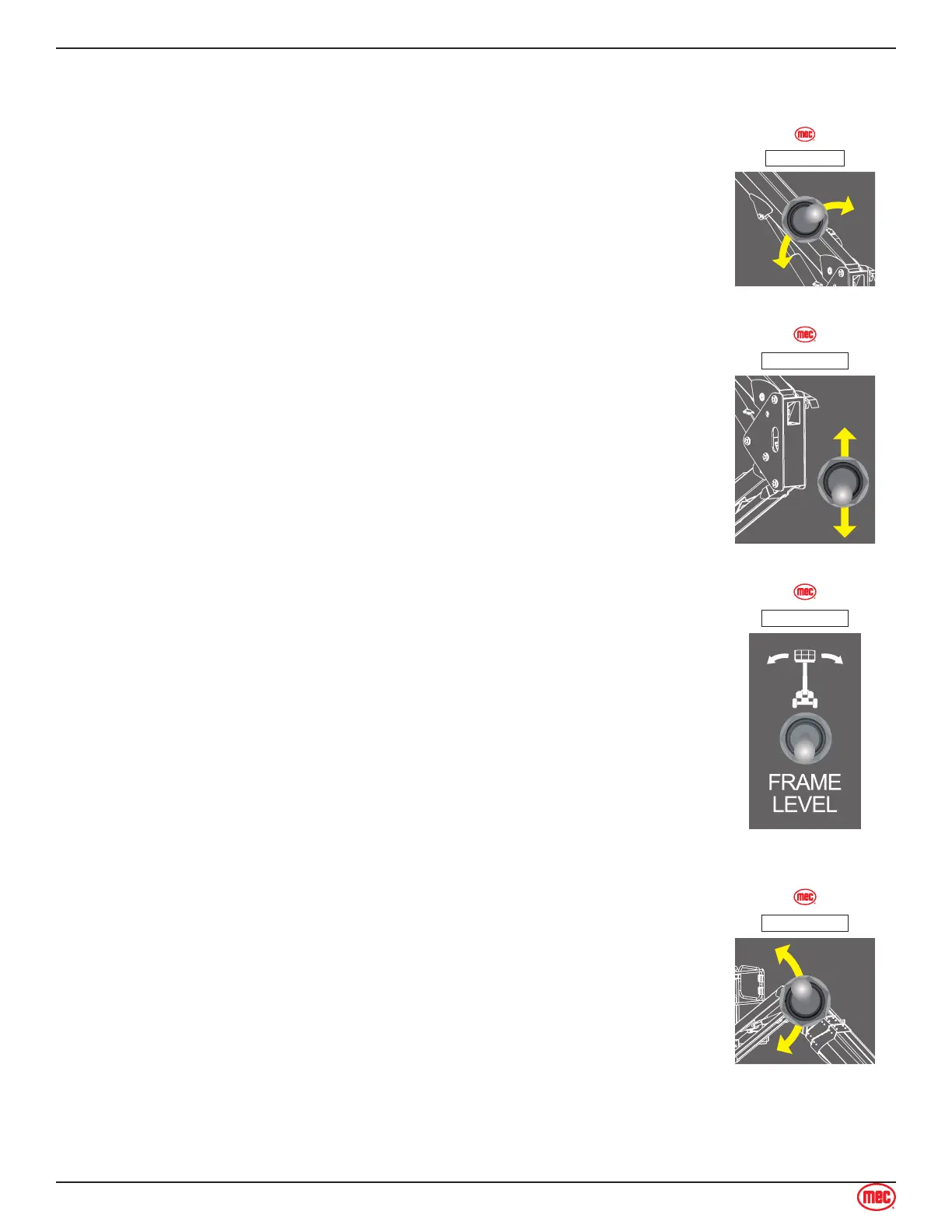
Main Boom Lift/Lower Switch
Press and hold the Boom Lift/Lower switch on the base control panel to lift or lower the main boom.
Test Operation
• Turn and hold the Function Enable Switch
• Raise the boom until it stops.
• Lower the boom until it stops. Boom should rest on the turntable pads.
• Releasing the switch will stop Boom Lift/Lower function.
• Pressing the Emergency Stop Switch will stop boom lift/lower function.
ART_6096
ILLUSTRATION No.
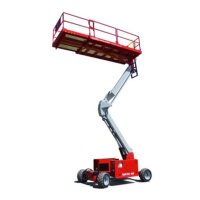
Riser Lift/Lower Switch
With the Boom Mode Select Switch on Articulated Mode, press and hold the
Riser Lift/Lower switch on the base control panel to lift or lower the main boom.
Test Operation
• Turn and hold the Function Enable Switch
• Raise the main boom until it stops.
• Lower the main boom until it stops. Boom should rest on the turntable
pads.
• Releasing the switch will stop Riser Lift/Lower function.
• Pressing the Emergency Stop Switch will stop boom lift/lower function.
ART_6096
ILLUSTRATION No.
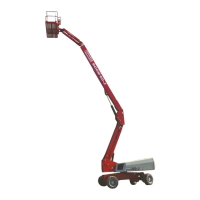
Frame Level Switch
Use this switch to manually change the level of the chassis. This function is
disabled when the boom is elevated.
Test Operation
• Push the switch left or right. The chassis of the machine will move in the
direction the switch is pushed.
ART_6097
ILLUSTRATION No.
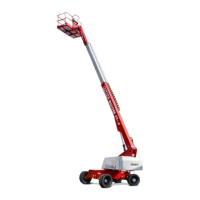
Jib Lift/Lower Switch
Press and hold the Jib Lift/Lower switch on the base control panel to lift or
lower the jib.
Test Operation
• Turn and hold the Function Enable Switch
• Raise the jib until it stops.
• Lower the jib until it stops.
• Releasing the switch will stop Jib Lift/Lower function.
• Pressing the Emergency Stop Switch will stop jib lift/lower function.
ART_6096
ILLUSTRATION No.
Platform Level Switch
The platform will automatically level as the boom is lifted or lowered. The Platform Level function


 To Next Page