Page 24 85
-
J - Operator’s Manual - 95803
January 2024Section 7 - Operating Instructions & Pre-Operation Function Tests
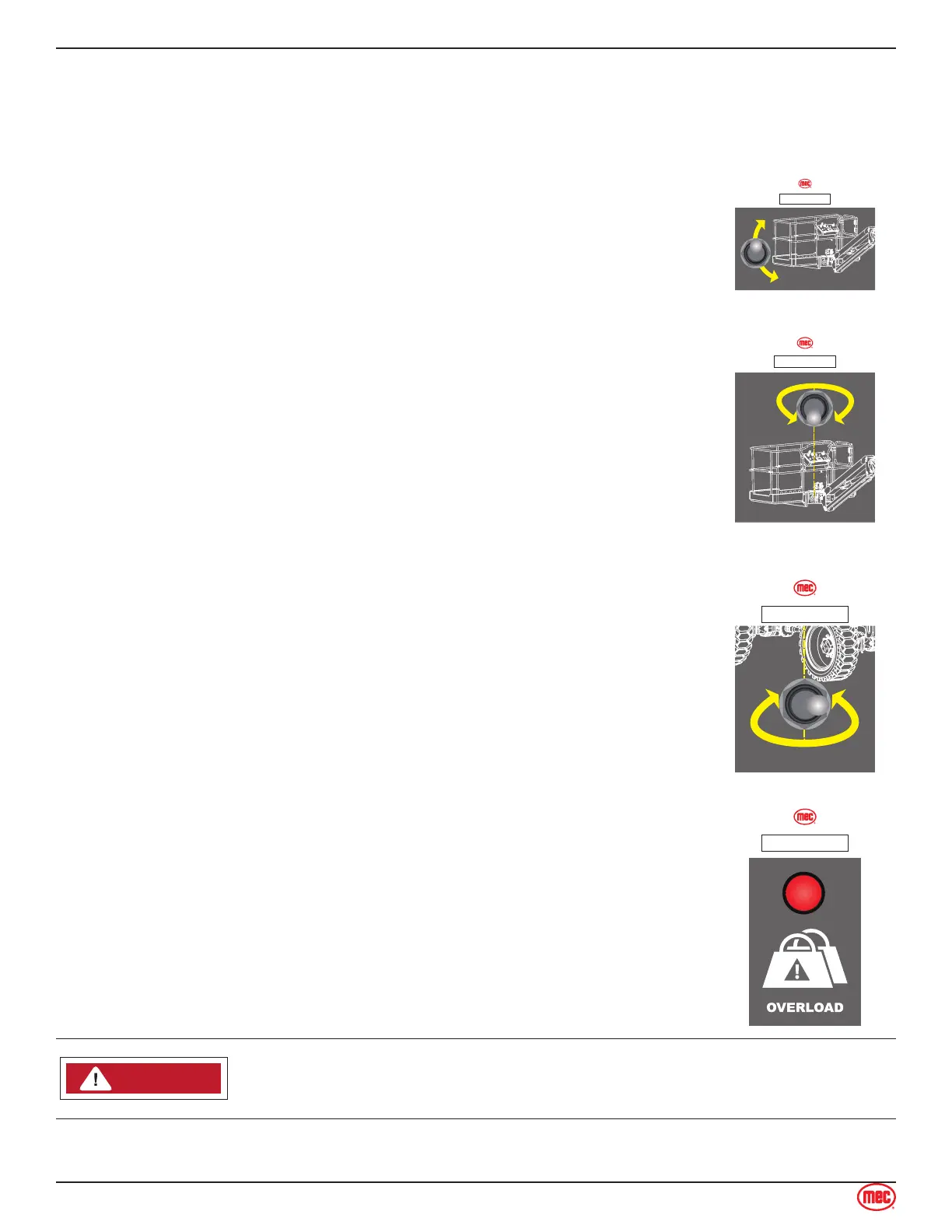
allows manual level adjustment of the platform. Manual leveling may be used to adjust the platform
within 5° of level.
• Press and hold the Platform Level switch on the base control panel to manually adjust the level
of the platform.
Test Operation
• Turn and hold the Function Enable Switch
• Push the switch up and down.
• The platform level should change accordingly. Releasing the switch will
stop platform level function.
• Pressing the Emergency Stop Switch will stop platform level function.
ART_6096
ILLUSTRATION No.
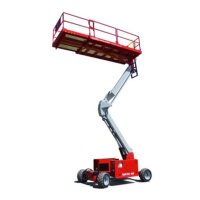
Platform Rotates Switch
Press and hold the Platform Rotate switch on the base control panel to rotate
the platform.
Test Operation
• Turn and hold the Function Enable Switch
• Push the switch left and right. The platform should rotate accordingly.
• Releasing the switch will stop platform rotate function.
• Pressing the Emergency Stop Switch will stop platform rotate function.
ART_6096
ILLUSTRATION No.
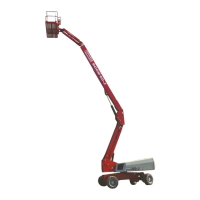
Turntable Rotate Switch
Press and hold the Turntable Rotate switch on the base control panel to rotate
the turntable.
Test Operation
• Turn and hold the Function Enable Switch
• Push the switch left and right. The turntable should rotate accordingly.
• Releasing the switch will stop turntable rotate function.
• Pressing the Emergency Stop Switch will stop turntable rotate function.
ART_6096
ILLUSTRATION No.
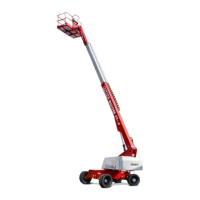
Overload Indicator Light
Light ON indicates too much weight on the platform.
An audible alarm will sound and all machine function will stop. Remove weight
from the platform to restore function and continue.
ART_6096
ILLUSTRATION No.
NOTICECAUTION
CAUTIONWARNINGDANGER
ART_6091
STOP ALL MOVEMENT if Tilt Alarm sounds.


 To Next Page