Mecmesin MultiTest-x manual
28
run until a specific load, length or time is reached, then press
[Start/ENT] key.
c) type in the appropriate value required in
(b); if this value is zero the test will run until the specimen breaks, then
press [Start/ENT] to continue.
d) either press [1] key to create next
segment, or press [2] if a second segment is not required. Pressing [2]
will re-display the Control Menu, but pressing [1] will display,
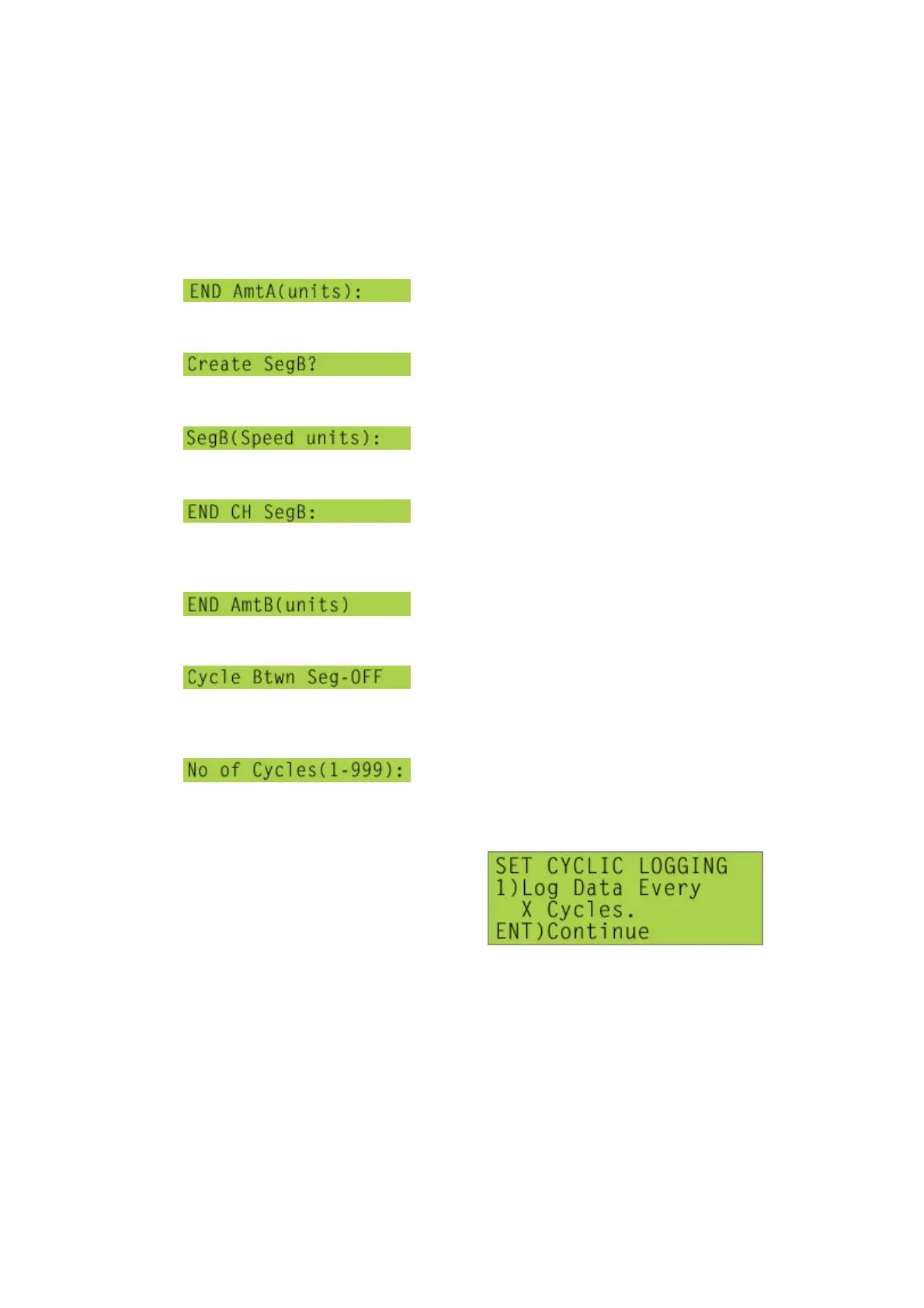
e) type in the speed, at which the
crosshead should move during the second ‘segment’ of a test, then
press [Start/ENT] key,
f) press [1] key to scroll through options
available (Time, Load, Position). This defines whether the system will
run until a specific load, length or time is reached, then press
[Start/ENT] key,
g) type in the appropriate value required in
(f); if this value is zero the test will run until the specimen breaks, then
press [Start/ENT] key,
h) press [1] to toggle between options
available (OFF, ON). This defines whether segment A will be repeated
when segment B has been completed. If ‘ON’ option is selected, when
[Start/ENT] key is pressed, a new line will be added to the display,
i) this allows the number of times that
segments will be repeated to be defined; type in number of cycles
required (between 1 and 999), then press [Start/ENT] key,
j)
This screen will enable data recorded during some test cycles to be discarded:
Data can be recorded for one cycle, then discarded for a given number of cycles, then
recorded for then next cycle. For example, a 51 cycle test is to carried out, but data



 To Next Page