Appendix 6: MultiTest-x Menu Options Page 2
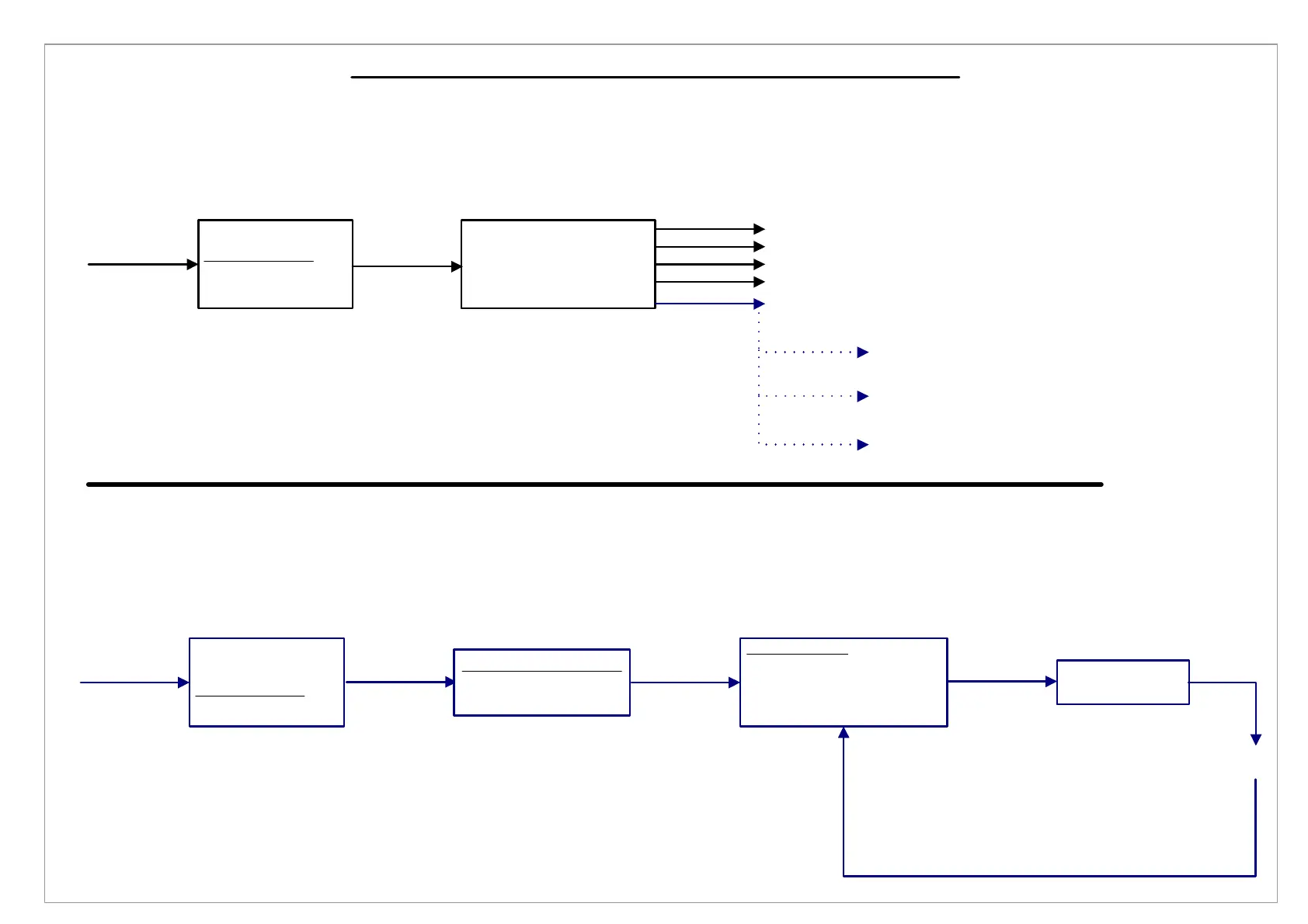
[1], [2] Using the Print Menu to Download Data
Press <5>
[1], [3] Using the Setup Menu to Create a Test Procedure
[1], [3], [1], [1] Threshold
Type in
Threshold
Value
Press
[1/Menu]
1) Procedure 1
2) Print Menu
3) Setup Menu
4) Utilities Menu
1) Send Test Results
2) Send XY Data
3) Send Procedure
4) Send Calibration v
5) Baud Rate: 9600
Press
[2]
Press [2]
Press [Jog Dn]
and Press <5>
Press [1]
Press [4]
Press [3]
Baud Rate: 115200
Press <5>
Press <5>
Baud Rate: 57600
Baud Rate: 38400
Baud Rate: 19200
Send Test Results to RS232 port. Data can be downloaded to PC or
datalogger
Send XY Data to RS232 port. Data can be downloaded to PC or datalogger
Send Procedure to RS232 port. Data can be downloaded to PC or datalogger
Send Calibration Info to RS232 port. Data can be downloaded to PC or
datalogger
Press
[1/Menu]
Press
[1]
Threshold ( N)
----
1) Procedure 1
2) Print Menu
3) Setup Menu
4) Utilities Menu
Press
[3]
1) Acquisition Menu
2) Analysis Menu
3) Control Menu
Press
[1]
1) Threshold
2) Sample Break
3) Log Rate
4) Local Overload v
5) Engineering Units
Press
[Start/ENT]



 To Next Page